

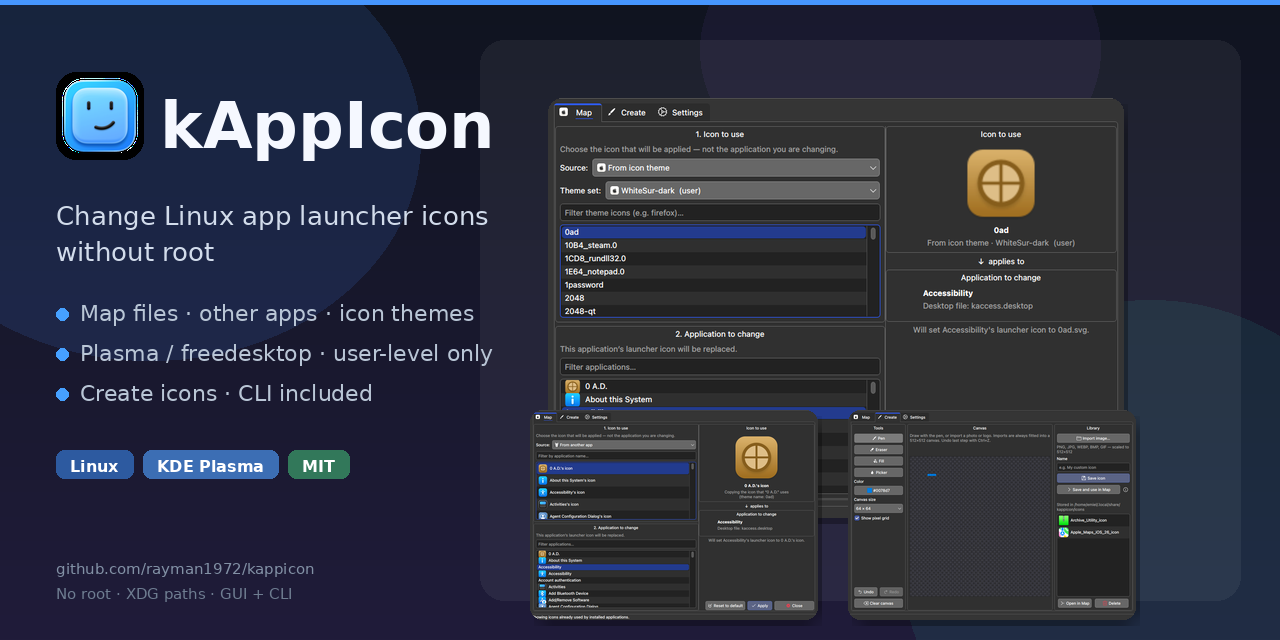
I made a small tool for exactly this annoyance on Plasma: You want a different icon for one application, but you don’t want to switch your entire icon theme, and you don’t want to dig through .desktop files every time. kAppIcon lets you:
Map a custom image, another app’s icon, or a single glyph from any installed icon theme (WhiteSur, Tela, Breeze, Papirus, etc.) to one launcher Do it completely user-level (no root) Batch-apply the same icon to multiple apps Undo the last change Create/edit icons with a simple pixel editor See all your overrides and reset them cleanly
It’s built specifically with Plasma in mind, but works on other freedesktop desktops too. Repo + install instructions: https://github.com/rayman1972/kappicon Also available on the AUR (kappicon / kappicon-git). Feedback welcome. Bugs can be reported via ‘issues’ in the project.
You can already do this with Plasma though.
True, you can already change per-app icons in Plasma by manually editing .desktop files. The difference is that kAppIcon turns that into something actually practical:
- Proper graphical interface instead of digging through files
- Easy overview of all your current icon themes
- Easy overview of all your current icon overrides
- Quick per-app icon selection without needing to know where the .desktop file lives
- Support for custom icons and icon packs in a much more convenient way
- Built-in tools like a pixel editor, batch operations, and undo
- Works cleanly on the user level without needing to touch system files
- Squared, Round or Rounded icons are a preference setting
- Very easy to revert because of backups
- Significantly lower barrier for people who just want their desktop to look the way they want, without becoming a config-file expert
So while Plasma technically allows it, kAppIcon makes the whole process fast, visual, and actually enjoyable to use.
No I mean, you right click on the start button and click on edit applications.
