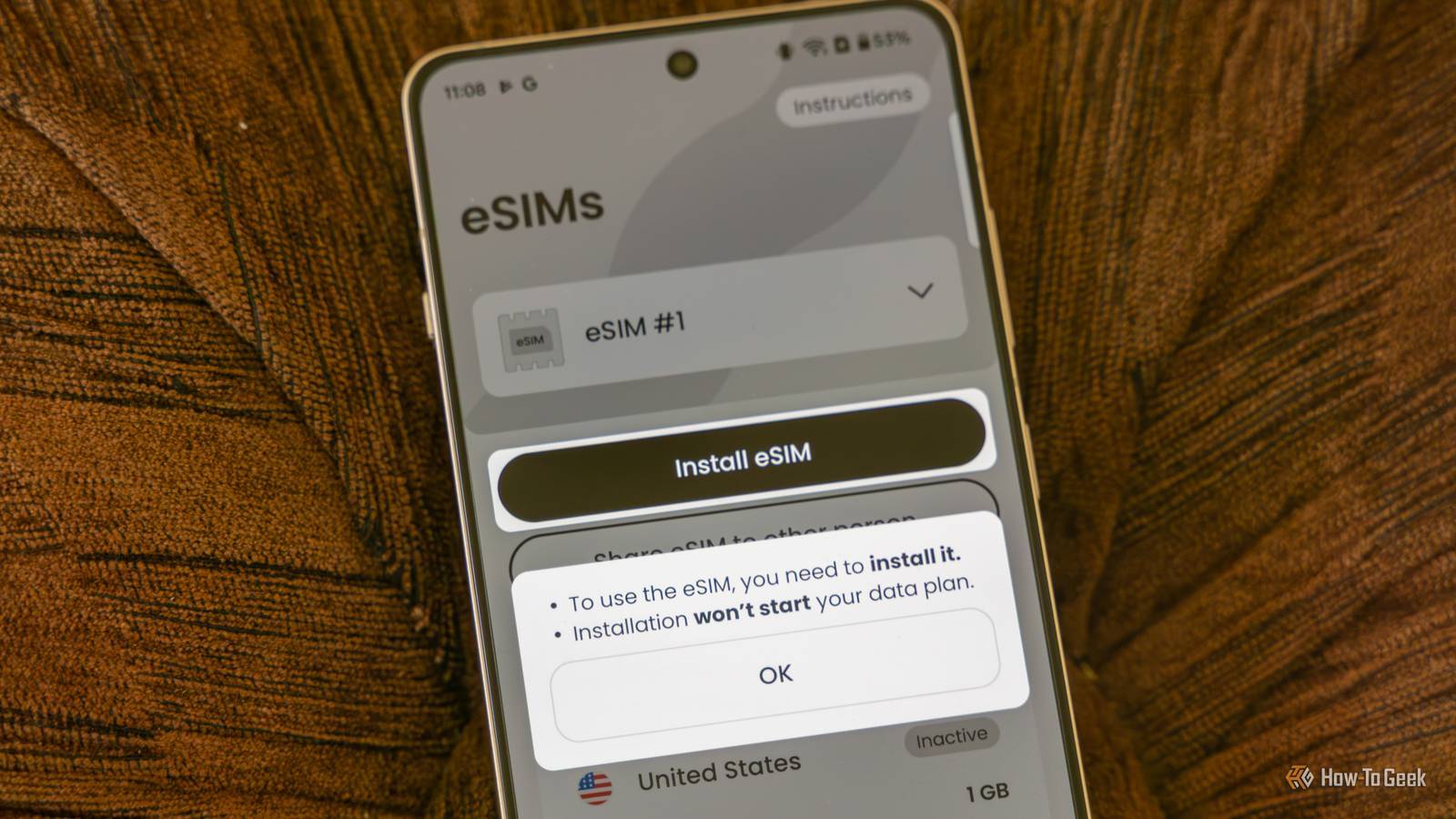
I dropped my “old” (less than 2 years 😭) Pixel and shattered the screen. As I can’t go about without a smartphone I had to get a replacement ASAP. Of course I had eSIM there. I couldn’t access my old phone because I can’t see anything on its screen (I actually hooked it up to my monitor and was able to navigate to some extent by guessing where to tap, but it’s cumbersome and I often miss-tap). Moving the eSIM to my new Pixel required me to contact my carrier’s customer support. I thought it would be an easy process, where I simply log in to my customer portal and carry out the procedure there by myself. Nope. Also, I learned that the first transfer is free of charge, but I will have to pay the next time. What? :/
Not a bad idea :) I use a Logitech mouse connected via their proprietary dongle which is in my PC, but I guess it might work if I plugged it into my monitor. I will remember that. Thanks.

I dropped my “old” (less than 2 years 😭) Pixel and shattered the screen. As I can’t go about without a smartphone I had to get a replacement ASAP. Of course I had eSIM there. I couldn’t access my old phone because I can’t see anything on its screen (I actually hooked it up to my monitor and was able to navigate to some extent by guessing where to tap, but it’s cumbersome and I often miss-tap). Moving the eSIM to my new Pixel required me to contact my carrier’s customer support. I thought it would be an easy process, where I simply log in to my customer portal and carry out the procedure there by myself. Nope. Also, I learned that the first transfer is free of charge, but I will have to pay the next time. What? :/
Just plug in a mouse and you will have a cursor on the screen.
Not a bad idea :) I use a Logitech mouse connected via their proprietary dongle which is in my PC, but I guess it might work if I plugged it into my monitor. I will remember that. Thanks.