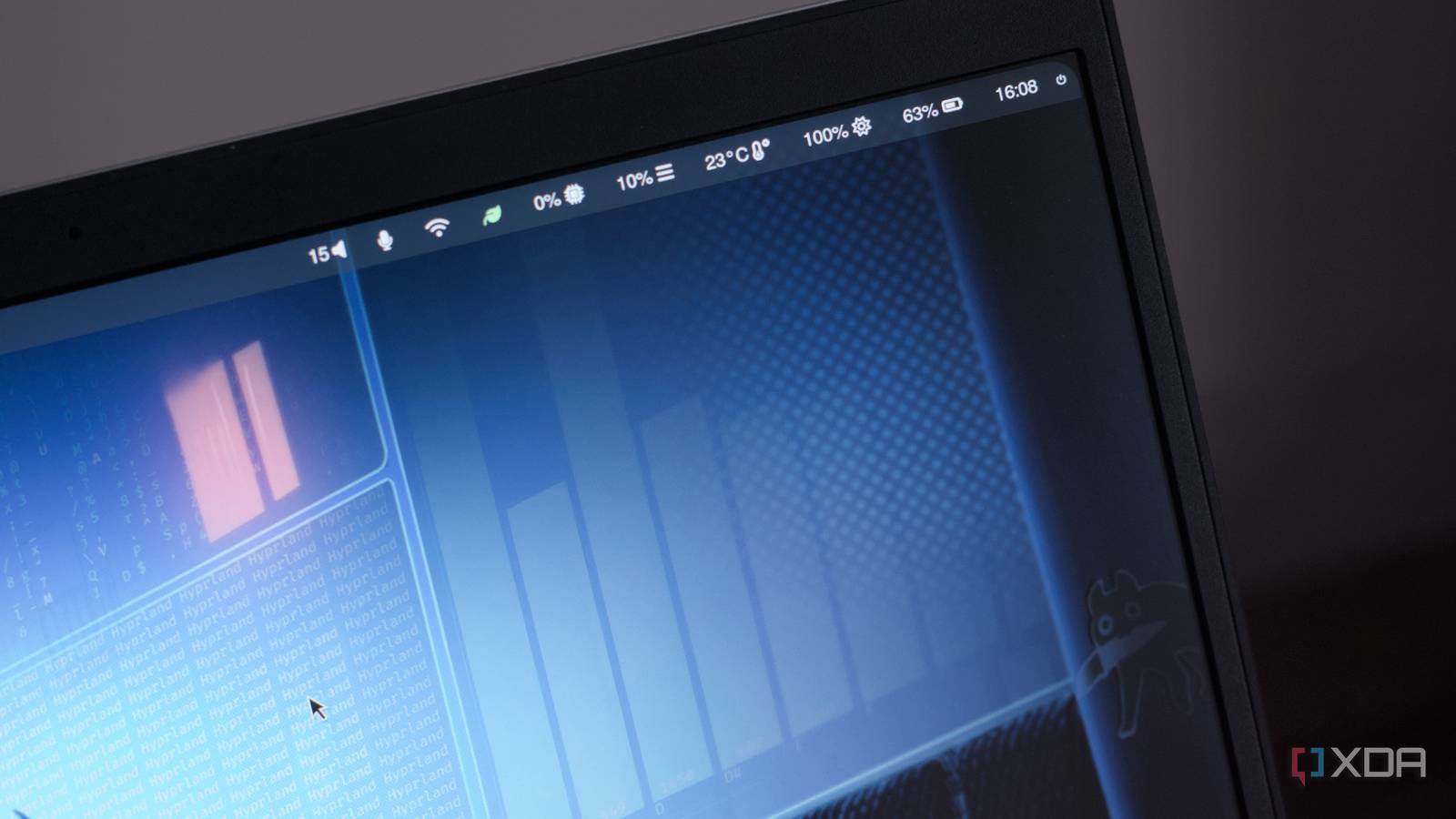
What does this do that sway/i3 (or another tiling wm I don’t use) doesn’t?
It took me an evening to get my initial Hyprland config working, then about a week of tweaking before I was truly happy with it. That sounds like a lot of work, and honestly, it was, but it also doesn’t have to be work I repeat every time I install Linux. Now that the core setup was dialed in, I can copy my Hyprland config, keep related dotfiles for tools like Waybar, Wofi, my terminal, and notifications in one place, and bring most of that desktop with me to the next machine. I’ll still need to adjust hardware-specific details like monitor names, scaling, and input settings, but the hard part is already done.
Yeah that sounds like something I might have done 30 years ago, at around the same time I hand-compiled mplayer and all of its dependencies to be “just right”. When I manually adjusted the kernel config for my desktop PC and patiently waited 45 minutes for the kernel to finish compiling. Back when I gave a shit about getting the “optimimum”.
It’s crazy someone would write an article about tiling window managers and try to introduce them as the “new hot thing”.
I just upgraded my tty to have a width of 128 characters! The future is now
Hyprland îs ceased by a fascist. Fuck them!
Ceased? Typo for “created”? Or do you mean seized?
I think I prefer having to tile my windows with Super+Arrow keys to be honest. I doubt Hyprland will know what I run in the different terminal windows and therefore can’t automagically tile them in the quarters I want them.
But I haven’t tried it, been too satisfied with KDE Plasma to look further at Wayland desktops.Personally, I found it worth playing around with. I cared less than I thought where I had to move my eyeballs to, once I didn’t have to make the decision anymore.
And automatic tiling can also enable workflows that just don’t make sense with manual tiling, for example master-stack-layout where basically one window takes up half the screen and the other windows share the other half, and then you swap out which one’s the big window as you see fit.
But I also wouldn’t have written all that, if I didn’t have a way that you can easily try it out: You can add automatic tiling into KDE Plasma via Kwinscripts. Personally, I’m using Krohnkite: https://store.kde.org/p/2144146
(Easiest to install by going through the System Settings…)It’s only okay.
It takes a lot of configuration to customize things how you’d want them, the documentation isn’t great and the primary community is tedious to deal with in the alt-right/edglord sense.
If you wanted to try it I’d recommend using some pre-made configs and customizing from there. Vanilla hyprland just gives you a blank desktop with instructions pointing you to the config file.
I don’t use it due to the community, but I’ve been impressed by some ricing community setups. If you enjoy UX, it has a lot of flexibility. But for a daily driver it’s a lot of work in ways KDE Plasma just isn’t.