Yeah it may seem weird. I don’t find the need for Steam Input to configure the controller weird, since I personally use it to do some unusual things with my controllers mixing mouse/keyboard/gamepad inputs on controllers ranging from the 8bitdo, playstation, to OG steam controller. When it comes to my controller use on PC I am rarely happy with the default controller setup, so need a remapper. And put in gyro into almost every game I play at the minimum.
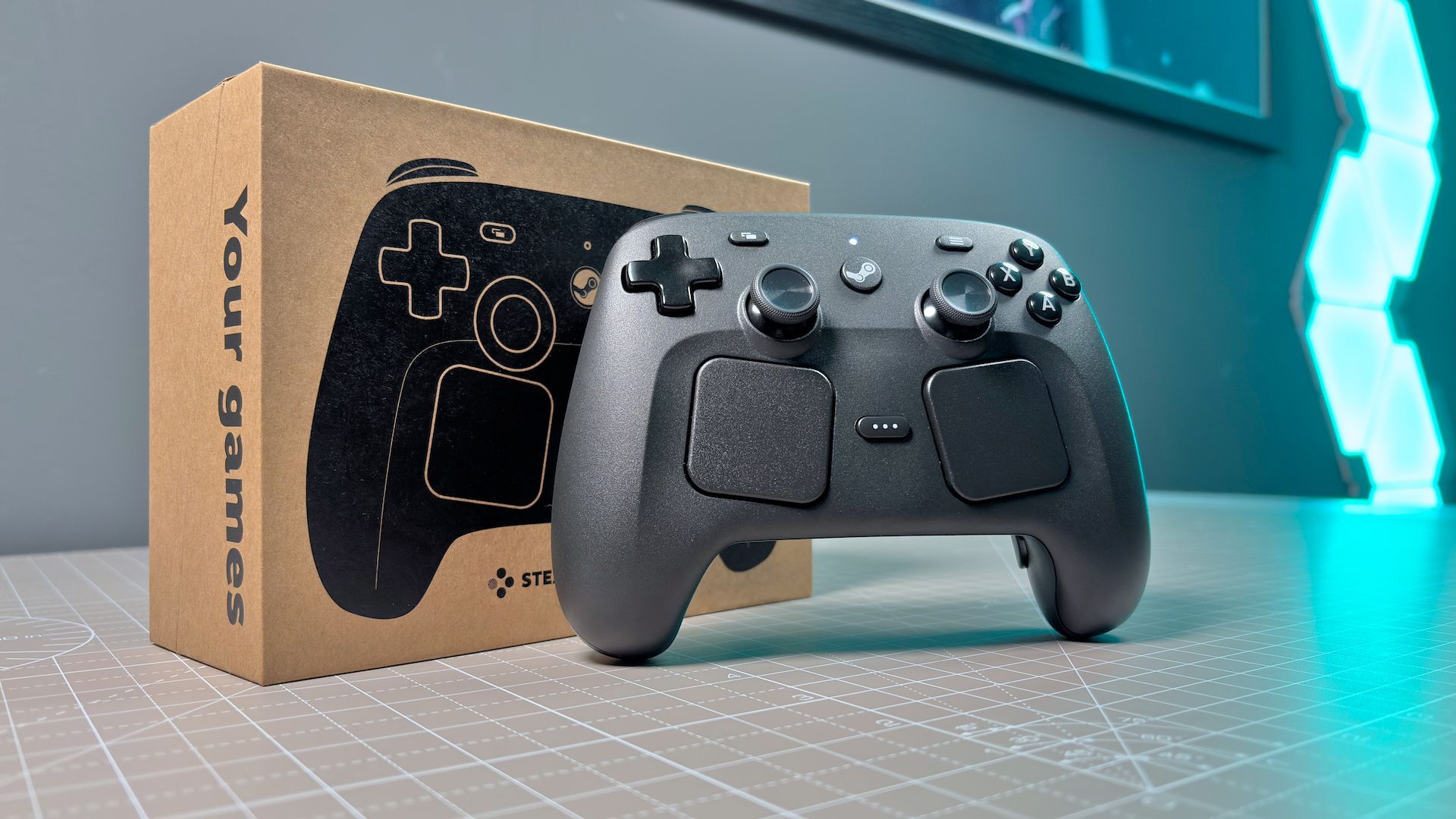
But, am disappointed that the new Steam Controller didn’t put in support to save profiles so you don’t need Steam running to use. And that the default lizard mode when Steam isn’t running isn’t something more logical like having all the regular controller inputs being xinput so people can just use it as a regular xbox controller and the touchpads just behaving as a mouse and the click being mouse click for desktop navigation.
Oh. I wasn’t saying it should work without Steam Input, I meant Steam Input should work without Steam so you could use the controller without needing the entire Steam client.
Entire Steam client needing to be run doesn’t really bother me, since some external program is running anyways and I don’t see the Steam launcher as that resource heavy. Problem I have is more how difficult it can be to get Steam Input to be recognized by some non Steam games.
Less of an issue now, since most of my non Steam purchases are DRM free GOG games. But, years back when I tried to use it in gamepass had trouble because I couldn’t access the directory to add in the exe to Steam due to UWP, so I had to use an external programs like glossi that would create an invisible overlay so my config could be used in Gamepass games or other launcher/drm based games that caused me trouble.
But, I really wish software wasn’t needed at all once you set up the config and could save the configs on the controller itself to run and it’d behave the way you wanted it to. No Steam needed. No stand alone Steam Input program needed.


Like I said.
I read that and found it weird that you’d argue against my point only to turn around and agree with me in the end.
Yeah it may seem weird. I don’t find the need for Steam Input to configure the controller weird, since I personally use it to do some unusual things with my controllers mixing mouse/keyboard/gamepad inputs on controllers ranging from the 8bitdo, playstation, to OG steam controller. When it comes to my controller use on PC I am rarely happy with the default controller setup, so need a remapper. And put in gyro into almost every game I play at the minimum.
But, am disappointed that the new Steam Controller didn’t put in support to save profiles so you don’t need Steam running to use. And that the default lizard mode when Steam isn’t running isn’t something more logical like having all the regular controller inputs being xinput so people can just use it as a regular xbox controller and the touchpads just behaving as a mouse and the click being mouse click for desktop navigation.
Oh. I wasn’t saying it should work without Steam Input, I meant Steam Input should work without Steam so you could use the controller without needing the entire Steam client.
Entire Steam client needing to be run doesn’t really bother me, since some external program is running anyways and I don’t see the Steam launcher as that resource heavy. Problem I have is more how difficult it can be to get Steam Input to be recognized by some non Steam games.
Less of an issue now, since most of my non Steam purchases are DRM free GOG games. But, years back when I tried to use it in gamepass had trouble because I couldn’t access the directory to add in the exe to Steam due to UWP, so I had to use an external programs like glossi that would create an invisible overlay so my config could be used in Gamepass games or other launcher/drm based games that caused me trouble.
But, I really wish software wasn’t needed at all once you set up the config and could save the configs on the controller itself to run and it’d behave the way you wanted it to. No Steam needed. No stand alone Steam Input program needed.