Hmm, you could try a shift-F5 on the page just in case something has gone screwy with the caching. Otherwise try hitting F12 (firefox application menu->more tools->web developer tools) and copy paste some of the console logs or errors that you see so I can tell what is going on.
Anecdotally, I know that in my case I use librewolf and it by default disables webgl for privacy reasons. There was a toggle in the settings to turn it on. Unsure if that’s your issue or not but thought I’d mention it.


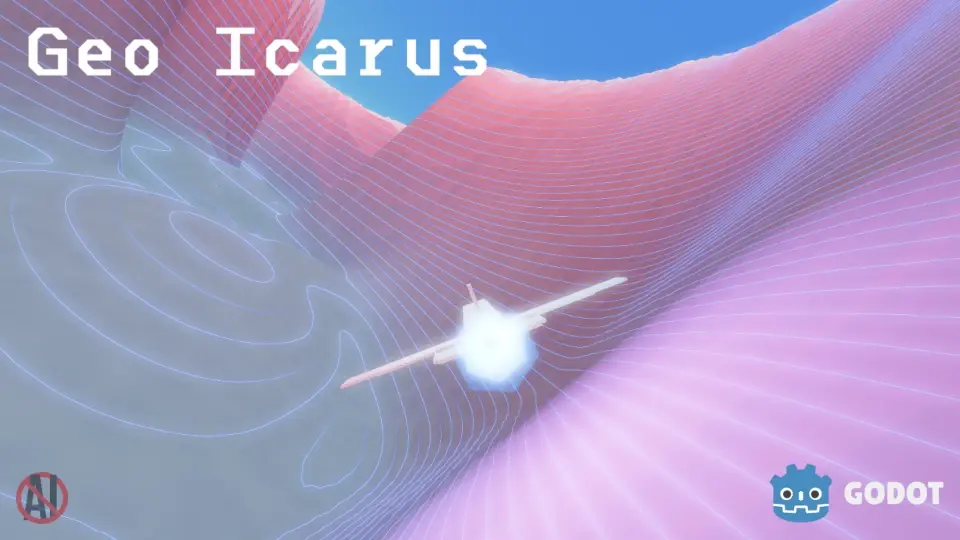
Doesn’t work in firefox.
Works for me
That’s odd, I do all my dev and testing for it on firefox. What version and what OS?
148.0.2 (64-bit) on Windows 11.
The screen stays blank and refreshes non-stop until I close the tab.
Hmm, you could try a shift-F5 on the page just in case something has gone screwy with the caching. Otherwise try hitting F12 (firefox application menu->more tools->web developer tools) and copy paste some of the console logs or errors that you see so I can tell what is going on.
Looks like for some reason webgl is not available in your browser. Does this site work for you? https://get.webgl.org/
Nope seems like it’s disabled somehow but I don’t know how or why. Typical for me unfortunately. Thanks for checking it out anyway!
Anecdotally, I know that in my case I use librewolf and it by default disables webgl for privacy reasons. There was a toggle in the settings to turn it on. Unsure if that’s your issue or not but thought I’d mention it.