- cross-posted to:
- privacy@programming.dev

- cross-posted to:
- privacy@programming.dev
You must log in or register to comment.
it always takes me so long to write a blog post, and this person does it instead of doing one google search…

for fellow Samsung users…
Isn’t this AOSP? Have it on pixel

So…app pin?
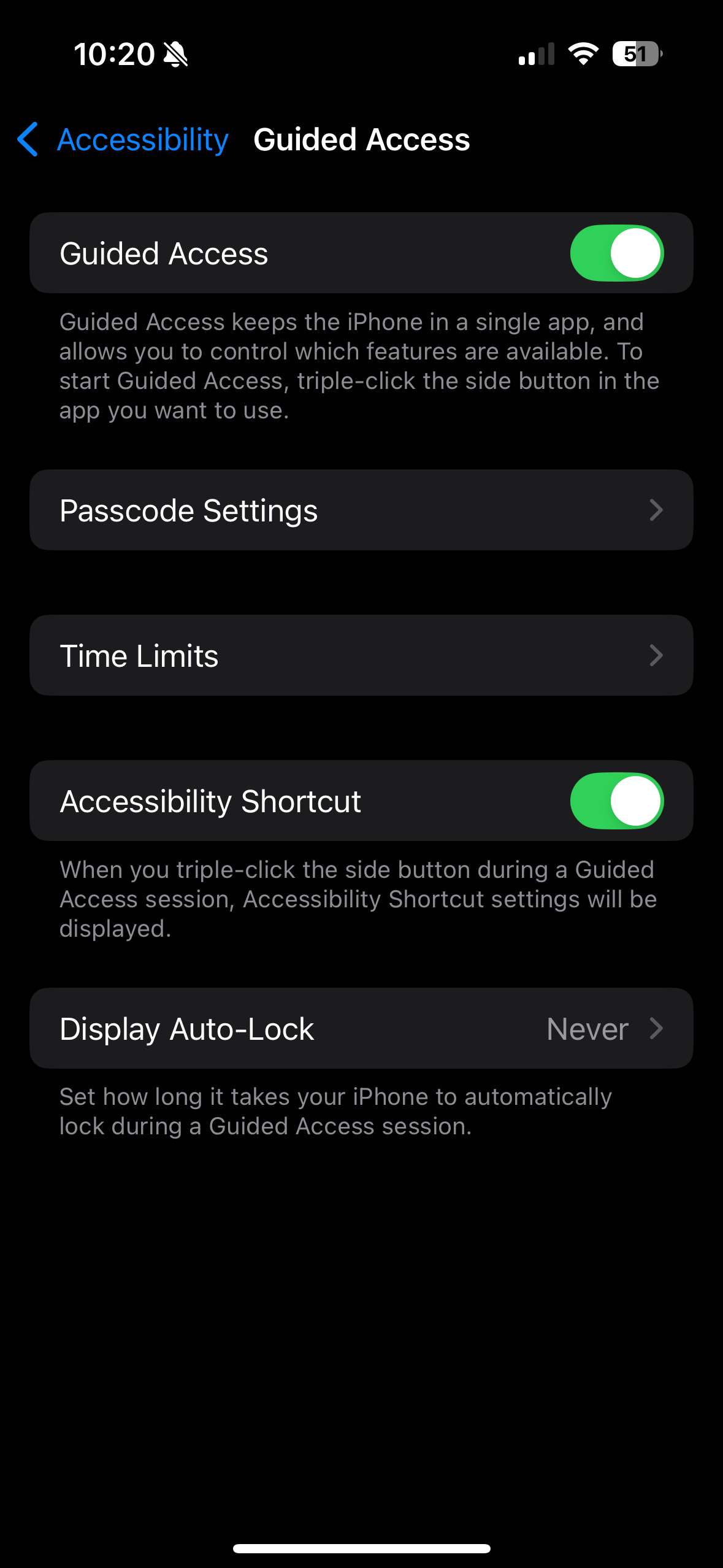
Guided access on ios.
I’ve used Android since the dawn of time, and i never knew this feature existed! Thanks! I work in IT so this will be helpful if I need to use a work app and hand my phone to someone else. Idk how I missed this feature for so many years.
There’s also Repair mode if you want something more drastic

deleted by creator
The way the article talks about it, it is literally just app pinning. They also suggest only allowing guests to see select photos in your gallery when handing your phone which seems like more effort than its worth. Maybe just show your photos to people you trust?
fossify gallery allows to, hide photos and albums and to put a password on hidden item visibility. (other apps probably allow for similar use cases)
together with the app pinning that would be enough no?
Yes, exactly. Several photo gallery apps do this.
Well that’s useful. Good thing to learn!
Yeah. I believe it has a different name on iOS, but they both have the feature.
A really nice feature would be a hardware button triggering this mode!
And I think iOS literally lets you configure the button on the side of the phone to enable this mode by quickly pressing it three times or something like that.
“Guided access” on iOS, triple click the power button to activate. You can even draw on the screen to select different screen areas where you want to restrict access. It’s also possible choose if you want to restrict the volume buttons, keyboard and so on.
Literally both of these things already exist.
Android example already posted, but for iOS:
deleted by creator
The first link I posted is for Guided Access.
I also mentioned hidden albums because that was the second thing the author requested in the blog post.