Basic operations
Noise control
Switch noise control modes
After the earbuds are connected to the phone/tablet, you can reduce noise in any of the
following ways:
Method 1: Press and hold the left/right earbuds to turn on or off the Noise canceling or
Awareness function and switch the noise control modes according to voice prompts.
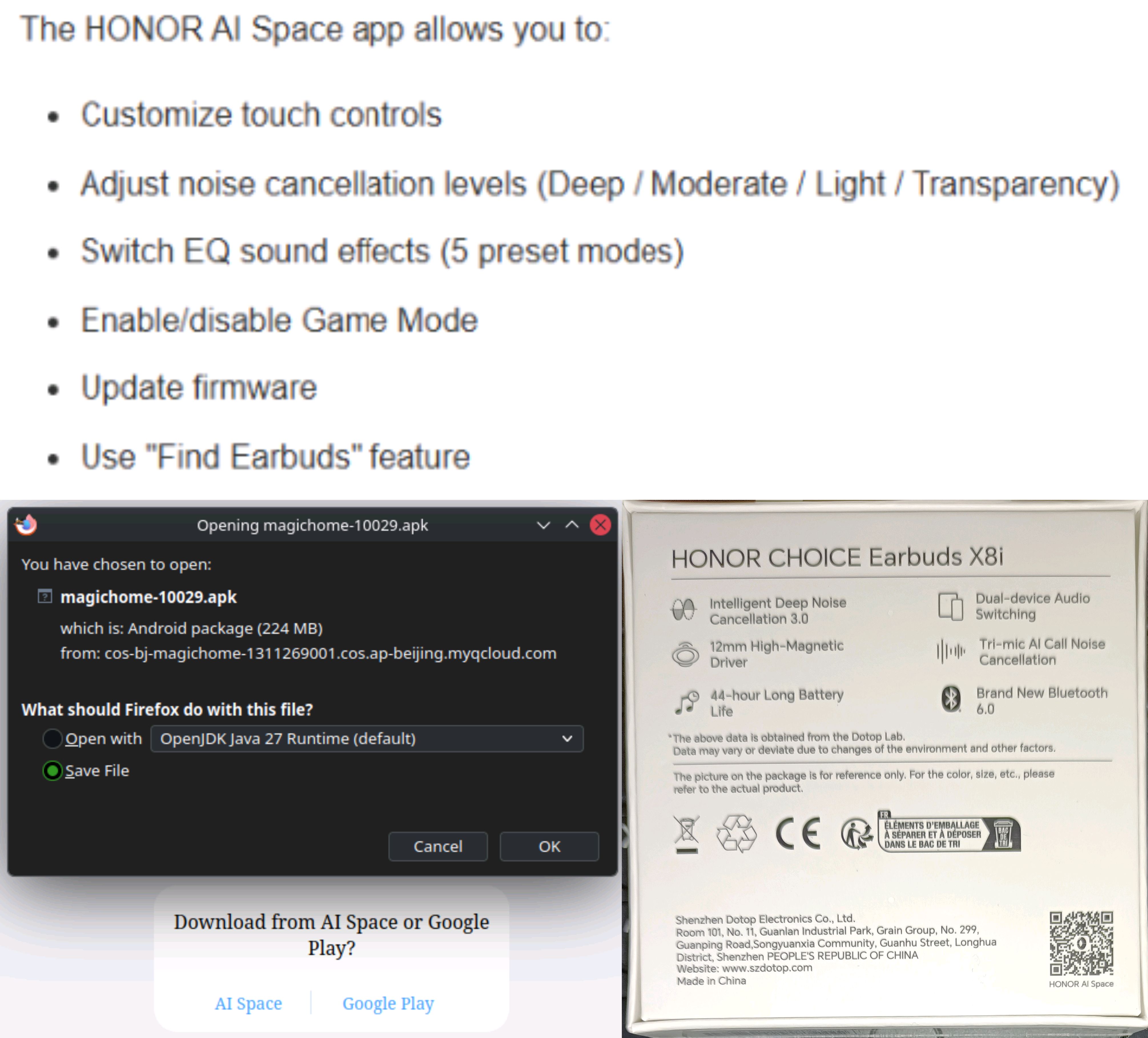
Method 2: Open the HONOR AI Space app, go to the details page of the earbuds, select
Noise control, and enable or disable Noise canceling or Awareness.
Method 3: Turn on your phone/tablet (Magic UI 6.0 and above), go to Settings > Bluetooth
Paired devices, tap the button to the right of the earbuds name, select Noise
control, and enable or disable the Noise canceling or Awareness function


Do you though?
Thanks, I missed that in the manual.