

EDIT: v0.9 released
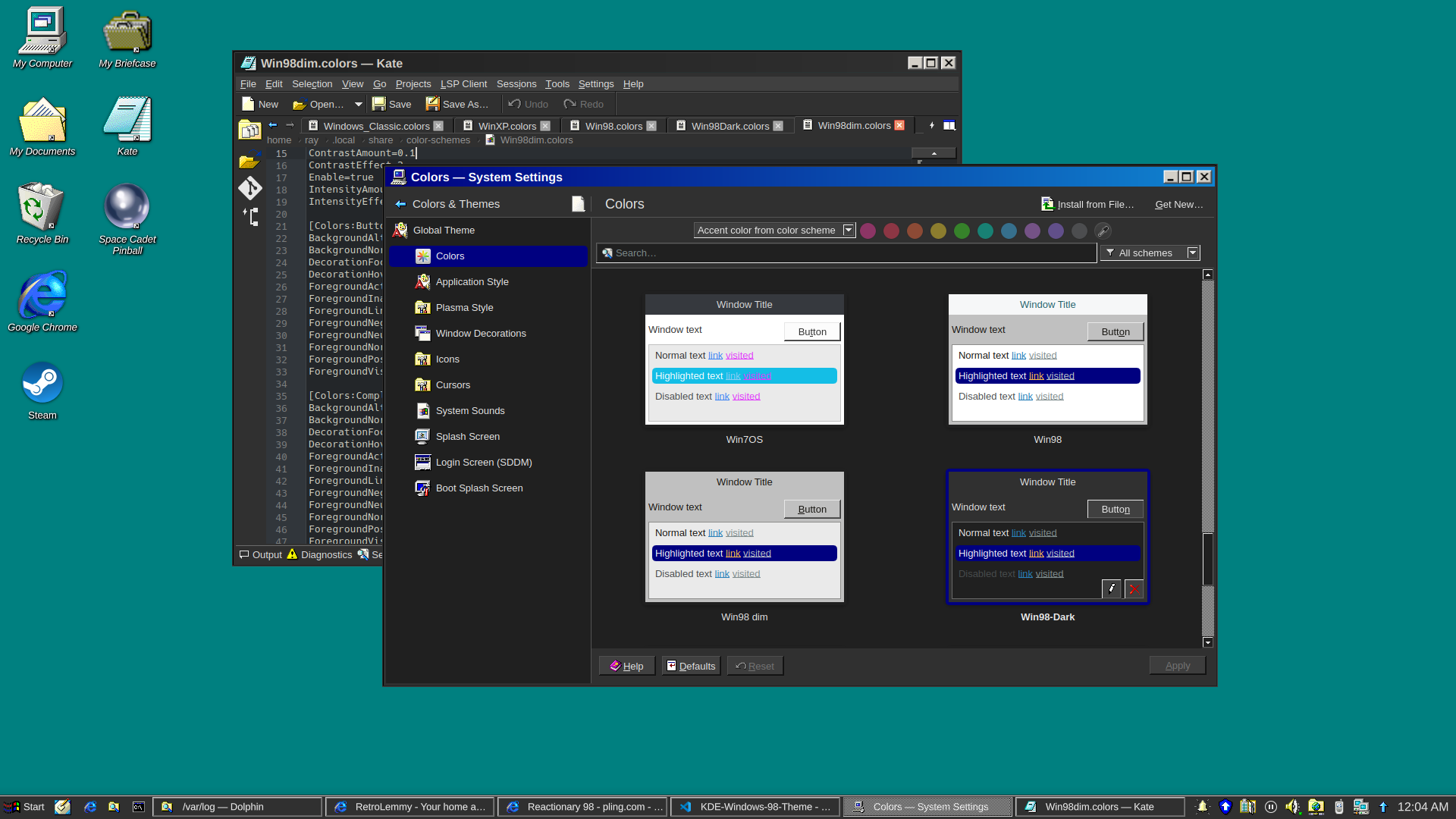
and a dark version
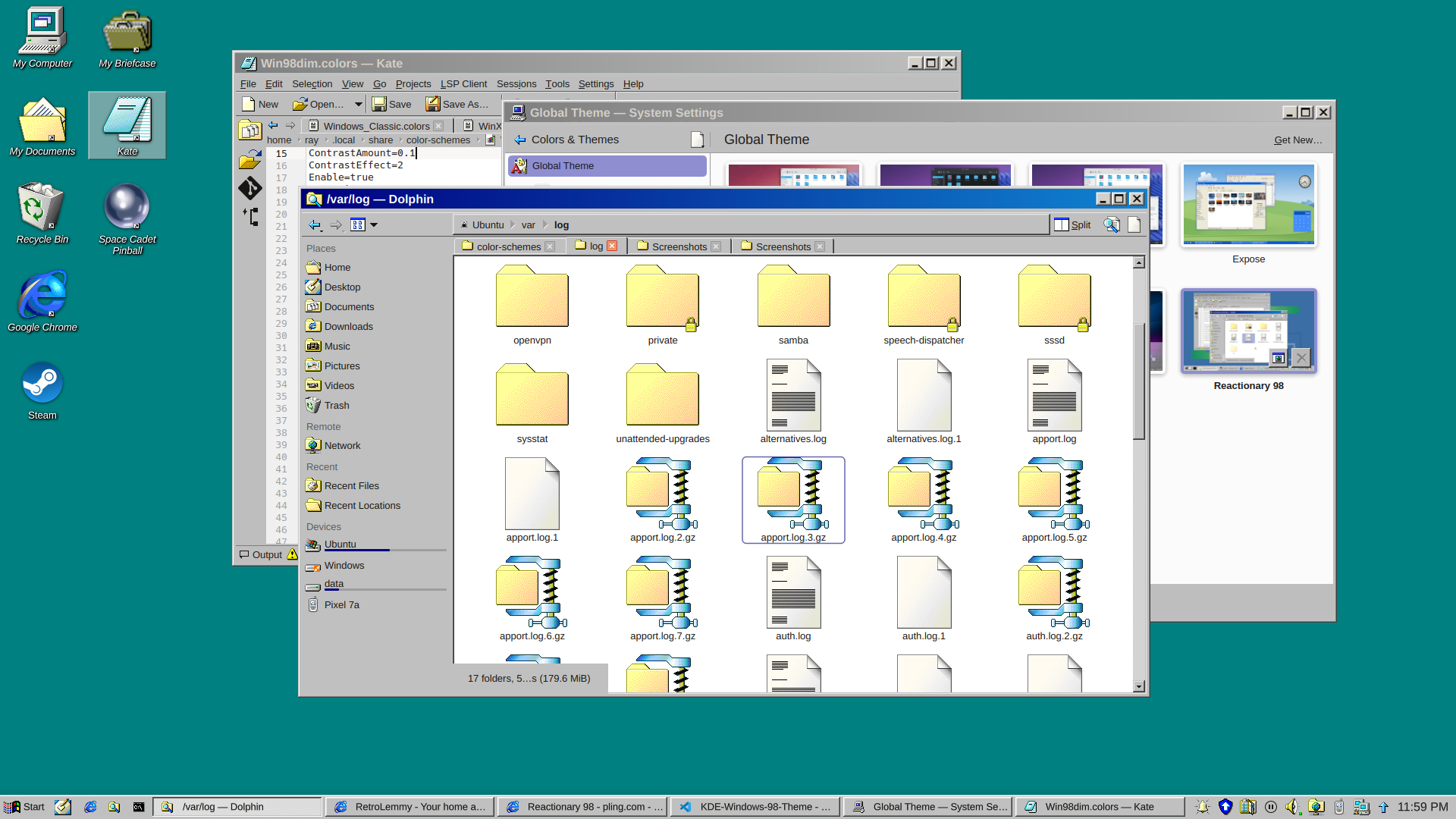
I really just put a bunch of pieces together. Forked from Reactionary Plus, but swapped out the icons, cursors, window decorations, color scheme, and made some slight tweaks to the layout.
More screenshots and changelogs here: https://store.kde.org/p/2330858
To install this, open System Settings, go to Colors & Themes -> Global Theme. In the top right there’s a button for “Get New…”, wait for it to load (it’s very slow) then search for reactionary, and wait again, then install Reactionary 98.
This is my first time messing with any of this stuff, it was a bit janky lol.
Am I weird for actually wanting to use this out of nostalgia? I distinctly remember thinking at the time that the gradients on the window bars were the coolest thing ever, especially because you could configure them to be whatever wacky colours you wanted.
In my mind it’s weird to use any light theme at all now that dark themes are widely available, but if you are going to, this isn’t any weirder than any other.
Another disadvantage it seems to have over many other themes is that in tabbed interfaces there is no color bar on the currently active tab, so you can’t spot the currently active tab as quickly.
I was contemplating how to make a dark version of this lol
If you come up with one, I might start to use it. I generally like the classic Windows style because the first computer interfaces I ever used looked like that, but nowadays I definitely insist on dark mode.
How’s this? added in v0.7
Looks really good
That looks good, I might try it over the weekend. :D Thanks for the effort.