

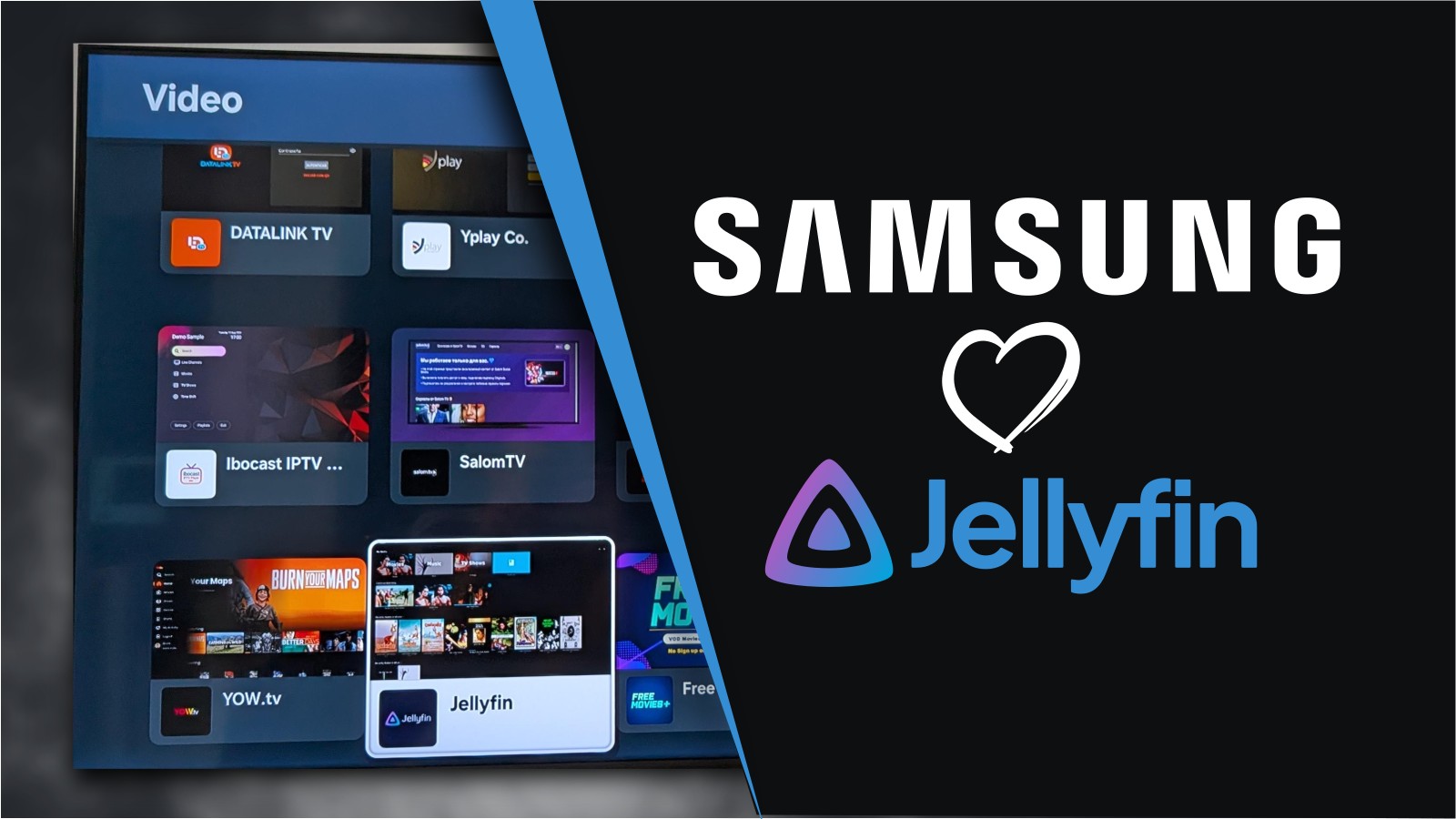
Samsung Smart TV owners can now use Jellyfin natively, as the open-source media server is now available on the Tizen platform.
Samsung Smart TV owners can now use Jellyfin natively, as the open-source media server is now available on the Tizen platform.
It’s relatively easy to restrict a smart tv to TLS/HTTPS traffic only using your router and a dns adblocker.
Its even easier to never let it on the network.
just saying its possible
You have to do a lot of work. You would have to keep up on what domains it’s using (which were in the dozens four years ago for samsung), and make sure it doesn’t use some as kill switches if it finds something blocked.
We aren’t stopping just ads, we are stopping spying, data sharing, snooping, network mapping, etc.
Yeah. To be honest on the DNS side it would probably be far easier to just do a whitelist instead, block everything except your specific service. and yeah, its a stupid amount of work. i hate smart tvs but i’ll be damned if im gonna pay extra for a streaming box =|
pretty cheap relatively speaking, and usually a lot more flexible depending on what you use.
to get something as flexible as my android tv i’d need an nvidia shield and those are going on ten years old at this point. maybe if/when they do a hardware refresh, assuming sideloading isn’t completely impossible by then.
How does it help to let the smart tv talk via encrypted channels?
no it helps to block everything that isnt just netflix or whatever streaming service you use. you combine a DNS adblock along with blocking all the unused ports and it severely limits the communications. you could also add a vpn to add another layer of security. idk about jellyfin but most streaming services i know use https/443 to stream to your tv. so youre only allowing the specific service you want and only on a specific port. buncha great dns blocklists here https://github.com/hagezi/dns-blocklists, and a smart tv specific one for pihole here https://github.com/Perflyst/PiHoleBlocklist/blob/master/SmartTV.txt
Hardcoded IPS circumvent DNS blocks.
Restricting ports doesn’t do anything since the TV isn’t running a service, it is contacting one.
Correct me if I am wrong.
Not sure if you mean hardcoded DNS IPs or hardcoded “phone home” IPs. Hardcoded DNS addresses in devices are annoying, the only way i’ve found to get around that is using destination nat rules (DNAT) which requires more than a consumer router typically. hardcoded phone home IPs would get blocked by your firewall. you’re right that most firewalls are set up by default to implicitly allow outbound traffic. you set up a rule that explicitly denies all outbound traffic from the TV, then only allow port 443 (or whatever port your streaming service uses) on the specific IP/IPs that your service uses. Here’s Netflix’s published IP info for example.
edit also i’m fully aware it’s fucking ridiculous that we as consumers have to go through this much rigamarole. you shouldnt have to be a literal network engineer to do something as simple as have an internet-connected tv that doesnt spy on you.
Ah that makes sense! Thank you