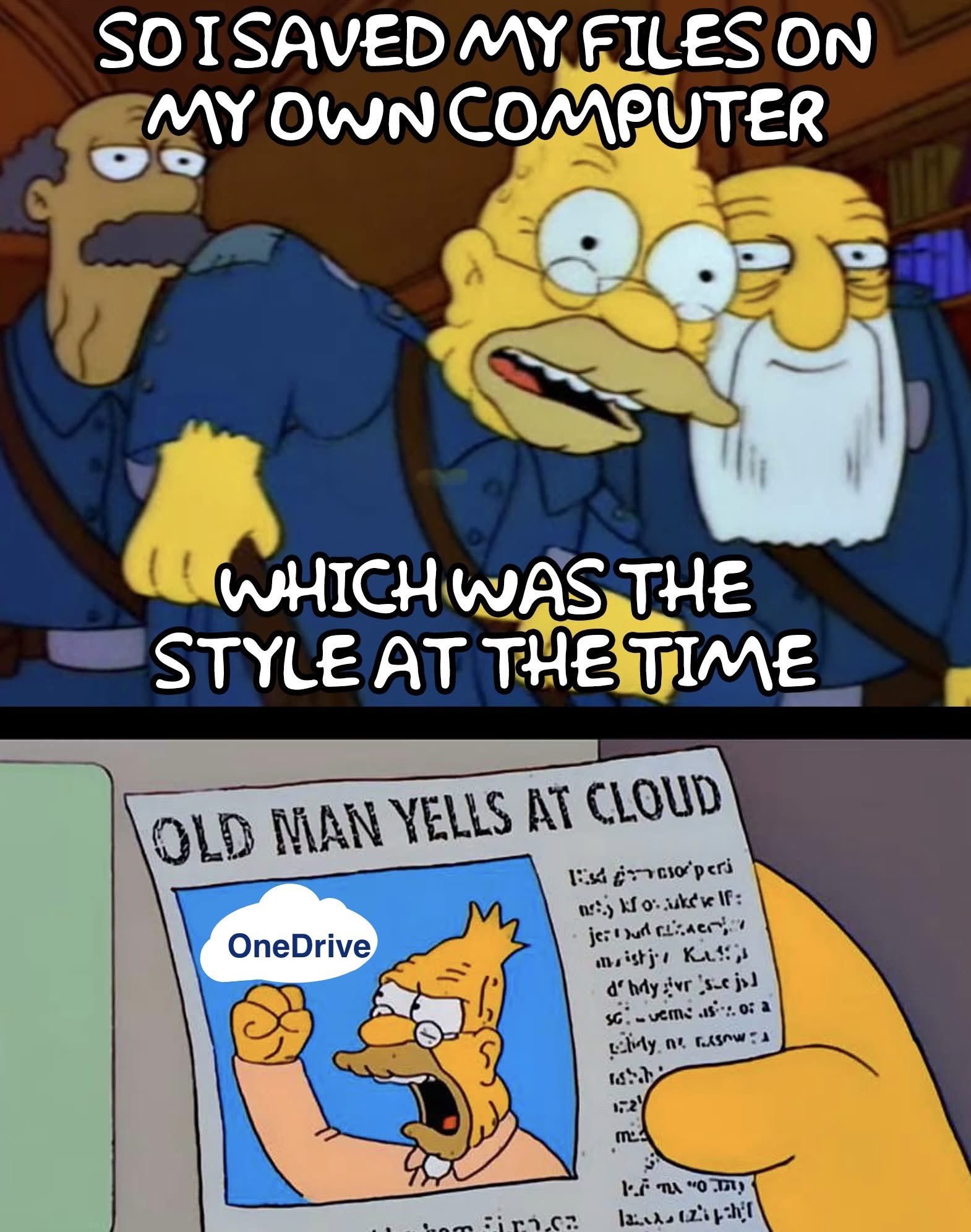
You must be aware that they made OneDrive the default location to save files. The ‘Save as’ dialog box now proposes OneDrive as the default location. So it’s more steps than before to achieve the same thing, just because we have to ‘go around’ OneDrive.
It’s not a question of not knowing how to do it, it’s a question of now being forced to go around their crap, shoved in our faces.
My guy. The save locally option is literally two boxes down.
It’s literally the same layout and format as previous versions, just instead of documents as default it’s OneDrive. (Something that can be changed very easily)
This is just a case of people looking for something to be upset about.
My guy. It never was about how “easy” it is, it always was about that Microslop tries to push their subscription and cloud BS down our throats in every possible place they could find. From default save locations over forced cloud accounts instead of local user accounts to making it hardly possible to uninstall that shit. It’s not the single instances of BS (not necessarily, that forced cloud accounts to log in to your supposedly own device and gettingbrid of local profiles is in itself a middle finger), it is all ofnit adding up, and the default save location is a small straw braking a long dead camel’s back.
It’s not that easy. Because that shit comes back, usually with the next update.
I’ve prepared windows machines in a B2B IT support firm for our customers. Over very few years it became very quickly progressively harder to install windows without a network connection, set up local user accounts, debloat everything, etc.
We even had customer’s employees paying us money to untangle their private machines from that MS BS, and it took us a few hours per device.
And don’t get me started on “I saved a file to OneDrive but can’t find it there”. That happened often and wasn’t always user error (like, 50/50)
Also, let’s be real here. This is not a problem for the vast vast majority of users.
Yes it is. Whether they realize it or just think it would be more of a hassle to solve it and instead just roll with it is another thing.
Apparently, because you do not seem to process what I’m actually saying and keep ripping single issues out of context so you can downplay the whole problem.
One last try, directly delivered to your door, if you don’t get it this time I’ll stop wasting my time.
OneDrive being the default save locationnis just a small symptom of the problem that Microsoft wants you to totally submit to cloud- and subscription-based computing. You are not to own your system anymore, it is just rented, MS does not want you to operate on the local level. The customer is losing control over a system they are more and more depending on in a more and more digitalized world. And it’s not that it is just an option like where you save a file. It gets harder and harder to use a Windows PC without subscription services. You cannot even set up local users without some workaround most users are not educated enough to even find a tutorial for or realize why it is a problem.
See what the fuss is about now?


1.File.
2.Save as.
3.Pick a destination where you want to save the file.
5.Feel the more fuzzy feelings inside as you learn something new and shake off the bondage of tech illiteracy.
You must be aware that they made OneDrive the default location to save files. The ‘Save as’ dialog box now proposes OneDrive as the default location. So it’s more steps than before to achieve the same thing, just because we have to ‘go around’ OneDrive.
It’s not a question of not knowing how to do it, it’s a question of now being forced to go around their crap, shoved in our faces.
https://support.microsoft.com/en-gb/office/save-a-document-b7f55d8c-d714-4892-8fde-853a82419027
My guy. The save locally option is literally two boxes down.
It’s literally the same layout and format as previous versions, just instead of documents as default it’s OneDrive. (Something that can be changed very easily)
This is just a case of people looking for something to be upset about.
My guy. It never was about how “easy” it is, it always was about that Microslop tries to push their subscription and cloud BS down our throats in every possible place they could find. From default save locations over forced cloud accounts instead of local user accounts to making it hardly possible to uninstall that shit. It’s not the single instances of BS (not necessarily, that forced cloud accounts to log in to your supposedly own device and gettingbrid of local profiles is in itself a middle finger), it is all ofnit adding up, and the default save location is a small straw braking a long dead camel’s back.
https://support.microsoft.com/en-gb/office/turn-off-disable-or-uninstall-onedrive-f32a17ce-3336-40fe-9c38-6efb09f944b0
Seems pretty easy to me.
Also, let’s be real here. This is not a problem for the vast vast majority of users.
It’s not that easy. Because that shit comes back, usually with the next update.
I’ve prepared windows machines in a B2B IT support firm for our customers. Over very few years it became very quickly progressively harder to install windows without a network connection, set up local user accounts, debloat everything, etc.
We even had customer’s employees paying us money to untangle their private machines from that MS BS, and it took us a few hours per device.
And don’t get me started on “I saved a file to OneDrive but can’t find it there”. That happened often and wasn’t always user error (like, 50/50)
Yes it is. Whether they realize it or just think it would be more of a hassle to solve it and instead just roll with it is another thing.
Listen. You can say what you want.
But when the simple solution to avoid saving to the cloud and using a local save. Is the exact same method one would use anyway, without OneDrive.
You can forgive me for not seeing what all the fuss is about.
See. Now you’re speaking for others. And it clearly ain’t a problem or they would be fixing it.
Apparently, because you do not seem to process what I’m actually saying and keep ripping single issues out of context so you can downplay the whole problem.
One last try, directly delivered to your door, if you don’t get it this time I’ll stop wasting my time.
OneDrive being the default save locationnis just a small symptom of the problem that Microsoft wants you to totally submit to cloud- and subscription-based computing. You are not to own your system anymore, it is just rented, MS does not want you to operate on the local level. The customer is losing control over a system they are more and more depending on in a more and more digitalized world. And it’s not that it is just an option like where you save a file. It gets harder and harder to use a Windows PC without subscription services. You cannot even set up local users without some workaround most users are not educated enough to even find a tutorial for or realize why it is a problem.
See what the fuss is about now?
They didn’t seriously do that?
Since when does that happen? Also, on professional/enterprise versions?
Of course they did that, they are Microsoft. You will do what they want, for easiness and convenience.
They started doing that in 2019 for all the the Office products. Here is the official annoucement. Now every Office installation that is up to date will force users to use OneDrive as the default save location. Even Office 2016. They are retroenshittifying.