

1·
11 hours agoOh that’s easy. They tell you. Women post all over social media about expecting to be paid for.
Linux gamer, retired aviator, profanity enthusiast
Oh that’s easy. They tell you. Women post all over social media about expecting to be paid for.
External consistency. Read something here, something there, they’re congruent, those two sources support each other. Then keep doing that.
Divorce rates are skyrocketing, the number of young people who have never had any kind of relationship is skyrocketing, dating apps are going bankrupt, birth rates are plunging, the children that are being born aren’t being raised, and it’s fundamentally the same reason why there are multiple active genocides going on right now: People are hateful.
Reading.
I’ve never once installed a dating app on my phone in my entire life, so…nope. I’m on the outside of this one looking in.
So make men make the first move, and put him in the position of “Is this chick interested in me at all for anything or does she just want a free dinner?”
Look, the only solution to this is to make dating illegal and prostitution mandatory. Men want sex, women want money. So let’s kick this bullshit power play nonsense in the head, stop pretending love exists, and put the fucking price tag back on.
Constantly. Show me the lie.

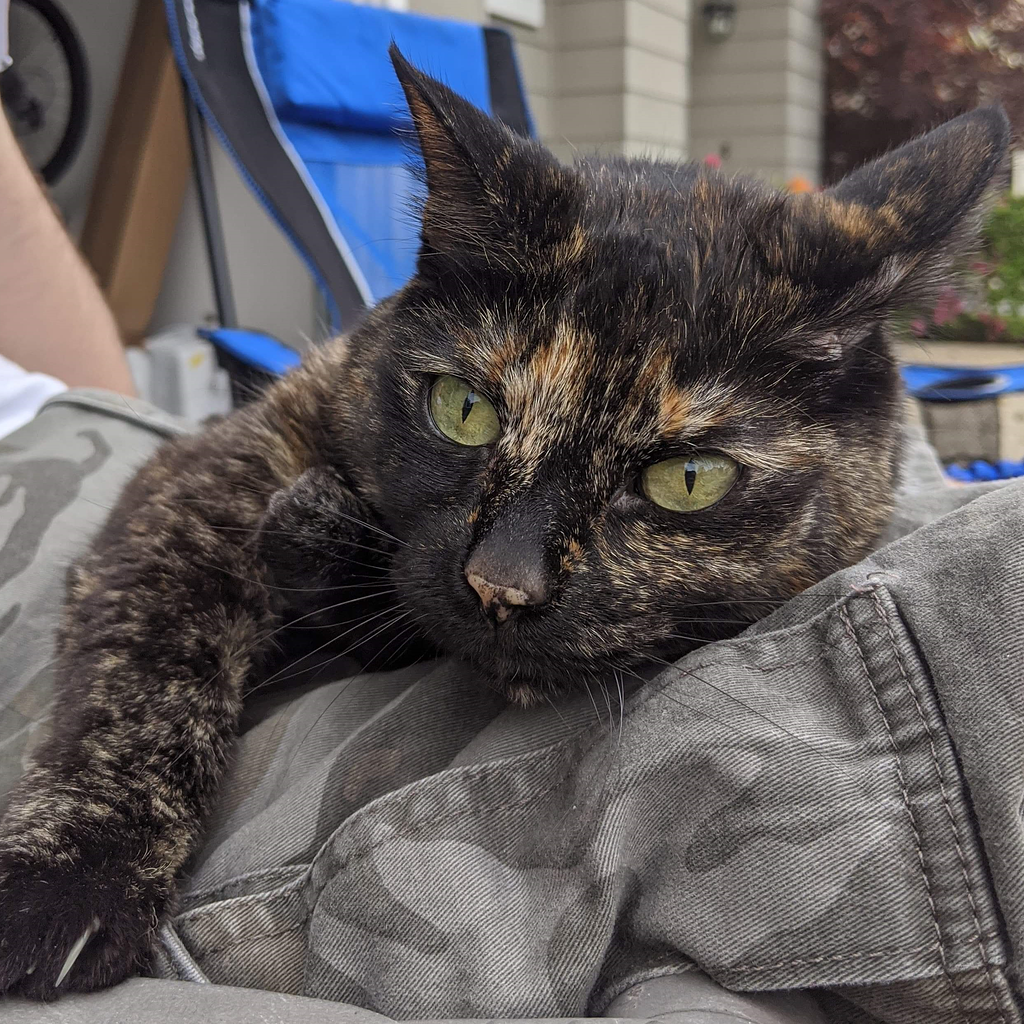
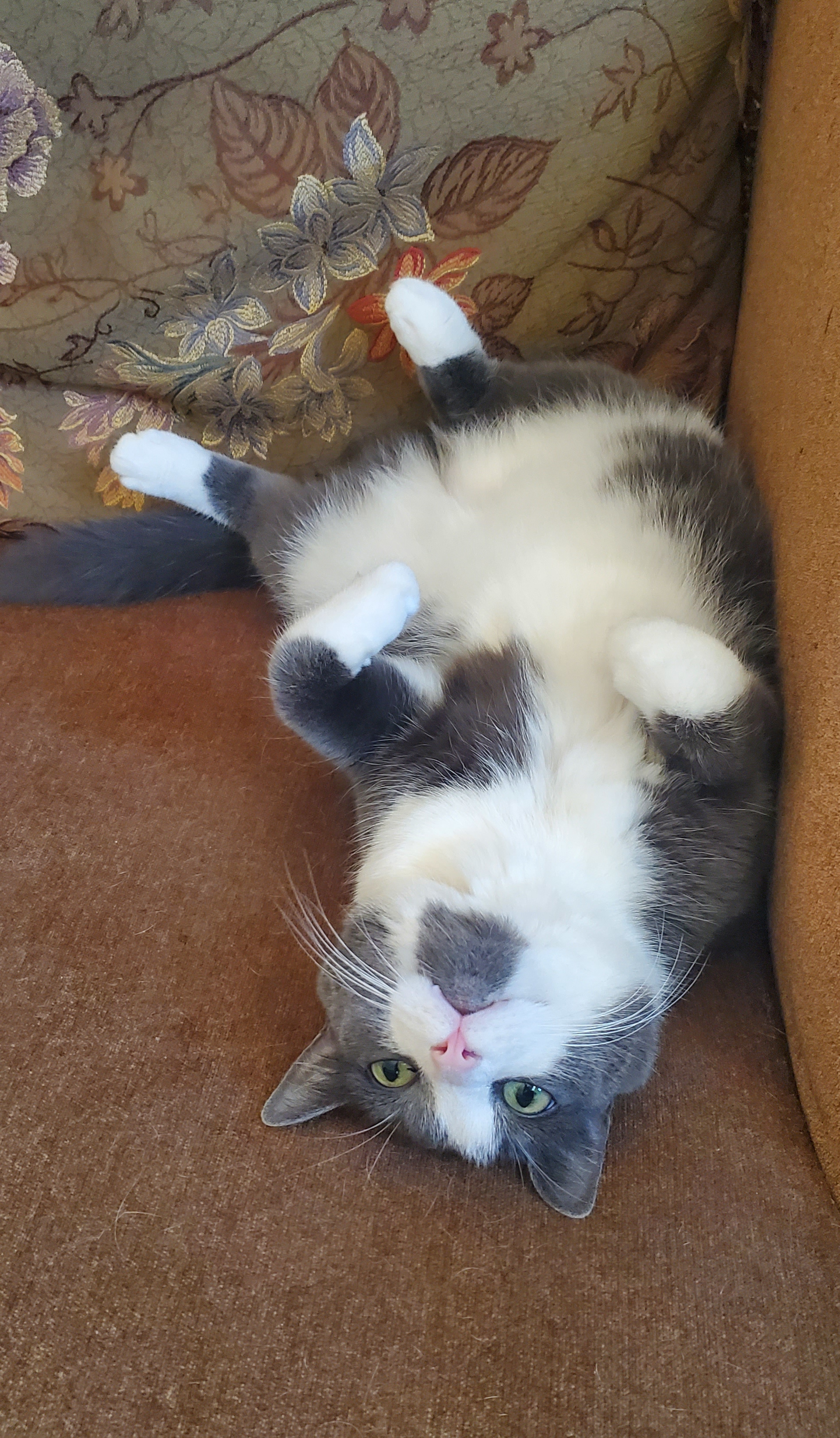
Nah that’s just a calico and a dilute calico. They’re both very cute. Possibly mother and daughter?
OLED displays are capable of showing more vivid blacks, but otherwise you can get damn good pictures out of IPS displays, and honestly I find that if I’m worried about the technical aspects of the picture or display or video signal, than the game or movie I’m watching must be quite mediocre because there were plenty of shows and movies that completely captured me on a 480i CRT.
I first saw Wrath of Kahn on VHS. It wasn’t color depth or vertical resolution that made “Of my friend I can only say this: Of all the souls I’ve encountered in my travels, his was the mO’St…human.” such a compelling experience.
If your show, movie, sext message, .swf or whatever doesn’t work in 480i60 and 2.0 stereo, I don’t want to see it because there’s no substance, only spectacle.
In an airplane with an open cockpit and a fairly spicy power plant, I took off at dusk and watched the sun rise in the West as I out-climbed the planet’s rotation. You think you can wow me with visual spectacle, whelp? That doesn’t work on me, you’ll have to use an art vastly more powerful but I fear lost to time: Good writing.

I associate this commercial with another commercial for either IcyHot or Blue Star ointment.
I’m a little drunk, let that be explanation/excuse here:
When I was very young, like 3 or 4, in the early 90’s, I remember seeing commecials for what I now understand are fake fingernails. It was a commercial that showed a woman grabbing her–to a 4 year old–normal woman’s long fingernail, and casually prying it back so that it popped off and hinged back with a sticky yellow goo under it. What the commercial was selling was an acrylic nail that attached to your real nail without messy adhesives, what 4 year old me saw was a woman casually tearing her body apart. To this day I chew my nails to the quick so nothing can get under them, and I’m damn near 40.
This gave me the same “why the FUCK did you pull on it like that?” feeling as that commercial.
The first 3D game I ever played looked like this:

It’s hilarious to me how many people are shitting their beds over the Slate pickup coming with crank windows.

So Sony isn’t fucked then.
Removed by mod
That feature debuted on the iPhone 6 IIRC.

Zeus managed to knock up his own forehead if I understand correctly.
Okay so an earlier version of this script…you can tell what it is, it’s a firstname, prefix, suffix generator. As an in-joke to the show I programmed in “Bob” “Johnson” and “Oh Wait” as the zeroth entry in the lists. It would occasionally pick up the parts in normal entries though, so my favorite one it printed was Slam Johnsonmeat which…please don’t.
I wrote this thing at least ten years ago and I’ve been laughing at it ever since.
When I was learning Python, I coded a Space Mutiny Name Generator. Here, let me run a few:
Hack Slugmeal
Brick Vanderchest
Rip Fistnozzle
Stan Beefhead
Hack Squatchest
Beat Manknob
Hunk Hardhandle
Hack Hardnugget
Wedge Rockmeat
Beat Bonehat
Slam Headnugget
Stan Toughnozzle
Hack McLargebody
Hack Bulkcheese
Big Grindhuge
Dirk Squatpound
Crud Steaknugget
Hunk Rockface
Slam Fisthandle
Big Hardback
Chunk Slamface
Rip Manthrust
Beat Headmeat
^CAAAAAAAAAAH! gets out calmly
And they’re tuned to the same key.







🙄