

1·
8 个月前Yeah sure, feel free to do so
Yeah sure, feel free to do so
You can expand each entry at https://xpipe.io/pricing to see the details. For enterprise operating systems, this includes stuff like RHEL, Windows Enterprise, Amazon Linux, etc. So pricey operating systems that you usually only run in businesses. The pricing page also includes details on cases where this is not the case, e.g. if you’re trying to replicate production systems in your homelab and are running RHEL in there as well for example. If that is the case, I can upgrade your license for free if you send me an email.
I edited the post and added the link to pricing page to the post to make that more clear.

Nope, an application like this can’t work as a flatpak as the sandbox prevents almost all shell functionality and makes the application unusable. Yes, the AppImages are basically the best solution for immutable operating systems.
I think in the end you still have to exercise some trust. There are things like audits, but these are costly and not an option in the current stage. Maybe in the future. Best I can do is to provide transparency by open-sourcing large parts of the codebase and providing detailed security information like https://docs.xpipe.io/reference/security.
As someone who sometimes sells to the german public sector, it is true that they would prefer a good open source solution if it was available. But me being a german vendor makes up for it, as they still prefer this a lot more over any US-based vendors.
In general about the key handling, XPipe doesn’t read any kind of keys itself, it only forwards them to the local OpenSSH client. It is essentially a wrapper around in existing ssh client, and doesn’t implement anything related to key handling itself.
I think if you have a specialized tools with openstack, XPipe probably can’t compete with that in that area. But it can make your life easier in a lot of other areas and common tasks when it comes to accessing many servers.
About the FOSS requirement, I know that this is a dealbreaker for some. That is a tradeoff when going the commercial route
Right now, you have to set the user separately. But I will think about fixing this for next release, there already is a way to configure a default identity for new connections, but it does not apply to teleport yet
Yes, the community edition doesn’t have any limitation.
For paid plans, it’s relative to the average usage and activations across all licenses. E.g. if you, as an enterprise, purchase licenses for 5 users, but have a usage like other customers with 20 users, I might inquire about how you are using it. If it is a special case where you install and use it on many servers and VMs in parallel, this can be taken into account and the limits can be adapted. But in general, the license limits are permissive and do not interfere with your usage.
So I worked on this over the last couple of days and fixed several performance issues in the latest 15.4 release, especially when it comes to handling many added connections like in your case. Feel free to try it again, it should handle better now.
So I worked on this over the last couple of days and fixed several performance issues in the latest 15.4 release, especially when it comes to handling many added connections. Feel free to try it again, it should handle better now.
So I worked on the performance over the last couple of days. There were some regressions that I discovered. This should be fixed now in the latest 15.4 release.
I think it’s mainly bad optimization on my part. I will work on that for the next release as best as I can. So hopefully I can fix your issues somewhat until then
Thanks for the info, I see the issue with that many host entries. I will fix that for the next release
The only possibility I see here is that this is a Windows 10 system with an older SSHD if mobaxterm doesn’t work anymore as there were some changes on which SSHD executable XPipe will use for mobaxterm.
About the X11, I am not aware of any changes that could change that behaviour. If no parent connection of the LXC container has that explicitly enabled, it shouldn’t use that.
For both issues, feel free to post on GitHub and Discord and I can help troubleshoot this
You can go to Settings -> Troubleshoot and either take a look at the log files or launch it in debug mode. If you find anything, feel free to post on GitHub or Discord
When you say slow, what part do you refer to? I am always looking to improve on the performance front
I am a bit confused by the feedback on the performance here. Now the performance wasn’t that great previously, but that should have been fixed over time, especially in the latest updates.
Maybe I am missing something when testing. So if you want, feel free to elaborate on where the performance issues occur, I can look into that.
What system did you try it on? I can look into it
Alright, feel free to let me know how it compares to your other tools that you use. That is always a valuable insight for me
Yes, you can use any local editor to edit your remote files



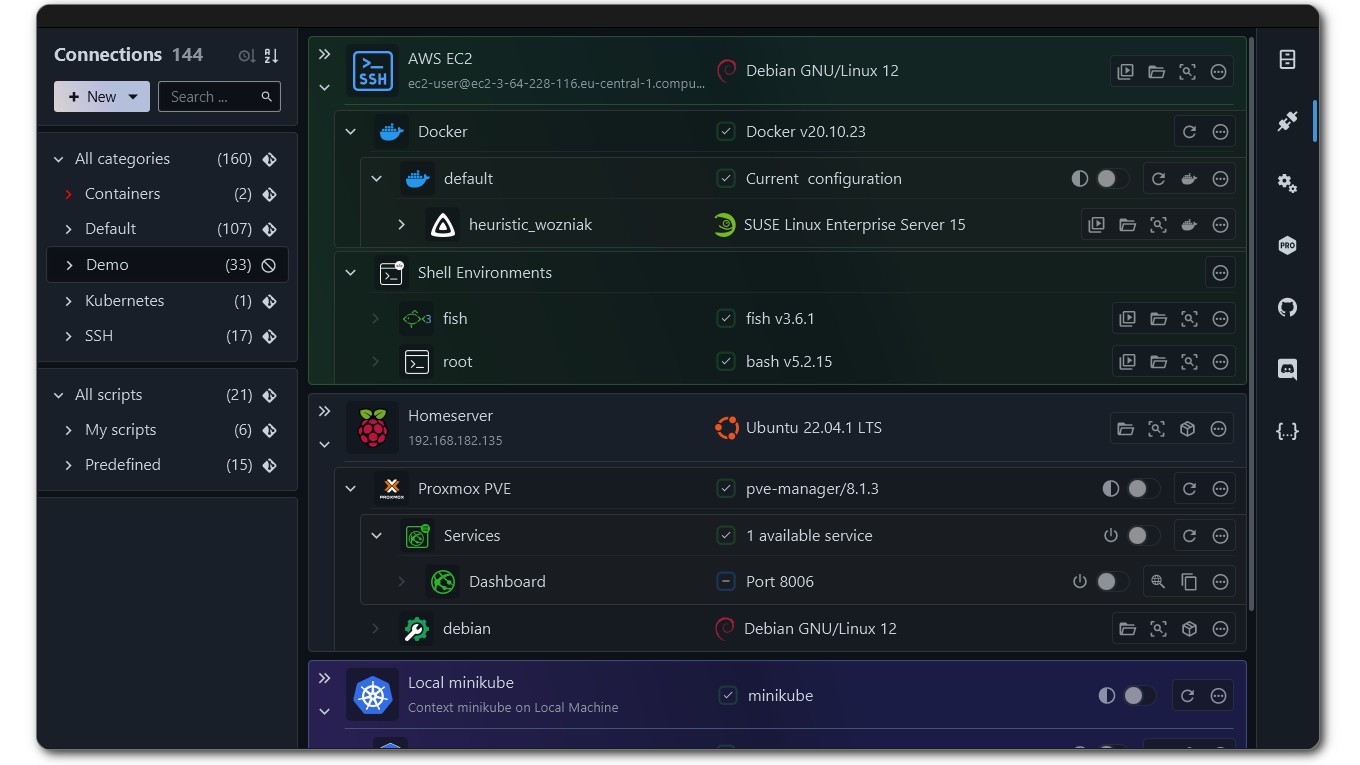
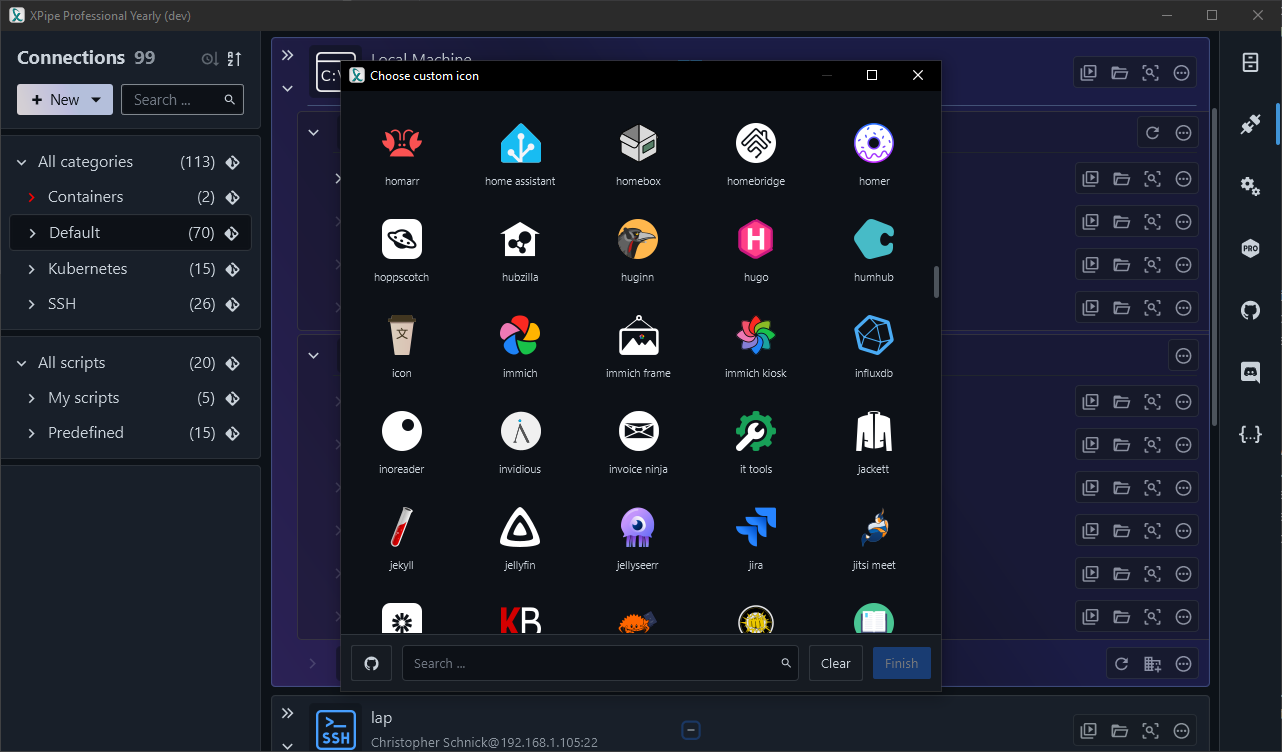


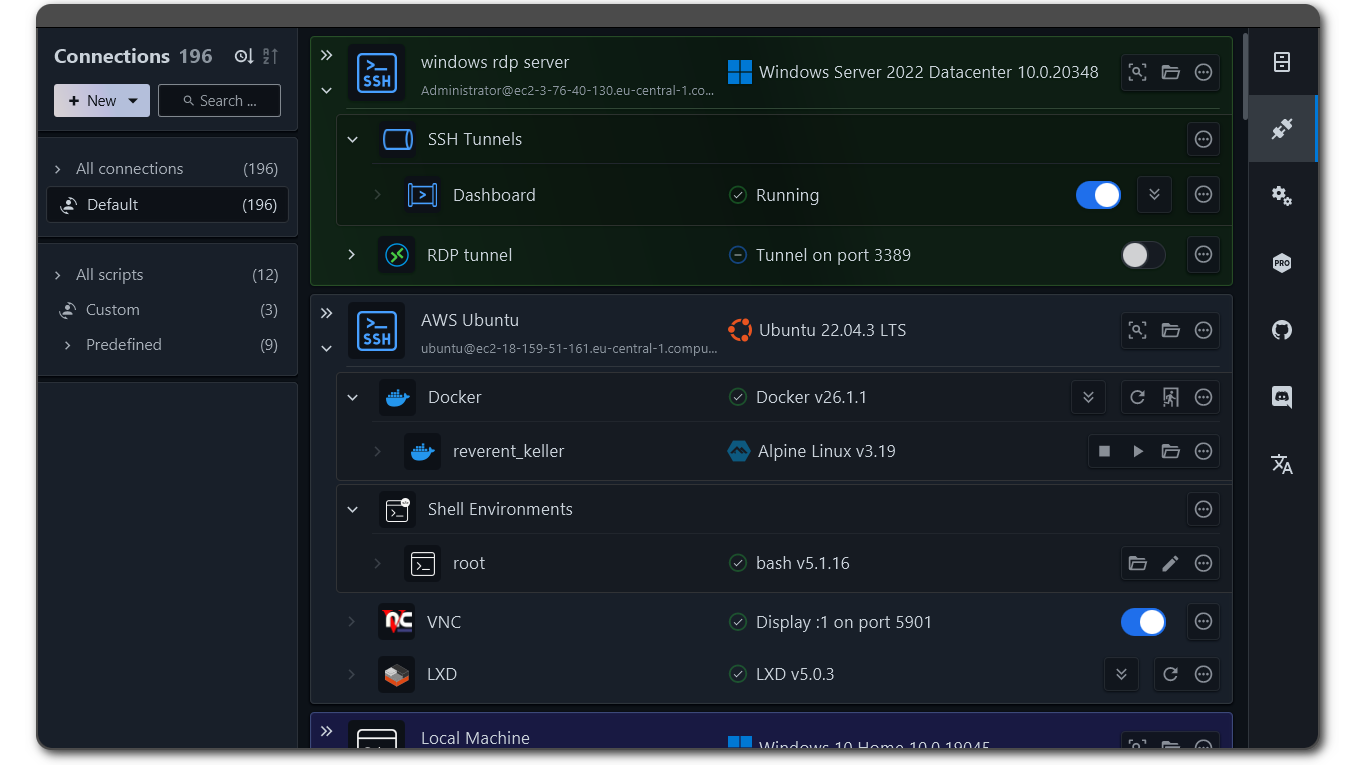

I tested with konsole, sadly it does not support opening the split panes with predefined commands from the CLI.