

3·
1 month agoI’ll also add that if you do enable SSH and are stupid enough to expose port 22, then at least make sure you have key-based authentication instead of password authentication and keep your keys safe.
“Life forms. You precious little lifeforms. You tiny little lifeforms. Where are you?”
- Lt. Cmdr Data, Star Trek: Generations
I’ll also add that if you do enable SSH and are stupid enough to expose port 22, then at least make sure you have key-based authentication instead of password authentication and keep your keys safe.
I could never get Gnome Network Displays to work, but it’s worth a shot.
Looks like that site is dead and has being an AI slop domain squat.

XFCE!

In all serious, while I use XFCE on most personal things, if I was pressed to choose between the big two, I think I’d choose KDE over GNOME; in fact, when I had to loan my younger sibling a laptop recently and that laptop was too old to run Windows 11, I put them on Debian with KDE. I think KDE is also my backup plan if major applications start dropping xorg support before XFCE has implemented sufficient Wayland support, although they seem to be making progress.
Out of the box, KDE tends to be more Windows-like and just better for my workflow in general, while GNOME can just be… weird. Like, I don’t quite hate GNOME as much as I used to - I plan on throwing it on an old Surface tablet soon - but like others have said, it’s very opinionated and doesn’t like customization and whatnot. I also resent GNOME in the sense that they tend to make design designs (such as in GTK 4) that reduce ease of interoperability across different open source desktops.
I think KDEnlive is good as well, definitely the least terrible FOSS one. I never used Premiere Pro on that advanced a level, but for basic effects, keyframes, and title cards, it does quite well.
The main proprietary, “professional” one on Linux is Da Vinci Resolve, but I’ve never used it on Linux, since KDEnlive is just fine for me.
Honestly, in my opinion, every video editor is terrible to some extent; it’s having to deal with enormous amounts of data every second more than almost any other program on a computer, and even a semi-usable editor is a mind-bogglingly impressive feat.
Of course I don’t mean those art-stealing cannibals over at Adobe allowing them, I mean the Wine software allowing them, as it semantically implied.
Like I said, I wouldn’t touch Adobe with a 39.5 foot pole, but Photoshop is unfortunately necessary in those relatives’ industry, so getting on a high horse and telling them to use GIMP or Krita is not going to accomplish anything.
I’ve gotten used to GIMP and used it for a lot of cool thing (especially G’MIC for getting CD liner note scans looking quite good), but it’s just not a solution for serious professional use.
Not necessarily. It’s often less Calc’s capability that is at issue, and moreso its compatibility with imported sheets. Calc tends to have every feature I need when I make a spreadsheet.
I think the main issue I’ve seen is when people need bug-for-bug (or nearly so) compatibility with VB macros.
I personally never want to touch anything Adobe ever again, but for my father’s and grandfather’s use cases, they still need it, so if it ends up working well, maybe it’ll finally allow them to use Linux.
True. At my tech helpdesk, I’ve seen people who keep their Macs on very old versions even if their hardware supports much newer (and non-Tahoe) versions and suffer problems because of it.
For instance, the other day, a woman’s Microsoft Office quit working because she was still on Ventura, which no longer gets security updates. This was on what I believe was a 2022 Macbook.
I think something is seriously wrong with Apple’s update system. I mean, the Windows approach is objectively wrong, but automatic update systems need to be at least a bit aggressive.
I believe 3.0 finally moved to Python 3. Resynthesizer was also totally rewritten for 3.0, but I don’t think it’s in Python anymore (?).
Post system specs here just to be safe. If it’s an older machine, there could be various hardware failures. “Monitors” makes it sound like a desktop, but you should clarify just to be safe, and perhaps indicate if has PCIe slots or is more of a mini PC.
Also, what do you mean by “monitors going dark”? Are the backlights on, or are they absolutely dark?
It’s probably not Secure Boot. I mean, worth a test, but it sounds like the issue occurs in the middle of a running session, which is not consistent with the issues sometimes presented by Secure Boot.
It’s solidly okay. I wish it were in brush form like Photoshop was, and I wish it were better-optimized; it’s written in Python and a bit slow. I think Photoshop GPU accelerates this.
Still, usable for a lot of things.
I usually use my device’s native boot menu these days; booting through GRUB usually triggers the Bitlocker screen.
Sounds like a freak accident rather than the fault of the VM.
I literally use a GPU for passthrough on my Windows 10 (and macOS) VM; PCIe is a much more complex protocol and much easier to F up than USB.
I’ve used my iPhone many times through Windows and been fine, as well as whole USB keyboards and mice (just simple ones); I think I might have even updated an iOS device once, though I can’t remember if I actually did. I’ve also used an iPod Nano 7th through an 11 LTSC VM before.
I could see some things being a little finicky, but simply managing a Zune with a VM probably causes no issues. It’s probably been eons since it got a firmware upgrade anyway.
That’s just a VM running atop Docker container; convenient, perhaps, but a little misleading to users who don’t understand how Docker works and might think it’s better performance-wise than a VM.
Dual boot isn’t that bad if you just use separate drives; the issue is only with Windows and Linux on one drive.
It’s not possible on all devices, but my laptop has dual NVMe slots, and I used to boot Linux off an SATA SSD and Windows off an NVMe on my desktop before getting rid of Windows and moving my Linux install to the NVMe drive. Never had a problem.
The only hiccup you’ll probably run into is exorbitant storage prices, although you can probably opt for less storage (256GB or 512GB), you can still get well below $100 and have it be perfectly fine.
It might be possible, depending on if the screen is connected to the dGPU or iGPU (I’d guess iGPU). I wouldn’t know because I did my setup on a desktop with two dGPUs. I would think it’s possible, but you might need an external monitor (?). I don’t know how Optimus laptops are wired.
Where I started for GPU passthrough, which got me ~90% of the way there, is https://github.com/bryansteiner/gpu-passthrough-tutorial . Gives you the shell scripts, XML, etcetera needed to do it; I had to modify some bits (some of which you can see in issues), but this is my preferred tutorial. Basically, try it, get really frustrated, take a break for a while, get back to it and keep tinkering with it (check permissions, logs, PCIe driver binds, etcetera), and eventually, you’ll figure it out.
https://github.com/mysteryx93/GPU-Passthrough-with-Optimus-Manager-Guide is linked in one of the issues and specifically concerns your kind of laptop.
I might be able to send over some of my XML to get you started, but I don’t know how helpful that will actually be over the tutorial, as our systems are completely different, and the AMD GPU I use has different bugs/quirks when doing this than Nvidia ones. The truth of the matter on why there’s not really a single-click, easy way to do GPU passthrough is because each system is unique, from the motherboard PCIe implementation to bugs in GPU firmware. That doesn’t mean you shouldn’t try, but it takes a bit of ingenuity.

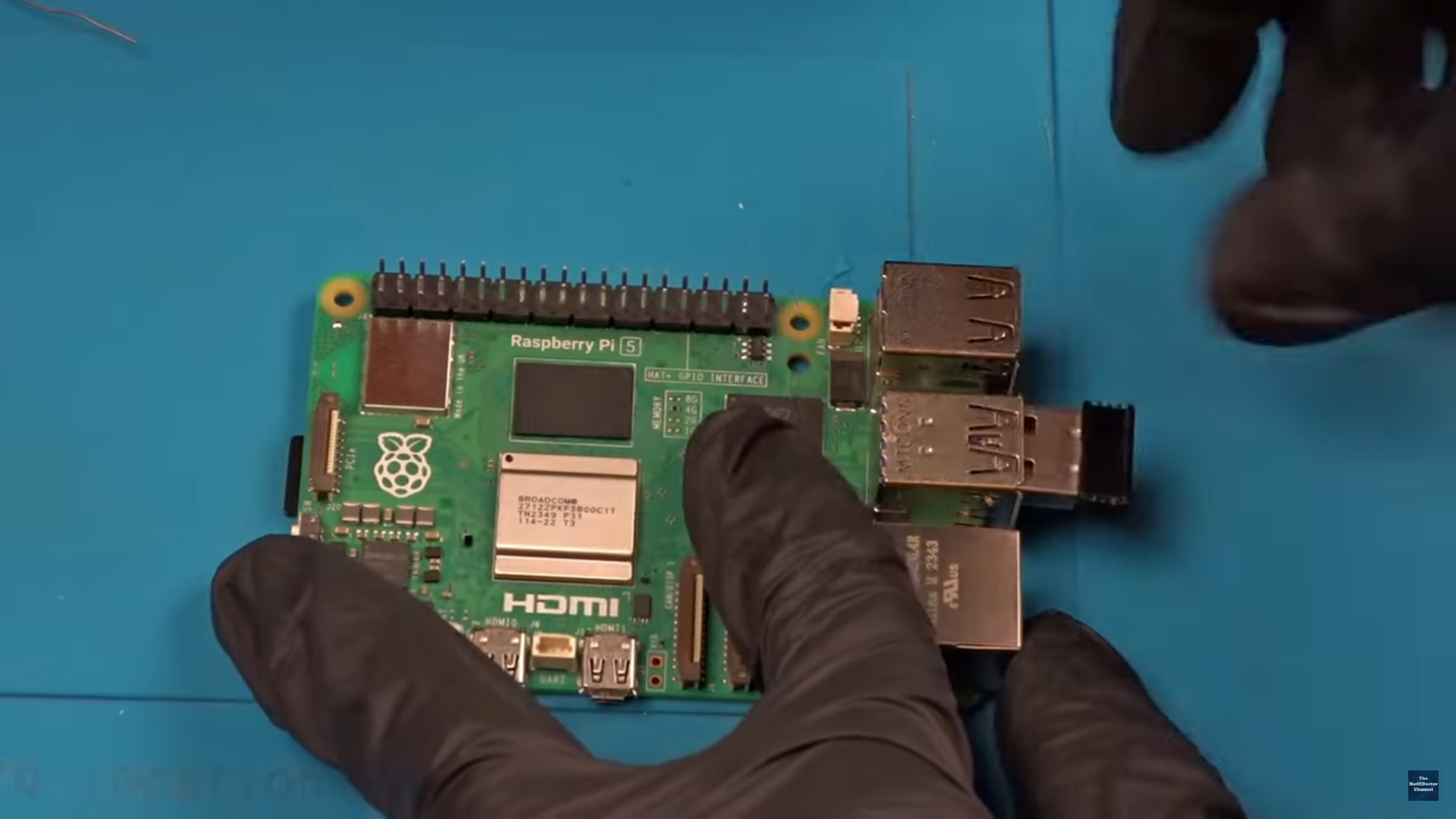

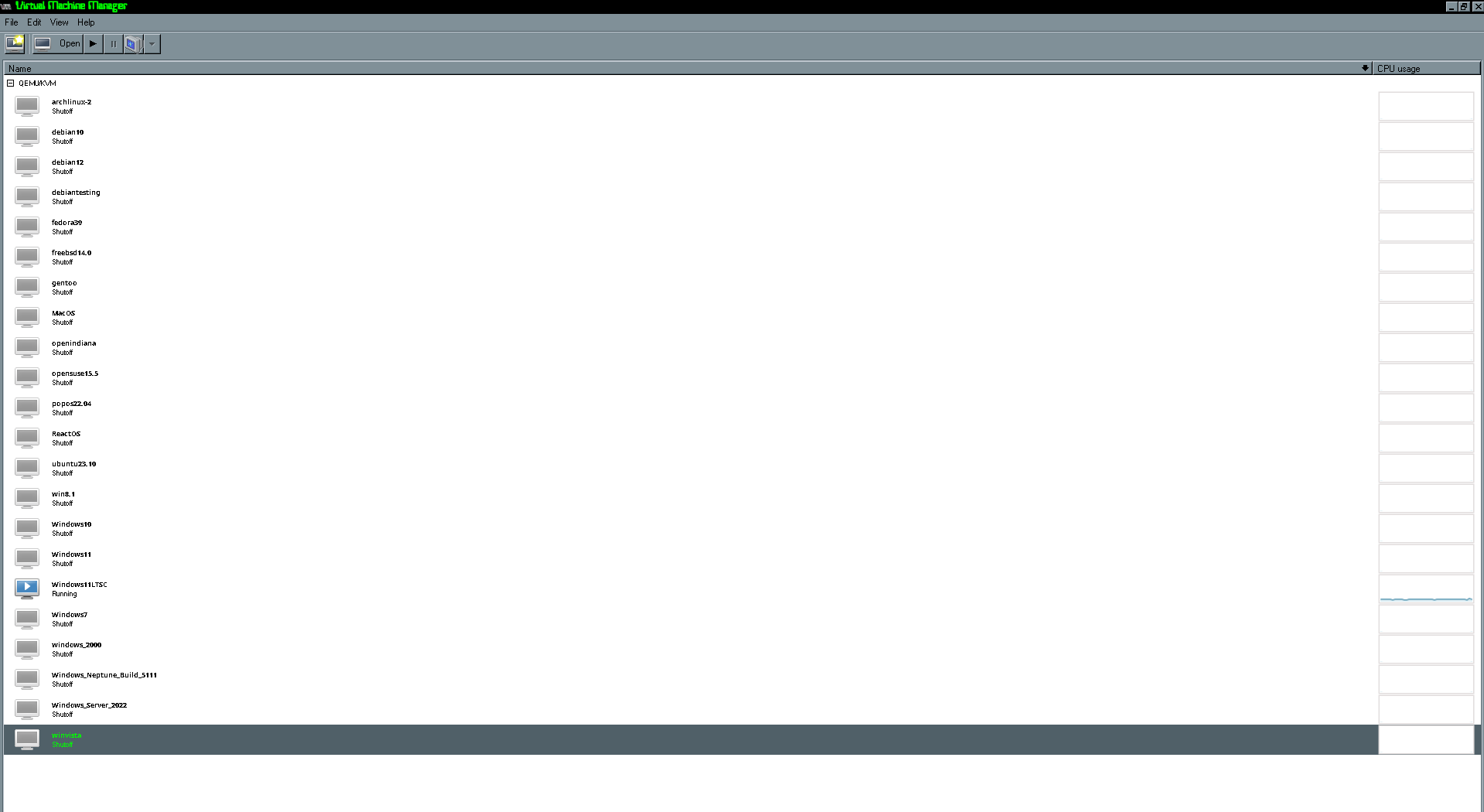
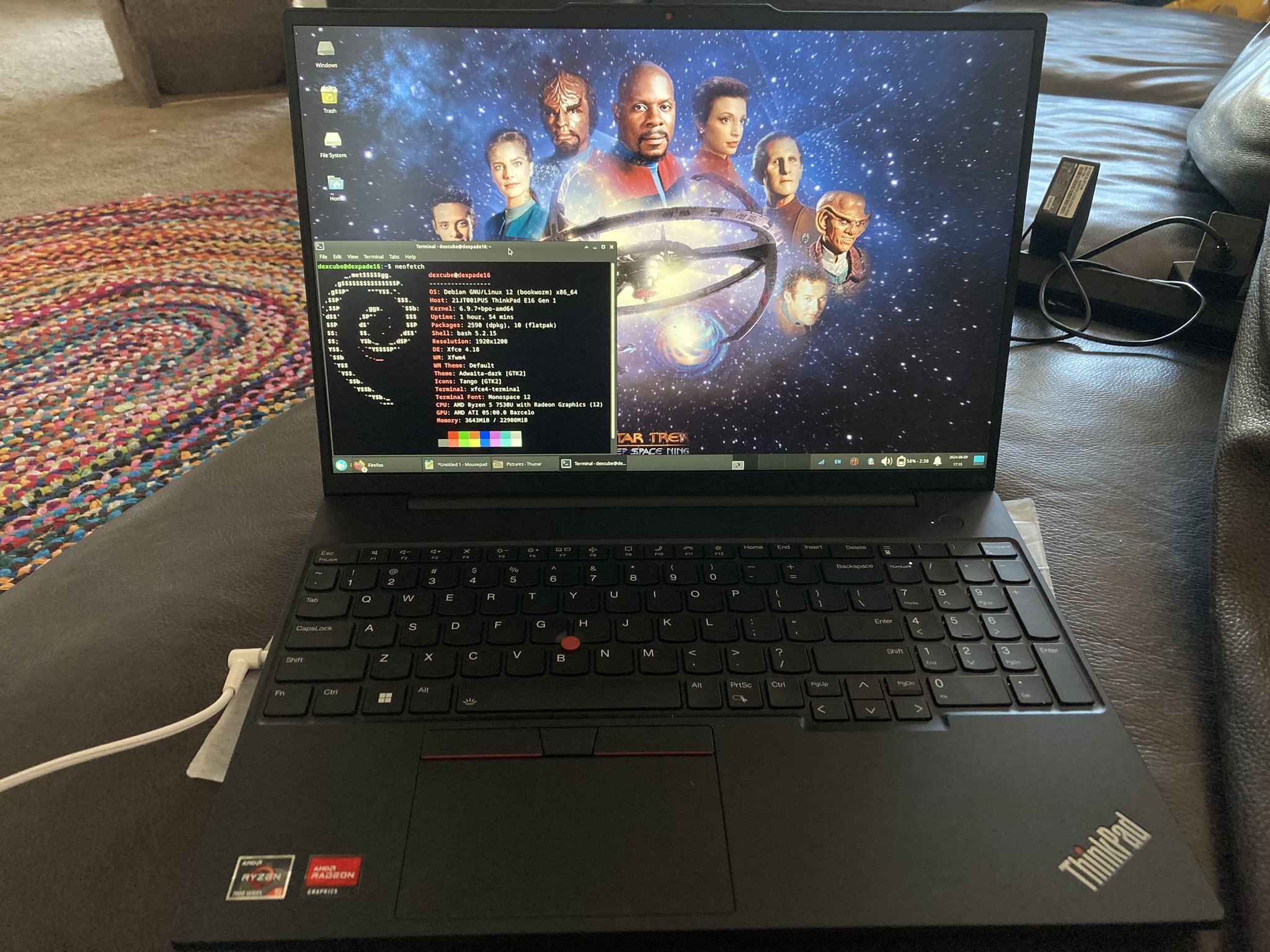
Uploading a gz source archive to a Git repository is absolutely cursed. Still, looks like a cool project.