Oh sure. I get to be a slutt datafag for 6 hours, and then you come along and ruin it. Thanks!


Rocket Surgeon
- 8 Posts
- 248 Comments
Joined 2 years ago
Cake day: March 10th, 2025
You are not logged in. If you use a Fediverse account that is able to follow users, you can follow this user.
Ya, I get it that this is the whole joke of the post, but I’m bemused to discover that I’m a slutt datafag.
I had not anticipated climbing to such a pinnacle in my lifetime.
 4·2 months ago
Wow. I really hate reposts and cross-posts, and I block the accounts that make them.
I sort of thought I was alone in that, figured other people must enjoy that crap.
I am amazed to see my exact viewpoint expressed here a couple hundred times over.As to the point the post makes, I’m new to moderation, and I read the post because that seemed like a subject I should review.
The post looks like useless hand wringing to me.I don’t see anything worth concern with lemmy moderation.
I’ve pissed off a couple mods in my time on lemmy and gotten banned. Every one of them was a community I have disagreements with, and its fine that we don’t talk.
I don’t feel I have ever been treated unfairly. In fact, the only mod action I ever disagreed with on lemmy was reversed after I discussed it with him on YPTB.
 3·2 months ago
Well … I don’t agree with that, but furry harassment is a good barometer of a group.
If there’s no furry harassment, your trolls are not doing their job properly.
Haha. Furries.
No two hour video is going to change my opinion.
I was there when it all began. I saw the travesty.
Nothing has changed since, except anon got bored and has slacked off on enforcement.Now, consider bronys. There’s a group we need to respect.
Guys in beards and diapers with baby horse dolls.
https://edramatica.com/Brony
Hehehehe.
 16·2 months ago
Looks to me like the mod was entirely correct. If you need to ask this sort of thing, try doing it without using the bait format.
Christ. “elaborating on why i was asking for confirmation” Talk like a human, not some fukin clanker.
Start over.
Don’t act like a troll.
There might be someone interested in engaging in your agenda, if you don’t make it so obvious.
YDI.
 9·2 months ago
I enjoy the anti-AI articles at Futurism, but I’m uncomfortably aware that its echo chamber shit.
They are preaching to the choir, and I’m part of it.
Well there ya go. All of your problems are solved.
Meh. I like things my way. There’s a certain satisfaction there.
Ok. Then don’t use windows. Sounds good.
I corrupt the files. I take ownership, remove inheritance, and then deny Trusted Installer and System access. My windows systems generally have several components neutered like this. Major upgrades will sometimes overwrite my changes, but mostly they stick. Absolutely nonfunctional.
That’s pretty cool. I crammed to pass the CCNA, and some of its fading from my head now. I could use a refresher. Thanks!

Ah. Well that’s nonsense, but it is a take on the graphic with some internal cohesion.
I’d try slurm. Once. Ain’t putting the bottlecap next to my nuts tho.
Two reasons.
You were responding to someone who offered a /24 as a subnet.
There are 32 bits in an IPv4 address. /24 is 255.255.255.0.
So they were wrong too in reference to IPv6, but at least they were making sense.
You responded with /128, which is the full range of the IPv6 address.
That would be like the prior poster saying /32 aka 255.255.255.255.
There’s no usable range there.And, see my post above for the rest of the breakdown, but you were looking for /64.
I quit drinking soda years ago as I got older and needed to cut shit that was making me fat.
I will (like every other year) occasionally have a Mountain Dew or a Sprite.
Soda is lovely stuff, but its definitely radioactive.
Sigh. Guess I’m gonna go read Ed Zitron’s latest rant.
Haven’t read it yet, no idea what he’s on about today, but here’s the link.
https://www.wheresyoured.at/the-more-you-buy-the-more-you-lose/
Nuka-cola is hard to come by here tho.
I’ve wondered … are the bottlecaps radioactive?
How does that work out when you have a pocketful next to your nuts?
0111111.00000000.00000000.00000001
But I doubt your momma can read that.
Mine can’t. She’s not interested in binary or hex, despite my efforts to convince her how fascinating the topic is.






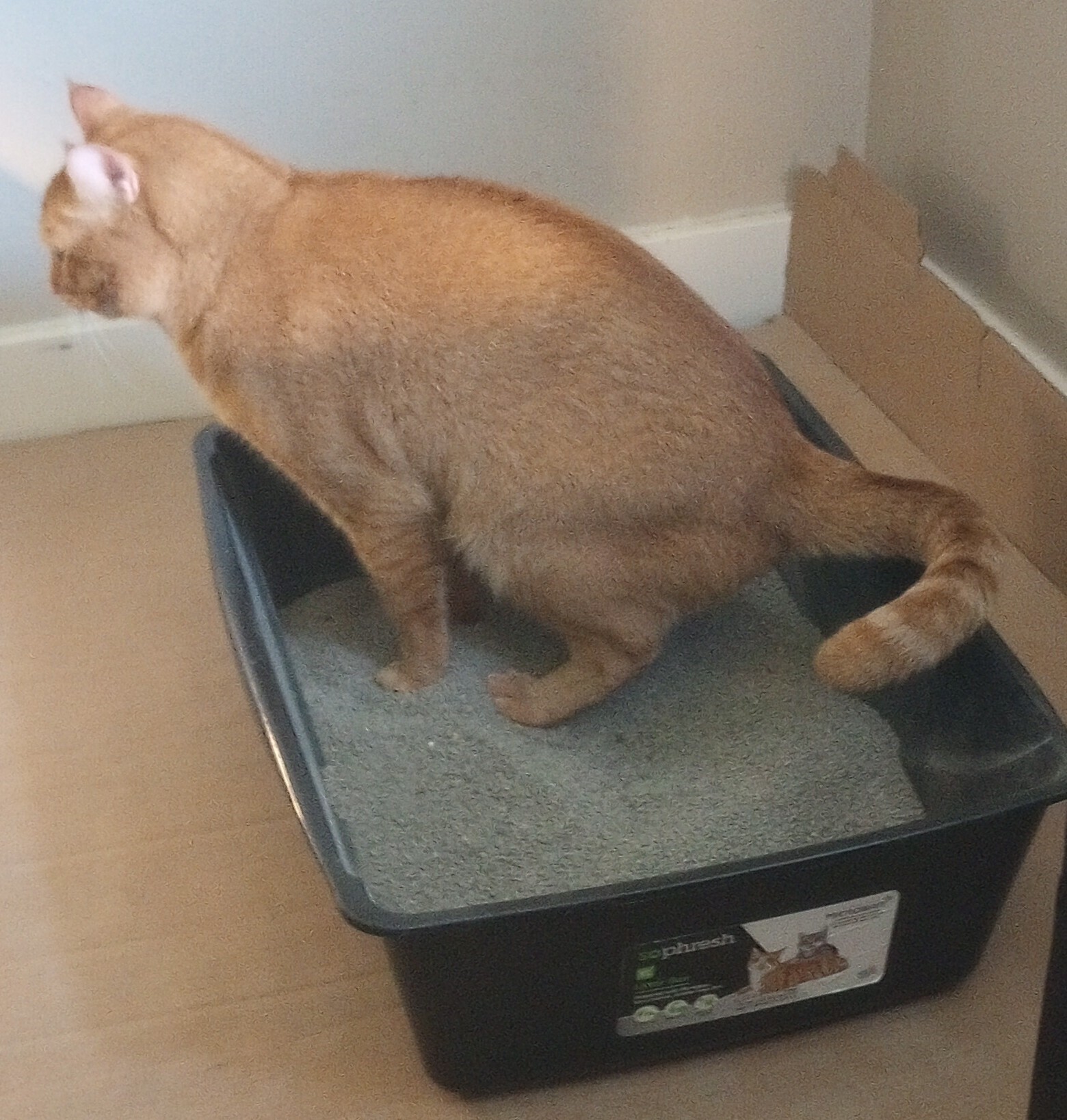
I think I need to throw some things out …