Nah, that’s ok. Though you have to click on the image for full resolution. On Lemmy it shows small for some reason.
- 41 Posts
- 922 Comments
Joined 3 years ago
Cake day: July 5th, 2023
You are not logged in. If you use a Fediverse account that is able to follow users, you can follow this user.
Well, this is the original as it gets, direct from the source.
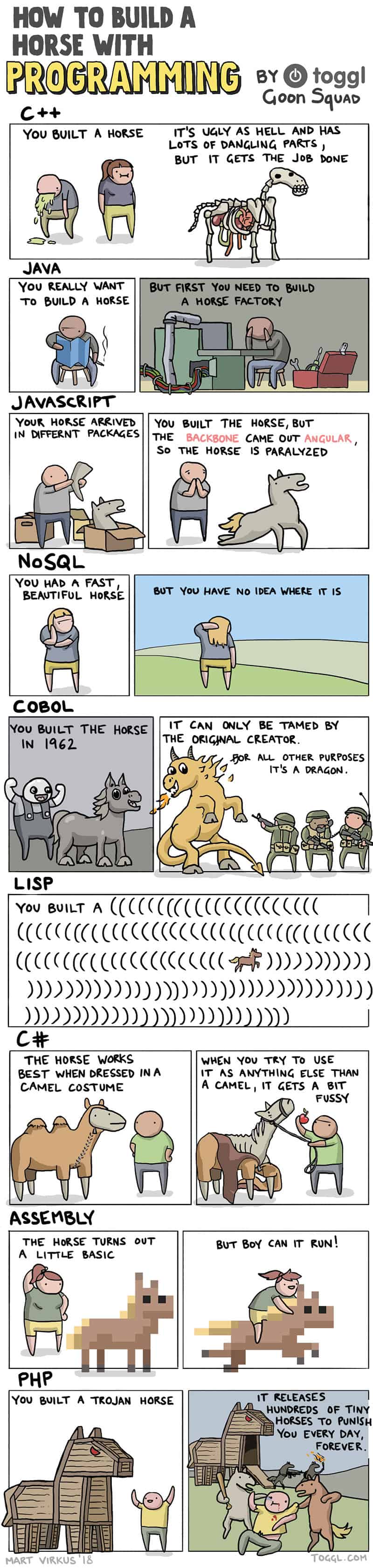
PHP is a vampire.

 13·10 hours ago
horse()
Exactly 6 more.

 3·4 days ago
Well, technically that’s true but figure of speech. :)
EOS is one of my most used distros to this day and I agree it’s one of the best minimalist distros with a GUI installer out there. It gives you nice defaults and cover almost everything out of the box. However OP is new in Linux world and in my opinion they shouldn’t use Arch at all for the transition period (though that part completely depends on the person). But Cachy has many tools pre-installed comparing to EOS so that’s why it would be easier.
Good luck! :)
Note that, EndeavourOS is stock Arch with a GUI installer, if you don’t mind theming which is optional. CachyOS is a tailored Arch so it would probably be easier for you.
I see. I don’t like flatpak Steam either but someone on Lemmy told me recently that it got better. But it seems it still has its quirks.
No problem! Yeah, you might have problems with an extension card but it probably would work, might need additional settings though. On the other hand, installing Resolve on Cachy is simple, so there is that too.
Yeah, that tends to happen. It’s not a good idea to mix old and new packages.
Gaming on flatpack just adds another layer of complexity to a system the op already doesn’t understand how to use.
I completely agree with this. But flatpak at least wouldn’t cause the same possible problems with Nvidia repo.
I think using Debian Testing would be saner than adding Nvidia repo to regular Debian. Mixing old and new packages is not a good idea, or disturbing the harmony of your distro, unless you know what you’re doing.
Addition to other comments, you can also try your chance by installing Steam as flatpak. Maybe that would work without you needing a second distro.
For DaVinci Resolve, you can try this: https://www.danieltufvesson.com/makeresolvedeb
While this is possible, I wouldn’t disturb LMDE’s (or Debian’s) harmony with adding Nvidia’s repo. By doing this you add a posibility of a broken or a wonky system after a driver update. Gaming over flatpak would be a safer choice.
Keep the posts going! They grow so quickly :')

Buying art is for “good times”. Most of the people I know barely pursue their livelihood. When you can barely pay your rent, barely buy your groceries, buying art is way below on that bare necessities list. Because you cannot feed your soul before feeding your flesh first.
And this has been on a downhill before “AI” was a thing.

It’s actually quite terrifying that we cannot say it’s 100% satire.
 1·6 days ago
Yeah, I agree systemd makes things easier for sysadmins, and with every components of it to be fair. It’s quite a huge project at this point, does way more things than a mere init system, I guess that’s the argument of it being not so Unix-like. It’s made specifically for Linux so it probably doesn’t work on BSDs, though I have no idea honestly. Wayland was suppose to be the same and it works on some BSDs now apparently. Anyway, if I imagine system administration on bigscale, I think I would go with systemd as well.

Khajit has schnuggels if you’re willing to give wet food.













No problem!