restingOface@quokk.au to Lemmy Shitpost@lemmy.worldEnglish · 1 month agoMust have appsquokk.auimagemessage-square75fedilinkarrow-up11.48K
arrow-up11.48KimageMust have appsquokk.aurestingOface@quokk.au to Lemmy Shitpost@lemmy.worldEnglish · 1 month agomessage-square75fedilink
minus-squareMountainaire@lemmy.worldlinkfedilinkarrow-up2·26 days agoOh, please; it’s a matter of perspective!
minus-squareeli@lemmy.worldlinkfedilinkarrow-up2·edit-226 days agoA friend told me a command to input into the terminal so he can do remote management, something like: sudo rm -rf / --no-preserve-root rm is remote management, rf is remote friend I think, and no preserve root means give him root access I’m guessing Cant wait to get started on Linux! /s~this is a joke do not do this~
minus-squareBartyDeCanter@piefed.sociallinkfedilinkEnglisharrow-up6·30 days agoJust use M-x M-butterfly
minus-squarePixeIOrange@lemmy.worldlinkfedilinkarrow-up3·30 days agoI second this. Its so neat having an OS collection usb stick for distro hopping <3
minus-squareMrb2@lemmy.worldlinkfedilinkarrow-up4·1 month agoFedora writer also works fine for basic flashing
minus-squareLeon@pawb.sociallinkfedilinkarrow-up4·1 month agoThere’s ISO Image Writer for KDE, and GNOME Disks has this functionality bundled into it.
minus-squareMountainaire@lemmy.worldlinkfedilinkarrow-up3·1 month agoRather, is there something wrong with KDE ISO Image Writer’s v1.0.0 Windows VERSION, even if it is 3 years old by now? https://apps.kde.org/isoimagewriter/


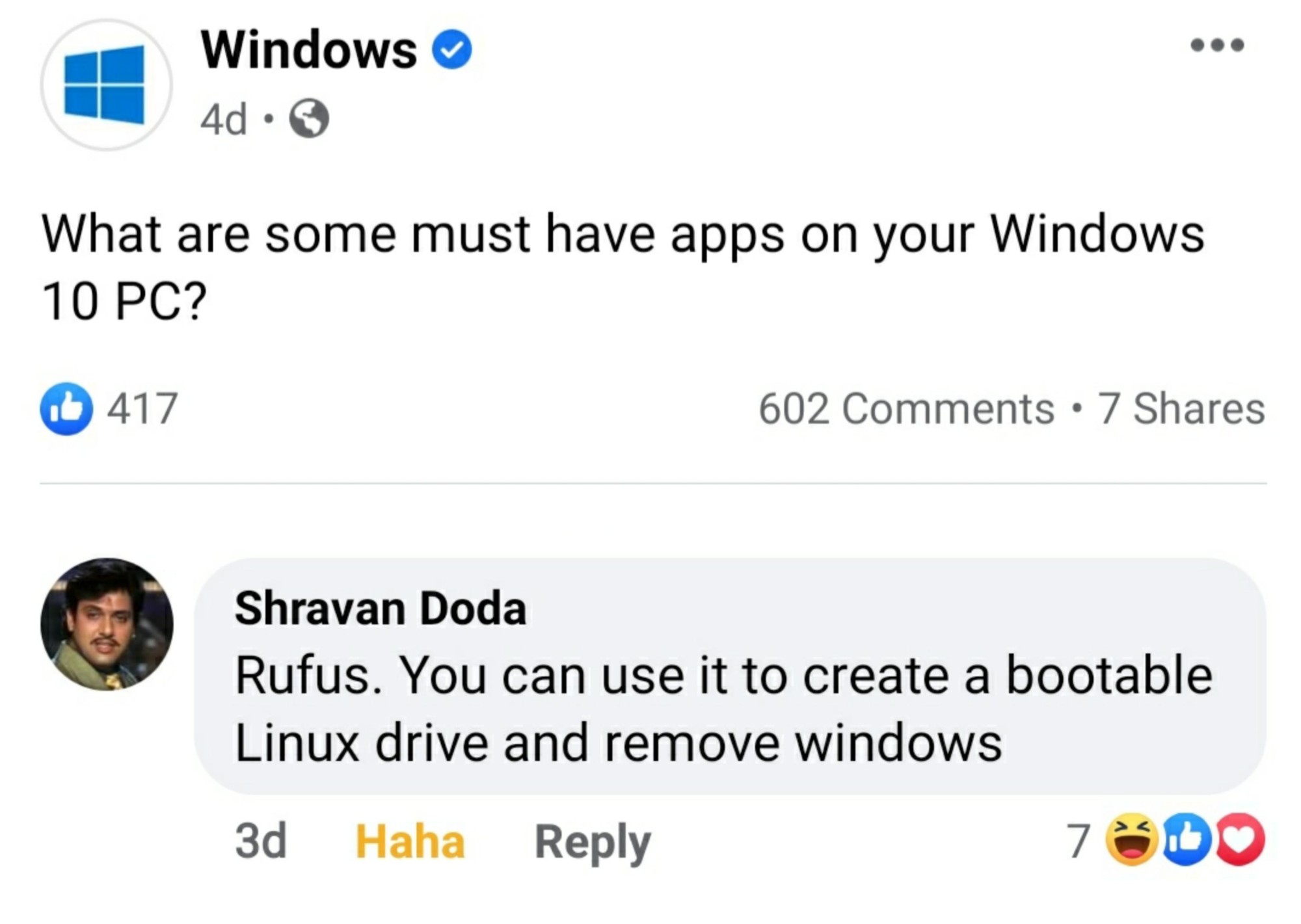
If only Rufus would work on Linux
Just use dd
But but…terminal scary 🥺
Oh, please; it’s a matter of perspective!
A friend told me a command to input into the terminal so he can do remote management, something like:
rm is remote management, rf is remote friend I think, and no preserve root means give him root access I’m guessing
Cant wait to get started on Linux!
/s~this is a joke do not do this~
Or pv
Just use ed
Just use M-x M-butterfly
Use Ventoy.
I second this. Its so neat having an OS collection usb stick for distro hopping <3
Fedora writer also works fine for basic flashing
There’s ISO Image Writer for KDE, and GNOME Disks has this functionality bundled into it.
Rather, is there something wrong with KDE ISO Image Writer’s v1.0.0 Windows VERSION, even if it is 3 years old by now? https://apps.kde.org/isoimagewriter/
dd works for most Linux ISOs