

I don’t really know much about M.2 slots and the different capabilities and how the key type corresponds, so I don’t want to spend money on something that won’t work.
There’s an unused slot on the motherboard marked ‘M.2 PCIe / SATA1’. I believe it’s M-keyed.
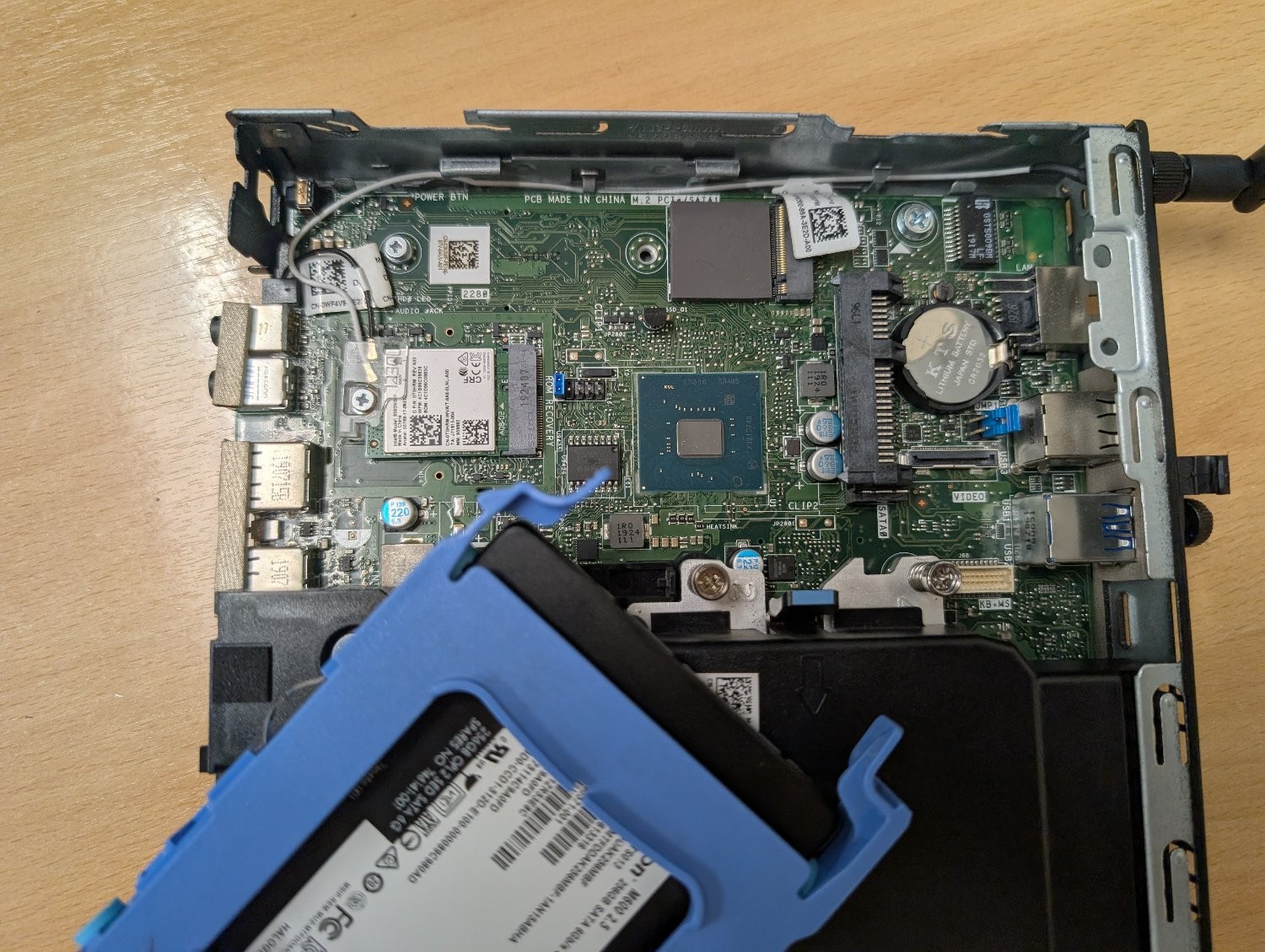
Can it be used with an M+B keyed adapter like this one? Or will it physically fit, but the socket itself isn’t wired to work with an ethernet adapter? Is there a command I can run to figure out the capabilities of that slot?
My plan is to use this machine as an OpenWrt router to replace the shitty Linksys one my ISP supplied, but it would obviously need a second ethernet socket. My home wifi is dealt with by a TP-Link mesh network, so I don’t need it to have wifi and bluetooth. I could use the slot that the networking card is using, but if I can retain those then that would be ideal for any future flexibility I may need.
Do note you can use a device with only one ethernet port as a router/firewall, if you have a managed switch, you just only get half-duplex speeds naturally.
You don’t strictly need a managed switch, but I would recommend it for security.
But where are you getting half duplex from? I’ve never seen anything support half duplex gigabit Ethernet. A router on a stick is as fast as your adapter chipset can push packets.
It’s not actually half duplex, but because every outbound packet needs an inbound twin (and vice versa) on the same cable, you get half-duplex rates for the interface in effect.
No, if everything supports it, you can can get full gigabit line rate in both directions at the same time.