

I don’t really know much about M.2 slots and the different capabilities and how the key type corresponds, so I don’t want to spend money on something that won’t work.
There’s an unused slot on the motherboard marked ‘M.2 PCIe / SATA1’. I believe it’s M-keyed.
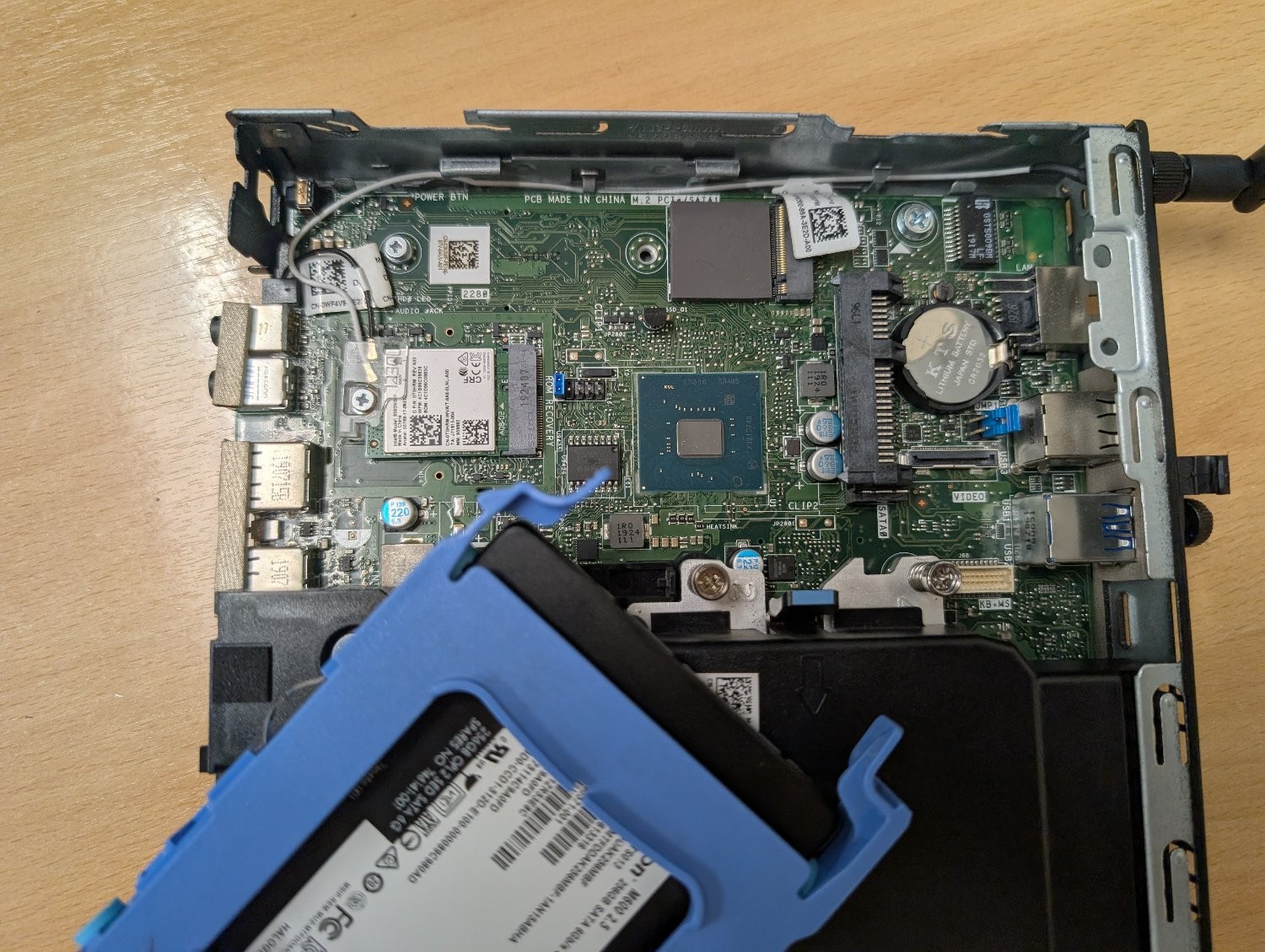
Can it be used with an M+B keyed adapter like this one? Or will it physically fit, but the socket itself isn’t wired to work with an ethernet adapter? Is there a command I can run to figure out the capabilities of that slot?
My plan is to use this machine as an OpenWrt router to replace the shitty Linksys one my ISP supplied, but it would obviously need a second ethernet socket. My home wifi is dealt with by a TP-Link mesh network, so I don’t need it to have wifi and bluetooth. I could use the slot that the networking card is using, but if I can retain those then that would be ideal for any future flexibility I may need.
This is the output of dmidecode
Handle 0x0026, DMI type 9, 17 bytes System Slot Information Designation: SLOT1_M.2 Type: x4 M.2 Socket 3 Current Usage: Available Length: Long Characteristics: 3.3 V is provided PME signal is supported Bus Address: 0000:ff:1f.7
Handle 0x0027, DMI type 9, 17 bytes System Slot Information Designation: SLOT2_M.2 Type: x1 M.2 Socket 1-SD Current Usage: In Use Length: Short Characteristics: 3.3 V is provided PME signal is supported Bus Address: 0000:ff:00.0
I’m guessing the top one is the M.2 in question, on account of it saying “Available”. And from what I understand having searched for some of the info on that, it should work, assuming the firmware allows for it.
The slot that is currently in use is the slower one since it’s only Type: x1. Depending on what you use the slot currently (such as an M.2 drive), you might wanna switch slots so you can take advantage of the speed; the x1 slot is completely adequate for 1gbps ethernet if you don’t need more. Both slots are otherwise functionally the same, but make sure to look up in your mainboard documentation if there’s any limitation if you use both slots or a specific hardware configuration (mine deactivated the second M.2 slot after changing from an 2600x to an 5950x for example)
I believe the fact that it comes up as a “slot” is positive. SATA m.2 connectors don’t show up under slots, they come under "connector"s with type SATA.