While this is the correct answer, in my case, with my LG OLED acting as a PC monitor, I have to leave networking on or else I have to manually power it on and off with the remote.
I don’t see how that’s much of a hassle. Also a lot of the time I’ll just open up all lackscreen.com and leave that open if I am walking away only for a bit
I would guess theres a way to create a VLAN that blocks internet access but allows local traffic. Though you would need more advanced networking equipment and knowhow to do it.
Or put Moonlight on a Raspberry Pi and hook it up to your TV for 1440p/144hz or 4K/60hz with significantly less latency. Plus you won’t require an app on the TV
What OS and remote are you going to use for that, though?
FWIW, I get like, maybe 14ms latency with Steam Link and that’s just over WiFi, it’s shockingly usable.
There’s something to be said about the convenience that off-the-shelf solutions provide over custom solutions, and that’s coming from someone who typically always opts for custom solutions.
I’ve done this in the past with Raspbian and the official Steam client, and set up Steam to launch in Big Picture mode, and used an X-Box controller to control it. Problem was my PC was old, so games would peg my CPU and give me bad latency due to poor encoding performance on the PC side.


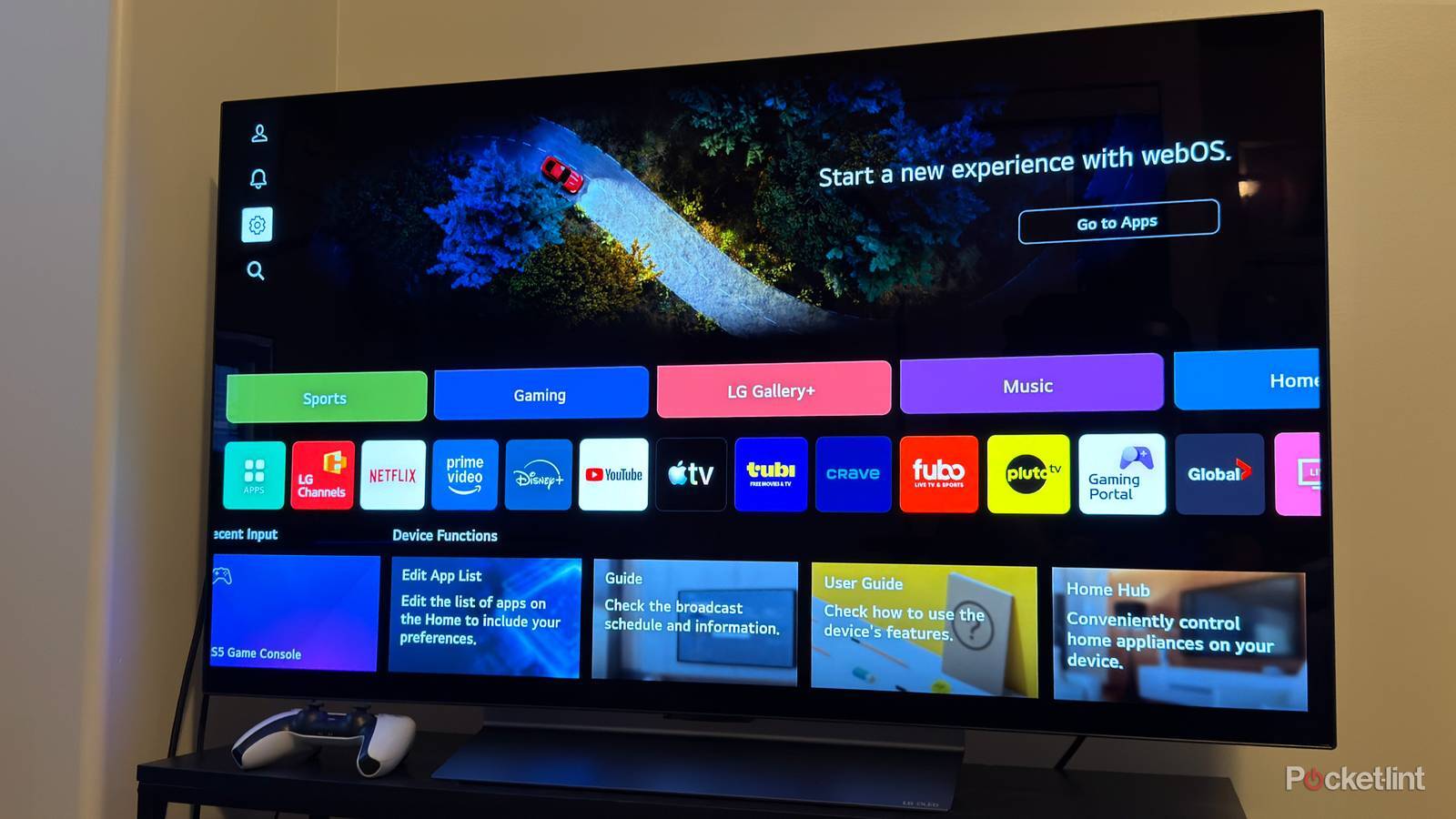
Rule #1 Do not connect tvs to wifi.
Problems solved.
While this is the correct answer, in my case, with my LG OLED acting as a PC monitor, I have to leave networking on or else I have to manually power it on and off with the remote.
What do you do with all that time you save?
I don’t see how that’s much of a hassle. Also a lot of the time I’ll just open up all lackscreen.com and leave that open if I am walking away only for a bit
This is true, but if you want 120Hz Steam Link on your TV, it’s usually the only way to achieve that.
I would guess theres a way to create a VLAN that blocks internet access but allows local traffic. Though you would need more advanced networking equipment and knowhow to do it.
Or put Moonlight on a Raspberry Pi and hook it up to your TV for 1440p/144hz or 4K/60hz with significantly less latency. Plus you won’t require an app on the TV
What OS and remote are you going to use for that, though?
FWIW, I get like, maybe 14ms latency with Steam Link and that’s just over WiFi, it’s shockingly usable.
There’s something to be said about the convenience that off-the-shelf solutions provide over custom solutions, and that’s coming from someone who typically always opts for custom solutions.
I’ve done this in the past with Raspbian and the official Steam client, and set up Steam to launch in Big Picture mode, and used an X-Box controller to control it. Problem was my PC was old, so games would peg my CPU and give me bad latency due to poor encoding performance on the PC side.