You know, that honestly does make me kind of wonder what an actually decent, modern low-memory configuration for a Linux desktop is. I generally avoid blingy desktop stuff, but I also usually max out the RAM on my systems. I did once, for the hell of it, use a 2GB (upgraded from 1GB) eeePC for a few years for work, just to see whether I could reasonably do it. Had a lot of other software engineers chuckling at me, but I put the thing on a cantilevered platform to put it right in front of my eyes, so the tiny screen filled most of my visual field, and used an external keyboard with it. I used it mostly to run a web browser and terminals on a remote Linux system, so mostly as a thin client, was doing compilation and such remotely. The basic configuration, aside from being Xorg, i3, and urxvt instead of Wayland, sway, and foot, was pretty similar to my current configuration — just that I had about 2% of the memory I presently do. I didn’t run heavyweight things, like games, compilations, etc. I’m pretty sure that I occasionally used LibreOffice locally, though.
I kind of wonder if I could reasonably use a 2GB Linux desktop system today without too many tradeoffs. A lot of games would be off the table, but outside of that…I wonder if current browsers could be made to run in a reasonably low-memory configuration.
You can definitely run a 2GB Linux system now if you’re using it like a traditional Unix system, console only — there are much smaller, specialized Linux systems out there, like OpenWRT routers. But I’m talking graphical and at least lightweight use of typical productivity software.
Table 3.2. Recommended Minimum System Requirements
Install Type
RAM (minimum)
RAM (recommended)
Hard Drive
No desktop
512MB
1GB
4GB
With Desktop
1GB
2GB
10GB
The actual minimum memory requirements are a lot less than the numbers listed in this table. With swap enabled, it is possible to install Debian with as little as 350MB. The same goes for the disk space requirements, especially if you pick and choose which applications to install; see Section D.2, “Disk Space Needed for Tasks” for additional information on disk space requirements.
The installer normally automatically enables memory-saving tricks to be able to run on such low-memory system, but on architectures that are less tested it may miss doing so. It can however be enabled manually by appending the lowmem=1 or even lowmem=2 boot parameter (see also Section 6.3.1.1, “Check available memory / low memory mode” and Section 5.3.2, “Debian Installer Parameters”).
Installation on systems with less memory[2] or disk space available may be possible but is only advised for experienced users.
It is possible to run a graphical desktop environment on older or low-end systems, but in that case it is recommended to install a window manager that is less resource-hungry than those of the GNOME or KDE Plasma desktop environments; alternatives include xfce4, icewm and wmaker, but there are others to choose from.
That being said, there are going to be applications that can, based on workload, definitely not work reasonably on such a system. Dunno how Chromium/Firefox would do, as one of the two is kind of essential for most desktops today. The OS can only do so much there, aside from getting other things out of the way and maybe using compressed swap.
EDIT2: Apparently, on low-memory systems, Firefox will unload the content of background tabs, and has a priority list for unloading them; this is visible in about:unloads. That sounds like it’s a substantial part of its low-memory strategy. I suppose in the case of extreme memory pressure, you’d only ever have one tab, the visible one, actually rendered and residing in memory.
I have an Acer Aspire One (very low spec mini laptop from ~2010) with 2GB of ram; it runs modern linux distros with xfce with better performance than it had running Windows 7 when it was new (which is what it came pre-installed with). Doesn’t run much modern software obviously but it does work for web browsing (firefox). It’s noticeably slow, but it always was.
About the same, I have an old netbook HP Mini 311 with an Atom 270 or something, it came with 1GB of RAM and winXP, I installed another 2GB to have 3GB, worked fine, then installed MX Linux with Xfce, even the nvidia GPU was working fine in it.
For fun I tried to install win10Pro, it worked!!! was basically unusable, but it booted to the desktop.
Yeah, though last I looked, Xfce was still really X11-only, so unless that’s changed, I’m assuming that you’re running X11. A lot of my unknown here is “how does a Wayland-based system operate under low memory environments”, because that — well, and systemd, but I’d bet that systemd is less memory-critical — is probably the largest chunk of the system that got replaced in recent years.
searches
It sounds like it’s working in very preliminary form, but they’ve got a ways to go:
For Xfce 4.20, the plan was to add preliminary support to Wayland to core components without losing X11 support. This doesn’t mean that by the next major release an Xfce session on Wayland will offer all existing features, but we hope it will be minimally usable. We also intend to continue refining our applications to work acceptably on Wayland (those that already work or can be made to work with low effort).
For Xfce 4.22, the stabilization work continues. Reaching X11 feature parity is not yet our target.
We are now working on our own Wayland compositor. It is very early, under heavy development, and not usable yet. Please see its FAQ for further information.


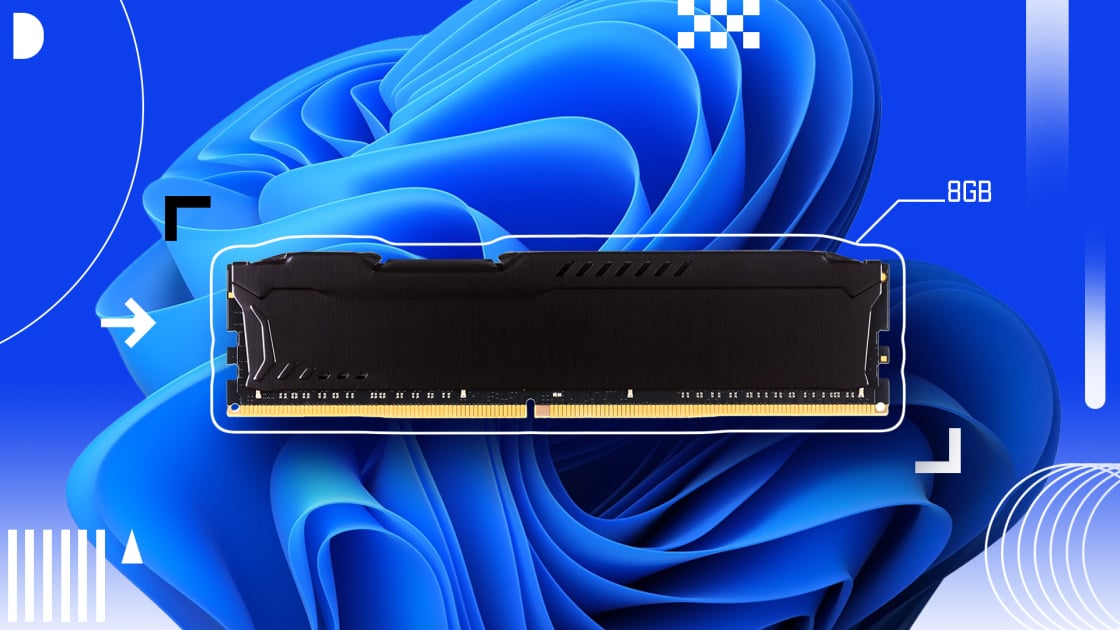
You know, that honestly does make me kind of wonder what an actually decent, modern low-memory configuration for a Linux desktop is. I generally avoid blingy desktop stuff, but I also usually max out the RAM on my systems. I did once, for the hell of it, use a 2GB (upgraded from 1GB) eeePC for a few years for work, just to see whether I could reasonably do it. Had a lot of other software engineers chuckling at me, but I put the thing on a cantilevered platform to put it right in front of my eyes, so the tiny screen filled most of my visual field, and used an external keyboard with it. I used it mostly to run a web browser and terminals on a remote Linux system, so mostly as a thin client, was doing compilation and such remotely. The basic configuration, aside from being Xorg, i3, and urxvt instead of Wayland, sway, and foot, was pretty similar to my current configuration — just that I had about 2% of the memory I presently do. I didn’t run heavyweight things, like games, compilations, etc. I’m pretty sure that I occasionally used LibreOffice locally, though.
I kind of wonder if I could reasonably use a 2GB Linux desktop system today without too many tradeoffs. A lot of games would be off the table, but outside of that…I wonder if current browsers could be made to run in a reasonably low-memory configuration.
You can definitely run a 2GB Linux system now if you’re using it like a traditional Unix system, console only — there are much smaller, specialized Linux systems out there, like OpenWRT routers. But I’m talking graphical and at least lightweight use of typical productivity software.
EDIT: Debian says yes for the current release:
https://www.debian.org/releases/trixie/amd64/ch03s04.en.html
That being said, there are going to be applications that can, based on workload, definitely not work reasonably on such a system. Dunno how Chromium/Firefox would do, as one of the two is kind of essential for most desktops today. The OS can only do so much there, aside from getting other things out of the way and maybe using compressed swap.
EDIT2: Apparently, on low-memory systems, Firefox will unload the content of background tabs, and has a priority list for unloading them; this is visible in
about:unloads. That sounds like it’s a substantial part of its low-memory strategy. I suppose in the case of extreme memory pressure, you’d only ever have one tab, the visible one, actually rendered and residing in memory.I have an Acer Aspire One (very low spec mini laptop from ~2010) with 2GB of ram; it runs modern linux distros with xfce with better performance than it had running Windows 7 when it was new (which is what it came pre-installed with). Doesn’t run much modern software obviously but it does work for web browsing (firefox). It’s noticeably slow, but it always was.
About the same, I have an old netbook HP Mini 311 with an Atom 270 or something, it came with 1GB of RAM and winXP, I installed another 2GB to have 3GB, worked fine, then installed MX Linux with Xfce, even the nvidia GPU was working fine in it.
For fun I tried to install win10Pro, it worked!!! was basically unusable, but it booted to the desktop.
Yeah, though last I looked, Xfce was still really X11-only, so unless that’s changed, I’m assuming that you’re running X11. A lot of my unknown here is “how does a Wayland-based system operate under low memory environments”, because that — well, and systemd, but I’d bet that systemd is less memory-critical — is probably the largest chunk of the system that got replaced in recent years.
searches
It sounds like it’s working in very preliminary form, but they’ve got a ways to go:
https://wiki.xfce.org/releng/wayland_roadmap