It does everything you need with ONE exception I’ve found: if you use it for your file manager (I do) and you find that you need to quickly select a few items based on image preview, it is not great. Now you can solve this with vifm or something, or just launch dolphin or something every once in awhile.
I didn’t know a thumbnail viewer existed, I will have to try. Historically I have used sxiv in tabbed mode and just tried to remember filenames which is obnoxious.
Oof, yeah that’s hard.
yazi is a full tui file manager that can do image and other file previews, so you can flip through a directory, mark the files you want to move/delete/whatever, then hit the command to do it. lsix is basically ls for images, it generates and displays thumbnails for each file. Or can just do it from emacs.


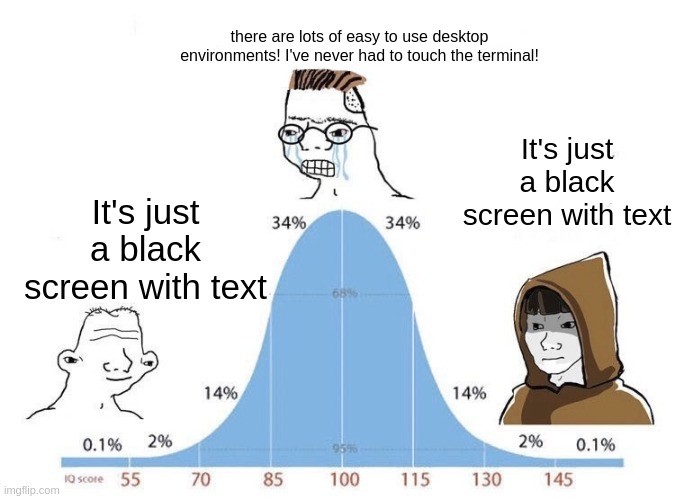
Terminal gang!
It does everything you need with ONE exception I’ve found: if you use it for your file manager (I do) and you find that you need to quickly select a few items based on image preview, it is not great. Now you can solve this with vifm or something, or just launch dolphin or something every once in awhile.
Have you used a terminal file manager with image preview like yazi? Or just a thumbnail viewer like lsix?
I didn’t know a thumbnail viewer existed, I will have to try. Historically I have used sxiv in tabbed mode and just tried to remember filenames which is obnoxious.
Oof, yeah that’s hard. yazi is a full tui file manager that can do image and other file previews, so you can flip through a directory, mark the files you want to move/delete/whatever, then hit the command to do it. lsix is basically ls for images, it generates and displays thumbnails for each file. Or can just do it from emacs.