I switched from 10 years of Openbox to KDE Plasma. This also means from Xorg to wayland.
Plasma is great, it has almost everything. One thing I’m missing (until I’m able to write my own plasmoids/widgets) is what conky provides: a constantly updating overview of my top processes, what’s eating resources.
If you ever tried to hack your own conky you must know how fragile it can be. Plus, it’s even more fragile on wayland. Most people run it in Xwayland, many unwittingly, but that didn’t work for me either.
Let’s not dwell on these things (more than a decade of faffing around with conky. It usually runs stable once it’s set up, but getting there is beyond painful).
Every time I thought I had it running stably without freezing or disappearing, something new happened… aaaarrrgghh
Until I decided fuck it, I’ll run it in the terminal. Much more stable. And with Konsole* & Kwin I can make it look really good.
* I tried it with Alacritty first, but it flickers!
The workflow, if you are interested:
::: spoiler
The conky config
conky.config = {
	background = false,

	out_to_x = false,
	out_to_console = true,
	out_to_ncurses = false, -- the terminal gets messed up with console_graphs
	out_to_stderr = false,
	out_to_wayland = false,

	-- replace dumb ascii characters, e.g. in console bars, with nice unicode characters
	lua_load = "~/.config/conky/lua/scripts.lua",
	-- see how these chars are replaced in the lua functions above:
	console_bar_unfill = 'a',
	console_bar_fill = 'b',
	console_graph_ticks = "a,b,c,d,e,f,g",
	use_spacer = 'left',

	-------------------
	update_interval = 3,
	--------------------

	total_run_times = 0,

	cpu_avg_samples = 2,
	diskio_avg_samples = 2,
	net_avg_samples = 2,
	no_buffers = true,

-- 	max_text_width = 30, -- does nothing in console/ncurses
	pad_percents = 3,
	short_units = true,
	format_human_readable = true,
	if_up_strictness = address,
	top_name_width = 30,
	top_name_verbose=true,
	override_utf8_locale = true,
	template0 = '${lua rst}${lua blk_brt}${lua fill ┄ 45}${lua rst}', -- ┈🭸 a horizontal line 45 chars wide
	template1 = [[${lua rst}${lua tab}${top name \1} ${if_match "${top cpu \1}" == "  0.00"}      $else${top cpu \1}$endif ${if_match "${top mem \1}" == "  0.00"}      $else${top mem \1}$endif]],
};

conky.text = [[
${lua rst}${lua cls}${lua cyn_brt}${lua cpad 45 ${kernel}}${lua tab}${lua cyn_brt}Name                              CPU%   MEM%
${template0}${lua tab}${template0}
${lua cyn_brt}RAM${lua rst} $mem/$memmax $memperc%    ${lua cyn_brt}SWAP${lua rst} $swap/$swapmax $swapperc%${template1 1}
${lua cyn_brt}CPU${lua rst} ${freq_g 0}GHz${cpu cpu0}% ${lua mag_brt}${lua bar_to_uni ${cpubar cpu0 1,29}}${template1 2}
               ${lua mag_brt}  1${lua rst} ${freq_g 1}GHz${cpu cpu1}%  ${lua mag_brt}2${lua rst} ${freq_g 2}GHz${cpu cpu2}%${template1 3}
               ${lua mag_brt}  3${lua rst} ${freq_g 3}GHz${cpu cpu3}%  ${lua mag_brt}4${lua rst} ${freq_g 4}GHz${cpu cpu4}%${template1 4}
${lua mag_brt}${lua graph_to_uni ${cpugraph cpu0 1,45 -l}}${template1 5}
${lua cyn_brt}Load  ${lua rst}1min: ${lua red_brt}${lua rpad 6 ${loadavg 1}}${lua rst} 5min: ${lua red_brt}${lua rpad 6 ${loadavg 2}}${lua rst}  15min:${lua red_brt}${lua lpad 6 ${loadavg 3}}${template1 6}
${template0}${template1 7}
${lua cyn_brt}FS root: ${lua rst}${fs_used /}/${fs_size /} ${lua cyn_brt}${lua bar_to_uni ${fs_bar 1,24 /}}${template1 8}
${lua cyn_brt}FS data: ${lua rst}${fs_used /home/ssd256_data}/${fs_size /home/ssd256_data} ${lua cyn_brt}${lua bar_to_uni ${fs_bar 1,24 /home/ssd256_data}}${template1 8}
${template0}${lua tab}${template0}
${if_up enp0s20u2}
${lua cyn_brt}USB ethernet${lua rst}      up:${lua grn_brt}${upspeedf enp0s20u2}K${lua rst}   dn:${lua grn_brt}${downspeedf enp0s20u2}K${lua tab}$else${if_up wlan0}
${lua cyn_brt}WLAN${lua rst}              up:${lua grn_brt}${upspeedf wlan0}K${lua rst}   dn:${lua grn_brt}${downspeedf wlan0}K$else

${lua fill S 45}$endif${lua tab}$endif${lua cyn_brt}${if_match "$mpd_status" == "Playing"}${scroll wait 45 1 ${uppercase ${mpd_smart}}}
]]
The accompanying scripts.lua
#!/usr/bin/lua
-- we make our own ncurses :-D
function conky_rst() -- reset
return '[0m'
end
function conky_cls() -- clear screen
return '[H[2J[3J'
end
function conky_nl() -- newline
return string.char(10)
end
function conky_blk_nrm()
return '[0;30m'
end
function conky_blk_brt()
return '[1;30m'
end
function conky_blk_dim()
return '[2;30m'
end
function conky_blk_uln()
return '[4;30m'
end
function conky_blk_bln()
return '[5;30m'
end
function conky_blk_rev()
return '[7;30m'
end
function conky_blk_del()
return '[9;30m'
end
function conky_red_nrm()
return '[0;31m'
end
function conky_red_brt()
return '[1;31m'
end
function conky_red_dim()
return '[2;31m'
end
function conky_red_uln()
return '[4;31m'
end
function conky_red_bln()
return '[5;31m'
end
function conky_red_rev()
return '[7;31m'
end
function conky_red_del()
return '[9;31m'
end
function conky_grn_nrm()
return '[0;32m'
end
function conky_grn_brt()
return '[1;32m'
end
function conky_grn_dim()
return '[2;32m'
end
function conky_grn_uln()
return '[4;32m'
end
function conky_grn_bln()
return '[5;32m'
end
function conky_grn_rev()
return '[7;32m'
end
function conky_grn_del()
return '[9;32m'
end
function conky_ylw_nrm()
return '[0;33m'
end
function conky_ylw_brt()
return '[1;33m'
end
function conky_ylw_dim()
return '[2;33m'
end
function conky_ylw_uln()
return '[4;33m'
end
function conky_ylw_bln()
return '[5;33m'
end
function conky_ylw_rev()
return '[7;33m'
end
function conky_ylw_del()
return '[9;33m'
end
function conky_blu_nrm()
return '[0;34m'
end
function conky_blu_brt()
return '[1;34m'
end
function conky_blu_dim()
return '[2;34m'
end
function conky_blu_uln()
return '[4;34m'
end
function conky_blu_bln()
return '[5;34m'
end
function conky_blu_rev()
return '[7;34m'
end
function conky_blu_del()
return '[9;34m'
end
function conky_mag_nrm()
return '[0;35m'
end
function conky_mag_brt()
return '[1;35m'
end
function conky_mag_dim()
return '[2;35m'
end
function conky_mag_uln()
return '[4;35m'
end
function conky_mag_bln()
return '[5;35m'
end
function conky_mag_rev()
return '[7;35m'
end
function conky_mag_del()
return '[9;35m'
end
function conky_cyn_nrm()
return '[0;36m'
end
function conky_cyn_brt()
return '[1;36m'
end
function conky_cyn_dim()
return '[2;36m'
end
function conky_cyn_uln()
return '[4;36m'
end
function conky_cyn_bln()
return '[5;36m'
end
function conky_cyn_rev()
return '[7;36m'
end
function conky_cyn_del()
return '[9;36m'
end
function conky_whi_nrm()
return '[0;37m'
end
function conky_whi_brt()
return '[1;37m'
end
function conky_whi_dim()
return '[2;37m'
end
function conky_whi_uln()
return '[4;37m'
end
function conky_whi_bln()
return '[5;37m'
end
function conky_whi_rev()
return '[7;37m'
end
function conky_whi_del()
return '[9;37m'
end
function conky_def_nrm()
return '[0;39m'
end
function conky_def_brt()
return '[1;39m'
end
function conky_def_dim()
return '[2;39m'
end
function conky_def_uln()
return '[4;39m'
end
function conky_def_bln()
return '[5;39m'
end
function conky_def_rev()
return '[7;39m'
end
function conky_def_del()
return '[9;39m'
end
function conky_tab()
-- ┊🮇⋮┊⦙⸽|︳⏐|┆
return ' [1;30m┆[0m ' -- first black_bright, then reset
end
function conky_fill(char,num) -- pass S for spaces (no idea how to pass spaces in conky)
return string.rep((char == 'S' and ' ' or char),num)
end
function conky_bar_to_uni(str)
local bar_fill_map = {
a = '⠠',
-- a = '🞍',
-- a = '🞌',
-- a = '⬝',
-- a = '🭺',
b = '⠶',
-- b = '⯀',
-- b = '■',
-- b = '█',
-- b = '▇',
-- b = '⠿',
-- b = '',
}
return string.gsub(conky_parse(str), "%w", bar_fill_map)
end
function conky_lpad(num,str)
local pad = '%'..num..'s'
return string.format(pad,conky_parse(str))
end
function conky_rpad(num,str)
local pad = '%-'..num..'s'
return string.format(pad,conky_parse(str))
end
function conky_cpad(num,str)
out = conky_parse(str)
len = #out
pad = num - len
left = pad//2 + pad%2 + len
lpad = '%'..left..'s'
out = string.format(lpad,out)
rpad= '%-'..num..'s'
return string.format(rpad,out)
end
function conky_graph_to_uni(str)
local graph_ticks_map = {
a = '⣀',
b = '⣄',
c = '⣤',
d = '⣦',
e = '⣶',
f = '⣷',
g = '⣿',
-- a = ' ',
-- -- a = '_',
-- b = '▁',
-- c = '▂',
-- d = '▃',
-- e = '▄',
-- f = '▅',
-- g = '▆',
-- h = '▇',
-- i = '█',
}
return string.gsub(conky_parse(str), "%w", graph_ticks_map)
end
Yes, it could do with some improvement.
All this is started through a desktop file in ~/.config/autostart:
[Desktop Entry]
Name=Conky Konsole
TryExec=konsole
Exec=konsole --profile conky-tui --qwindowtitle conky_tui_konsole --separate -e /bin/rbash -c 'tput civis; conky -c ~/.config/conky/conky-tui2.conf'
Icon=conky-logomark-violet
NoDisplay=true
StartupNotify=false
Type=Application
SingleMainWindow=true
I also created a konsole profile that must have the exact dimensions for this conky, also the color scheme likely needs to be edited so that Background color is exactly the same as Color 1, because of transparency. You’ll understand when you see it.
So far this gives us something like this (previous version):

Now I right-click on the titlebar -> more actions -> special window settings. The window must be uniquely recognizable through its title ‘conky_tui_konsole’. I remove borders, make it appear on all desktops, stay below, and put it in the position where I want it. It takes a while to understand the UI. In the end I get this extra entry in ~/.config/kwinrc (I love KDE! The combo of having a gui menu for everything, yet still simple editable config files is just 😙👌):
[uuid-uuid-uuid-uuid]
Description=Window settings for conky_tui_konsole
acceptfocusrule=2
below=true
belowrule=3
desktops=\\0
desktopsrule=3
fsplevel=4
fsplevelrule=2
noborder=true
noborderrule=3
position=740,610
positionrule=3
skippager=true
skippagerrule=3
skipswitcher=true
skipswitcherrule=3
skiptaskbar=true
skiptaskbarrule=3
title=conky_tui_konsole — Konsole
titlematch=1
types=1
wmclass=konsole org.kde.konsole
wmclasscomplete=true
wmclassmatch=1
Voilá. I’m a happy hacker now.
:::
I edited this post to show the newest version, both screenshot and code.
You must log in or register to comment.
Fluxbox + Conky was my very first linux desktop and the first conf files I wrote. They’ll always have a special place in my heart.
Mine too. Cutting your teeth with fluxbox was such a way to go.
Well even in 2026 I find no desktop widget that does exactly what I can do with conky (it’s mostly the constantly updating process monitor). Yes, there’s one in the store, but it has only 1 or 2 config options.
Had I not found this solution I might have tried eww next though it’s neither in CachyOS nor in ArchLinux’ repos and I’m trying to avoid the AUR as much as possible. Have been doing that for years actually.
Remember Fluxbuntu? or Linux Mint Fluxbox Edition? Those were one of my first, too.
Conky sucks? When did this happen? 😆
Glad to hear you like the change from OpenBox to KDE. I made the opposite switch some 10 years ago, and don’t really see a reason to return. What made you go back to a DE, asking out of
FOMOcuriosity?An abundance of software unified under one toolkit, with extreme levels of configurability. And theming. I got so tired of having to set everything up myself, make Qt apps follow the GTK3 theme, GTK4 apps still remaining unthemed, and Openbox theming always on the side. All the twiddling that comes from being your own session manager.
And KDE runs really light when you adjust it just a little, esp. on CachyOS.
PS
Conky sucks? When did this happen? 😆
You seriously can’t relate?
And KDE runs really light when you adjust it just a little, esp. on CachyOS.
You mean I can make CachyOS go even faster??? Any tips on what to adjust?
You mean I can make CachyOS go even faster??? Any tips on what to adjust?
I meant KDE: disable (most) animations, disable file indexing. Use widgets sparingly.
Actually, make sure to enable only what you need. The System Settings are enormous.My prejudice of KDE being a heavy DE is pretty old. I think they just figured a lot of stuff out in the meantime without going the route of “let’s throw more RAM and CPU at badly coded programs” certain other GUI providers go.
PS: what’s with the empty blockquotes? I’m seeing this rather often.
I can defo follow the complications of theming part, yeah. But I’m also a Basic Betty in that I’m fine with a bare bones dark mode. OpenBox mostly gets out of my way and lets me just work without being annoyed with the window appearance.
Same with Conky — I don’t do anything fancy with it, it’s a few plains system Info’s, set it and forget it. So it’s really only when I change hardware I need to muck about with the .rc.
KDE… I fiddled endlessly with themes and widgets, etc. to get it just so. Then I’d get annoyed that some little detail wasn’t immediately customisable to my liking and spend hours finding alternatives and workarounds 😆
I think minimalism is really better for my personal wellbeing. But I’m always curious how others choose and customise their workspace 👍
I know I’m going to get this sort of speech from now on; after all I was the one giving it for the longest time.
set it and forget it
Well it’s the setting part I’m talking about. Changing display servers will do that.
I didn’t intend to make a speech, apologies! Most of the time on here I’m just typing my stream of consciousness out 😄
I don’t want to rain on your parade, and I congratulate your achievement…
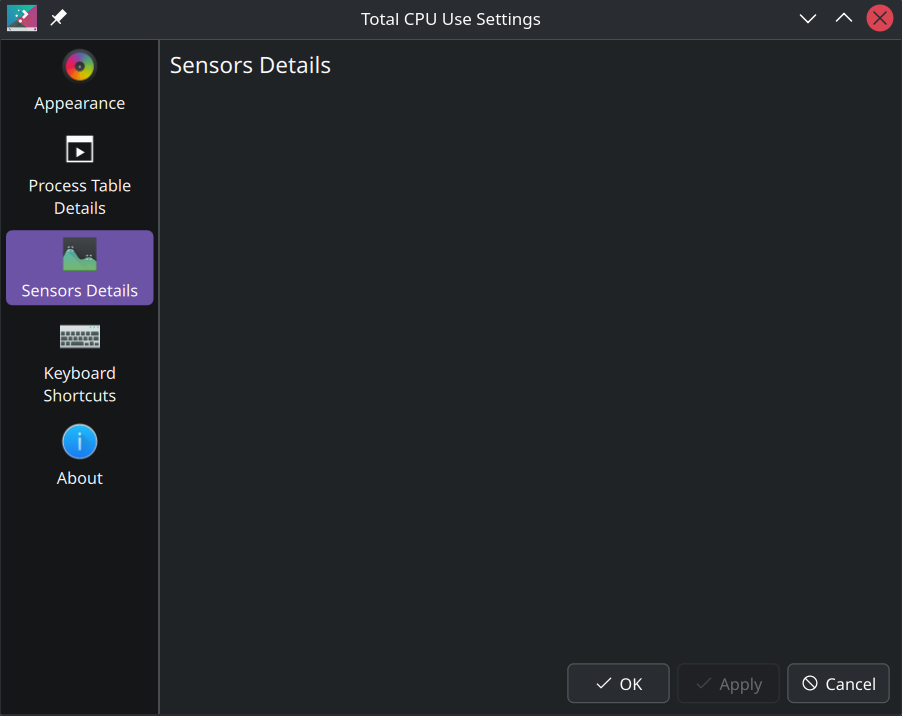
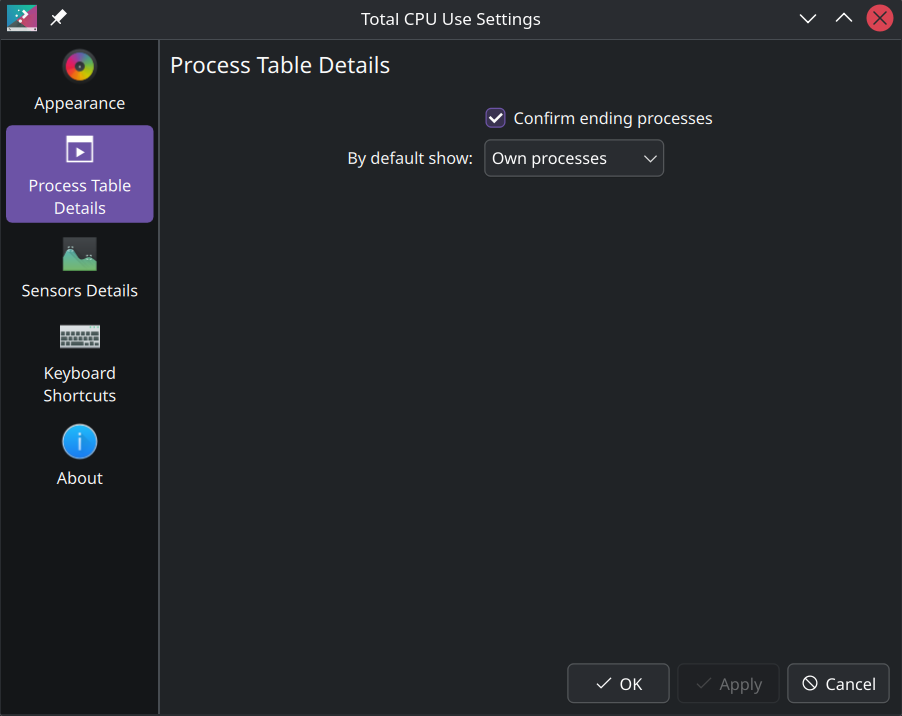
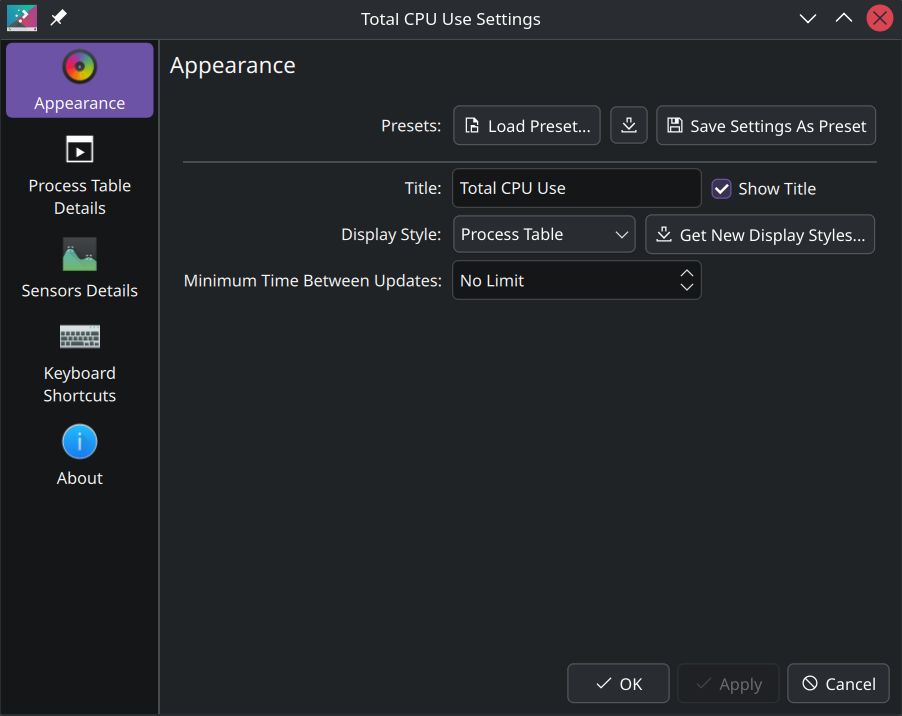
There is a process table widget built into KDE :

Did you already know about this? If you did, what did you dislike about it?
This one doesn’t look that nice.
The issue is that it’s a GUI and therefore stinky 🤢💩
Is catbox.moe offline? I can’t open the image even when copy-pasting the link, not even in Tor Browser…
Anyhow, please tell me more. Is it in the store or installable as software? I didn’t see anything that scratches my itch.
And feel free to rain if you want to.
OK catbox.moe was offline only for a short while.
process table widget built into KDE
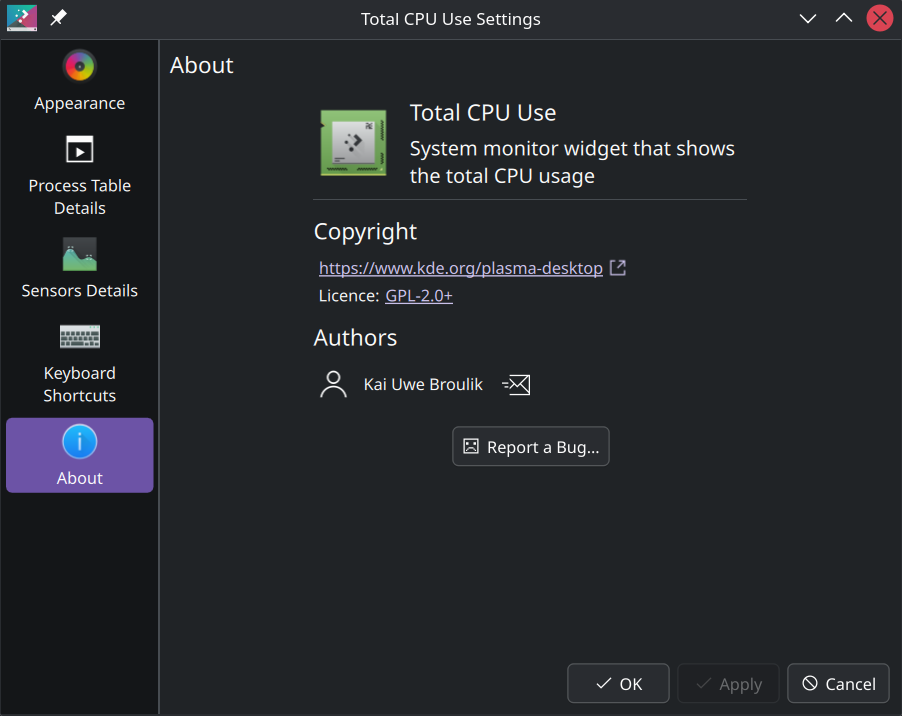
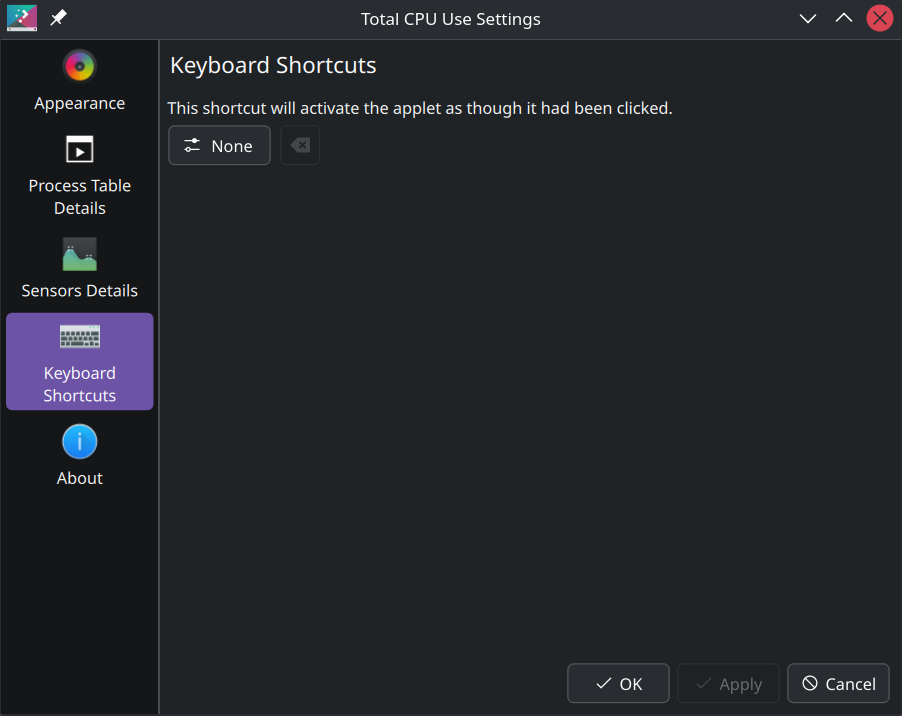
I actually started off with “Total CPU Use” but it seems to have a bug in CachyOS because when I choose process table it becomes empty. Or is there some other setting that needs to be tweaked as well?
Thanks for taking the time. It works now, and I have a suspicion I know why it didn’t before - I had installed something called Awesome-widgets (for Plasma) that I removed since. Or a simple system upgrade.
I’m glad it works. I’m sure it’s fulfilling to have sorted it out by yourself, but it’s always useful to know what you have in your toolbelt before making your own tools.
Are you going to stay with your own creation and continue fill yourself with deserved pride or will you switch to the generic brand and stay consistent with existing solutions?
Testing to see the overlap between this and TPBs
 .
.Thumbs up if you know, thumbs down if you don’t
Been using conky for over 10 years. You think I never investigated what the name means?
Conky himself used to be the default icon even.BTW there used to be an Android version of conky called Moss.

I miss that show
Conky forever!
a constantly updating overview of my top processes, what’s eating resources.
Why would you need that?
Assuming you are using a minimal install of any distro, you already know all non essential services running because you installed them. As long as you didn’t install a package group of plasma with all its apps, you will already only have the things you need running, so your tab will mostly consist of
„Ah yes, the machine made to be used is used. What an abhorrence!”
like yes, vlc is indeed running and I am using all my processor cores to transcode a movie, am I gonna clamp a 5v cable to my tongue and manually read out the sectors on my drive by licking it in order, take a pen and paper and manually encode the movie to h.264?
Also BTW if you don’t see performance problems, running htop all the time is just a waste of the resources you are so eager to preserve
You have a problem with people doing things differently than you? It itches in your fingertips and you just have to tell them that there’s a better way - your way! - right?
And yes, htop is surprisingly resource intensive. Good I’m not using it (all the time).
Try btop, it’s prettier and even includes gpu.
Funny just a few hours ago I noticed that it ships with my distro. Yeah, it’s nice and runs much lighter than htop. Bit large and overwhealming for pinning to the desktop though, and fiddling with conky is so much fun (now that I cut out the frustration).
BTW, I am prettier than you. There, I think we’re even now.
wondering what’s the reason you’re on the LTS kernel?
To not have fuck about with it except for special occurrences