I finally made the switch to Mint recently. My day to day experience is so much better. I set up a fresh Windows VM so I could keep using a few programs that don’t play well with wine, and even having to purchase a new activation key for it was totally worth it to have it segregated out from my day to day. And I’d guess that not all that many people really need the specialty stuff I do.
Do a little research on what you use daily and/or can’t live without, but I can confirm that it isn’t as complicated as you might think.
I’ve got a Mint box that I use for file sharing and it gets by just fine. Set that up a year ago and the worst problem I had with the conversion was my old hard drive crapping out in the middle of it.
But I’m waiting for a nice long weekend to back everything up and do a proper upgrade. My computer doubles as a home theater and I know I’m going to have at least a day or two of “Why doesn’t thing thing that used to work do what its supposed to anymore?” while I juggle a grumpy wife who just wants to watch movies and a sneaky toddler who just wants to steal my keyboard.
I have to ask, why buy a key for the VM at all? Windows functions perfectly fine without one, and you can always use MAS if you want to change your wallpaper or something.
Entropy reduction. I do a lot of development work and need Visual Studio to work. It’s a complex beast already, and I don’t need to deal with the headache of fighting some activation hack or running the risk that some DLL or feature is gimped and causes weird behavior in an inactivated state.
Do I want someone to look over my shoulder and say “BTOP? That shit’s badass”? Yes.
Do I want to give up my nice, simple GUI heuristics and get a tattoo of all the esoteric commands down my forearms? Sadly, I am not actually cool enough for that shit.
No. I will accept my fate, install Mint, diminish, and go into the West.
For what it’s worth, DEs like KDE have their own GUI resource monitor preinstalled. CLI programs like btop are just there if you want to use them. See, for example, KDE’s.
I put pop!_os on my surface pro 8 in an hour a week ago, having used only windows or macos for the past decade. No issues. They’ve upstreamed enough stuff to the linux kernel that everything except camera worked even without the surface_linux kernel. Steam runs just fine on it, as do all the games I’ve tried so far (obviously hardware is trash for gaming, but hey, if it was playable on windows, it’ll probably be smoother on linux at this point). If linux works on a microsoft surface, there’s no way that it won’t work on whatever machine you happen to have.
Back up your files, pick a distro, unlock your bootloader, and just go for it. Only requirement is to know how to… Run commands in a terminal.
For real though, find a distro that looks cool, and give it a whirl. A lot of distros have a live boot option that lets you try it out before installing. Ive tried a few myself, but I keep going back to Kubuntu. I might try bazzite soon, havent given that one a go yet!
If you’re reluctant because you’re expecting it to be a huge pain at first while you do setup and get used to it, I found it actually easier to get things set up on Linux the way I liked them than it does on a new windows install, or sometimes even after a windows update that resets some settings to default (without saying anything other than “your system is up to date” of course). It helped that most defaults are decent. The most time taken during the install was looking up what some choices meant in higher detail.
Though I do have an AMD GPU, if you have an nvidia GPU, you’ll only get that easy experience on certain distros specifically set up for that, as I understand. Other distros can work with nvidia but require more tinkering as I understand. But for me, I didn’t even have to install GPU drivers. The first game I launched was more of a “wait, will this really just work without needing to install anything else?” than a “ok, time to play a game”. And it did work, at least after checking the “always use proton” option in Steam.
And don’t worry too much about which desktop you initially select. It’s almost trivial to install and switch to another. Just be aware that cinnamon relies heavily on some form of JavaScript, to the point that my high end PC couldn’t keep up with rapid mouse movement without dropping some of the updates, though tbf it wasn’t a huge impact. But KDE-plasma handles the mouse way better. That’s on Fedora.
Try a live USB to see if you like the interface. I suggest KDE-plasma if your computer is decent. It’s easy to switch desktops but just be aware that they can make a huge difference in the actual experience of using it, since the desktop is the way you generally interact with the OS. HDR seems to be working fine on KDR, too (wasn’t implemented on cinnamon).
But from what I’ve heard, Bazzite is another solid choice, especially if you have an nvidia GPU. Though it’s immutable IIRC, which I don’t understand the full implications of but might be worth looking into to help make your decision.


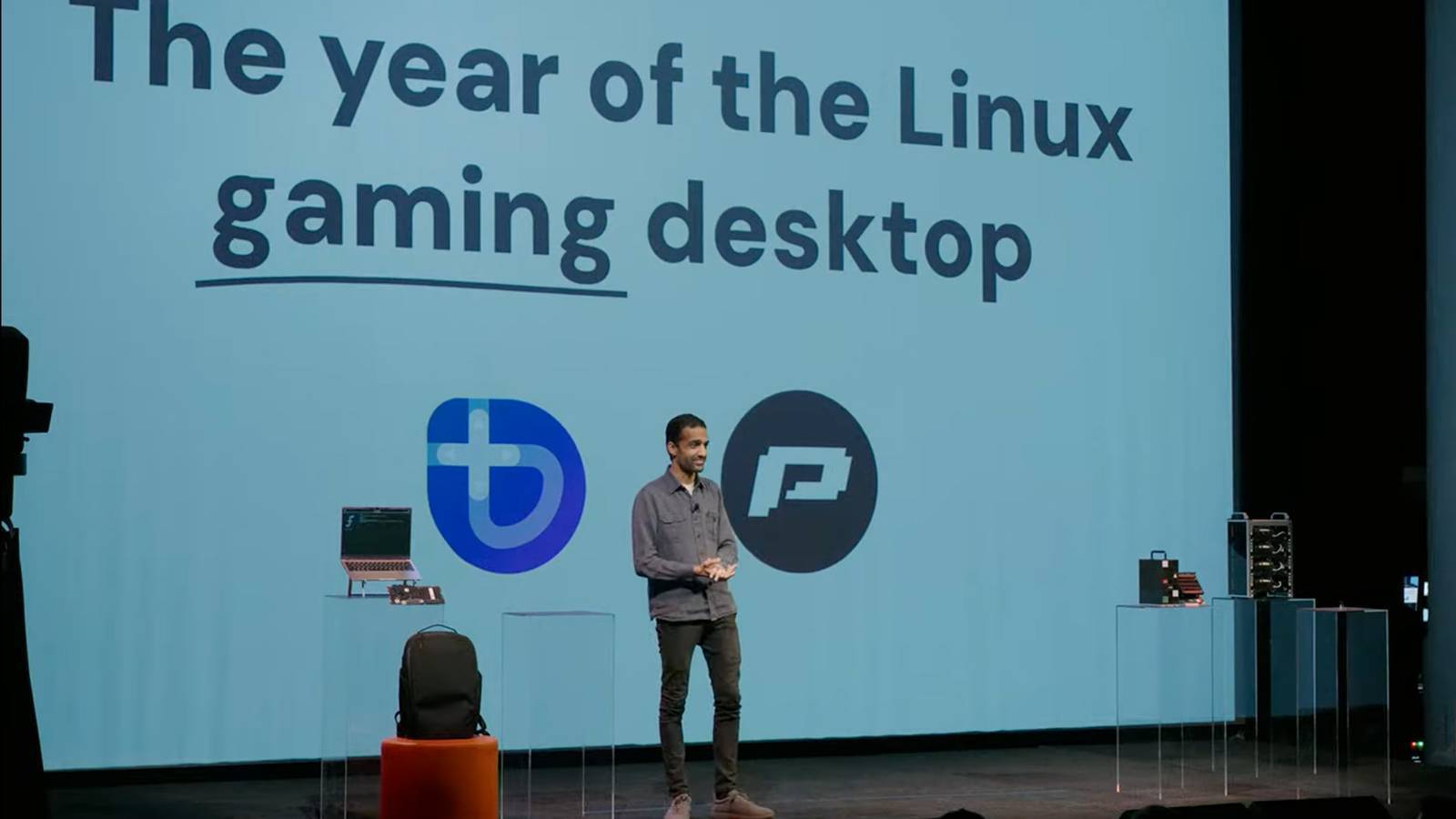
I mean, I’m definitely at the end of my rope on Windows. Going to have to take the plunge sooner or later.
I finally made the switch to Mint recently. My day to day experience is so much better. I set up a fresh Windows VM so I could keep using a few programs that don’t play well with wine, and even having to purchase a new activation key for it was totally worth it to have it segregated out from my day to day. And I’d guess that not all that many people really need the specialty stuff I do.
Do a little research on what you use daily and/or can’t live without, but I can confirm that it isn’t as complicated as you might think.
I’ve got a Mint box that I use for file sharing and it gets by just fine. Set that up a year ago and the worst problem I had with the conversion was my old hard drive crapping out in the middle of it.
But I’m waiting for a nice long weekend to back everything up and do a proper upgrade. My computer doubles as a home theater and I know I’m going to have at least a day or two of “Why doesn’t thing thing that used to work do what its supposed to anymore?” while I juggle a grumpy wife who just wants to watch movies and a sneaky toddler who just wants to steal my keyboard.
I have to ask, why buy a key for the VM at all? Windows functions perfectly fine without one, and you can always use MAS if you want to change your wallpaper or something.
Entropy reduction. I do a lot of development work and need Visual Studio to work. It’s a complex beast already, and I don’t need to deal with the headache of fighting some activation hack or running the risk that some DLL or feature is gimped and causes weird behavior in an inactivated state.
FYI there’s scripts that will fully activate windows, not via any local modifications to the OS, but via the official Microsoft activation servers.
Dude it’s so worth it. I’ve tinkered with a few distros but Bazzite was a good mostly beginner friendly set up for gamers.
Sometimes Linux can be weird with Nvidia but that’s rapidly getting fixed and I haven’t have any problem in a long time.
Do it. Don’t you want to run btop and feel badass?
Do I want someone to look over my shoulder and say “BTOP? That shit’s badass”? Yes.
Do I want to give up my nice, simple GUI heuristics and get a tattoo of all the esoteric commands down my forearms? Sadly, I am not actually cool enough for that shit.
No. I will accept my fate, install Mint, diminish, and go into the West.
Btw if typing scary, you can always use the KDE Task Manager like a Windows user. Just don’t let people see you.
Mission control is cool too
For what it’s worth, DEs like KDE have their own GUI resource monitor preinstalled. CLI programs like
btopare just there if you want to use them. See, for example, KDE’s.You will regret your weakness!
I put pop!_os on my surface pro 8 in an hour a week ago, having used only windows or macos for the past decade. No issues. They’ve upstreamed enough stuff to the linux kernel that everything except camera worked even without the surface_linux kernel. Steam runs just fine on it, as do all the games I’ve tried so far (obviously hardware is trash for gaming, but hey, if it was playable on windows, it’ll probably be smoother on linux at this point). If linux works on a microsoft surface, there’s no way that it won’t work on whatever machine you happen to have.
Back up your files, pick a distro, unlock your bootloader, and just go for it. Only requirement is to know how to… Run commands in a terminal.
No regrets.
One of us, one of us, one of us
For real though, find a distro that looks cool, and give it a whirl. A lot of distros have a live boot option that lets you try it out before installing. Ive tried a few myself, but I keep going back to Kubuntu. I might try bazzite soon, havent given that one a go yet!
If you’re reluctant because you’re expecting it to be a huge pain at first while you do setup and get used to it, I found it actually easier to get things set up on Linux the way I liked them than it does on a new windows install, or sometimes even after a windows update that resets some settings to default (without saying anything other than “your system is up to date” of course). It helped that most defaults are decent. The most time taken during the install was looking up what some choices meant in higher detail.
Though I do have an AMD GPU, if you have an nvidia GPU, you’ll only get that easy experience on certain distros specifically set up for that, as I understand. Other distros can work with nvidia but require more tinkering as I understand. But for me, I didn’t even have to install GPU drivers. The first game I launched was more of a “wait, will this really just work without needing to install anything else?” than a “ok, time to play a game”. And it did work, at least after checking the “always use proton” option in Steam.
And don’t worry too much about which desktop you initially select. It’s almost trivial to install and switch to another. Just be aware that cinnamon relies heavily on some form of JavaScript, to the point that my high end PC couldn’t keep up with rapid mouse movement without dropping some of the updates, though tbf it wasn’t a huge impact. But KDE-plasma handles the mouse way better. That’s on Fedora.
You’re using Bazzite? I’ve been eyeing that, since it’s similar to the Steam OS, which is my first foray with the Deck.
No, I’m on Fedora 41, though 42 just came out.
Try a live USB to see if you like the interface. I suggest KDE-plasma if your computer is decent. It’s easy to switch desktops but just be aware that they can make a huge difference in the actual experience of using it, since the desktop is the way you generally interact with the OS. HDR seems to be working fine on KDR, too (wasn’t implemented on cinnamon).
But from what I’ve heard, Bazzite is another solid choice, especially if you have an nvidia GPU. Though it’s immutable IIRC, which I don’t understand the full implications of but might be worth looking into to help make your decision.
I did it not so long ago. I don’t miss Windows at all. I do still have 10 installed on my PC just in case, though.