"Ok, open app commandX,
now click on the button labeled Y… It’s just there, just below your mouse cur… oh now you’ve moved your mouse… no, not there, it’s more to the left, up a bit… down a bit, it’s labeled Y. Third one from the top.
Yes, that’s the one, now click it.
ok, in this pop up you type "super secret code thing’,
no, capitalization doesn’t matter.
Yes. I’ll spell it “s u p e r {space} s e c r e t {space} c o” what do you mean, you don’t have a T on your keyboard? "
Or.
“Open up the terminal and type this code:
commandX --CodeY
This will do XYZ. After it’s done, can you tell me the error it says on the screen?”
Exactly. You can tell someone to type a command, and ask for the output. Otherwise you’re spending 90% of your time asking someone to explain what they see, and searching for buttons that just move around from week to week.
Back in dos there was a systemic encouragement to users to at least learn something about a computer. Nowadays windows apologists seem to relish how much it dumbs down computers, (or any over supported system).
They won’t learn to ride the bike until someone removes the stabiliser brackets - and Gates is one of the cunts who figured out that he makes more cash by welding them on.
When I need to help someone with a GUI, I ask them to send a screenshot and then I put red circles on it for them lol, or number labels on the things they need to click on.


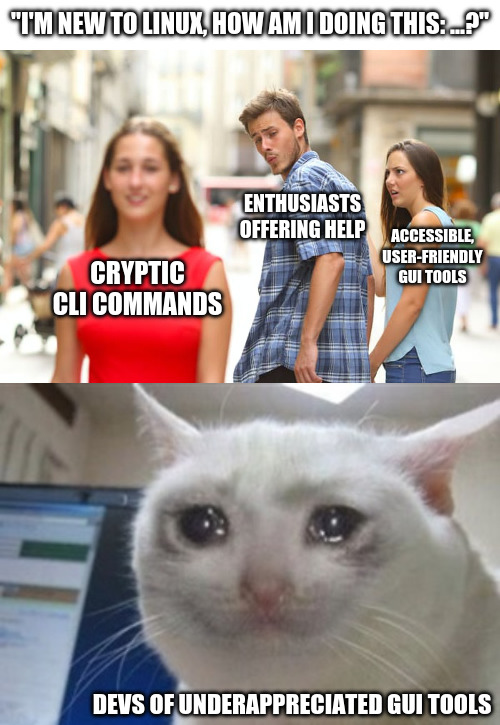
What’s easier to support?
"Ok, open app commandX,
now click on the button labeled Y… It’s just there, just below your mouse cur… oh now you’ve moved your mouse… no, not there, it’s more to the left, up a bit… down a bit, it’s labeled Y. Third one from the top.
Yes, that’s the one, now click it.
ok, in this pop up you type "super secret code thing’,
no, capitalization doesn’t matter.
Yes. I’ll spell it “s u p e r {space} s e c r e t {space} c o” what do you mean, you don’t have a T on your keyboard? "
Or. “Open up the terminal and type this code: commandX --CodeY This will do XYZ. After it’s done, can you tell me the error it says on the screen?”
But yes, I agree, the GUI looks nicer.
Exactly. You can tell someone to type a command, and ask for the output. Otherwise you’re spending 90% of your time asking someone to explain what they see, and searching for buttons that just move around from week to week.
I dgaf about support. (i’m naturally perky).
Back in dos there was a systemic encouragement to users to at least learn something about a computer. Nowadays windows apologists seem to relish how much it dumbs down computers, (or any over supported system).
They won’t learn to ride the bike until someone removes the stabiliser brackets - and Gates is one of the cunts who figured out that he makes more cash by welding them on.
When I need to help someone with a GUI, I ask them to send a screenshot and then I put red circles on it for them lol, or number labels on the things they need to click on.