

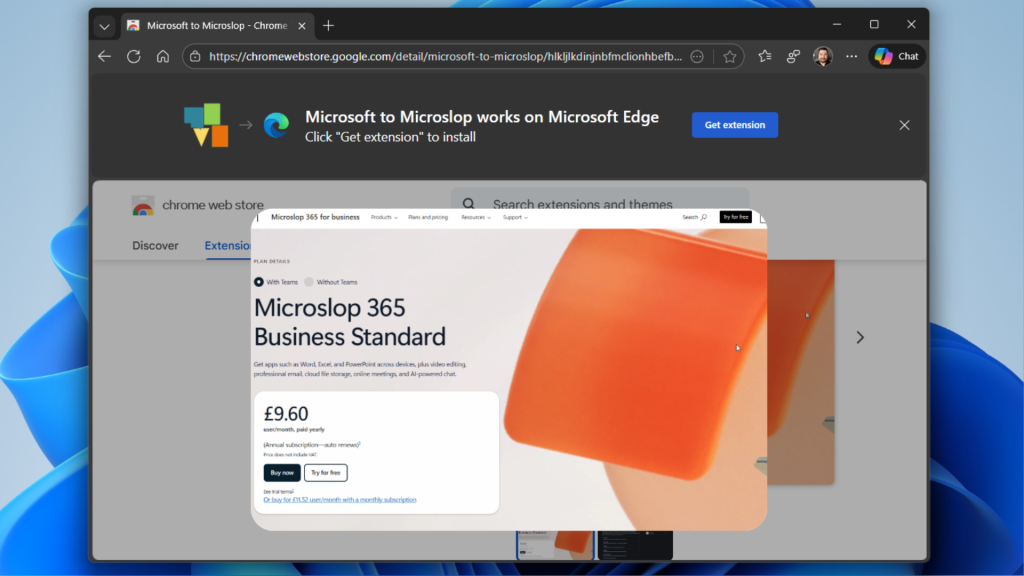
- A Chrome extension called “Microsoft to Microslop” that renames Microsoft references in browsers as a protest against the company’s aggressive AI integration.
- The extension reflects widespread user frustration with Microsoft’s Copilot AI, which faces extremely low adoption rates and growing privacy concerns among Windows users.
- Many users actively seek ways to remove AI features from Windows, highlighting significant backlash against Microsoft’s AI strategy despite CEO dismissals of complaints.
Everybody always goes on and on about how great linux is for gaming pcs these days. I recently poked around online to see if my rtx5070ti would be supported and found a bunch of people facing issues, and that Mint and Ubuntu weren’t recommended.
I dont want the AI nonsense, and Windows/Microslop blows, but I want my new gaming laptop to work correctly for several years given the money I spent on it. I can’t see making the switch when the gpu support is so convoluted.
Ive had many Linux machines in the past, so that bums me out.
Edit: someone should make a webpage that automatically reads the hardware and specs of your windows machine and then creates a table of suggested distros. That table should also include “what you’ll lose” that shows which features will become lost or finicky. And it should also include direct download links.
If the goal is to have morons like myself adopt it, it needs to be basically fool proof and easy. Linux is much better and easier than it was in 2003, but that doesn’t mean it’s two-click easy.
I tried looking it up myself just now, but I’m not really able to find anything that would indicate you’d have a bad time on Mint with your 5070 TI. There was one guy on the Nvidia forum that said he was having a bunch of problems, but turned out his BIOS was the culprit. Another person who reported a problem on the mint forums discovered that his card was outputting to his secondary monitor which happened to be off.
Support for the 5070ti was added in the 6.1 Linux kernel, while the latest version of Mint defaults to 6.12 now. You should be able to install it and then install the latest 580 Nvidia driver from the Driver Installer tool and be off to the races without any real trouble, at least from what I read.
System 76 (Linux laptop maker) now ships a laptop with a 5070 Ti, so I’d be quite surprised if you encountered significant issues.
Thanks for taking a second to research that. Maybe my search results are skewed for some reason because i double checked before posting that comment. Weird. I’ll think about it more.
No prob! :)
I’d normally suggest installing it on a separate empty drive to test it out, but I know it can be a real bear to access those to swap em out on a laptop.
In your case though, I think as long as you can get a Live version of Mint to boot successfully from a USB stick (like there’s no flickering issues at the desktop and everything renders correctly), that’s usually a pretty good sign everything will be fine after you install the Nvidia driver on a full install (not to say you 100% won’t encounter any issues, it’s still possible, but hopefully not!)
No idea what you could have been reading, but by and large, there’s very little difference between distros when it comes to GPU drivers.
However, if you want the smoothest experience, then just use a distro that comes with drivers that install with the OS. Best one I can recommend is Bazzite. You won’t have to mess around with GPU drivers at all and it doesn’t matter which Nvidia card you have, they all use the exact same drivers.