If NTSYNC is the headline feature, the completion of Wine’s WoW64 architecture is the change that will quietly improve everyone’s life going forward. On Windows, WoW64 (Windows 32-bit on Windows 64-bit) is the subsystem that lets 32-bit applications run on 64-bit systems. Wine has been working toward its own implementation of this for years, and Wine 11 marks the point where it’s officially done.
What this means in practice is that you no longer need 32-bit system libraries installed on your 64-bit Linux system to run 32-bit Windows applications. Wine handles the translation internally, using a single unified binary that automatically detects whether it’s dealing with a 32-bit or 64-bit executable. The old days of installing multilib packages, configuring ia32-libs, or fighting with 32-bit dependencies on your 64-bit distro thankfully over.
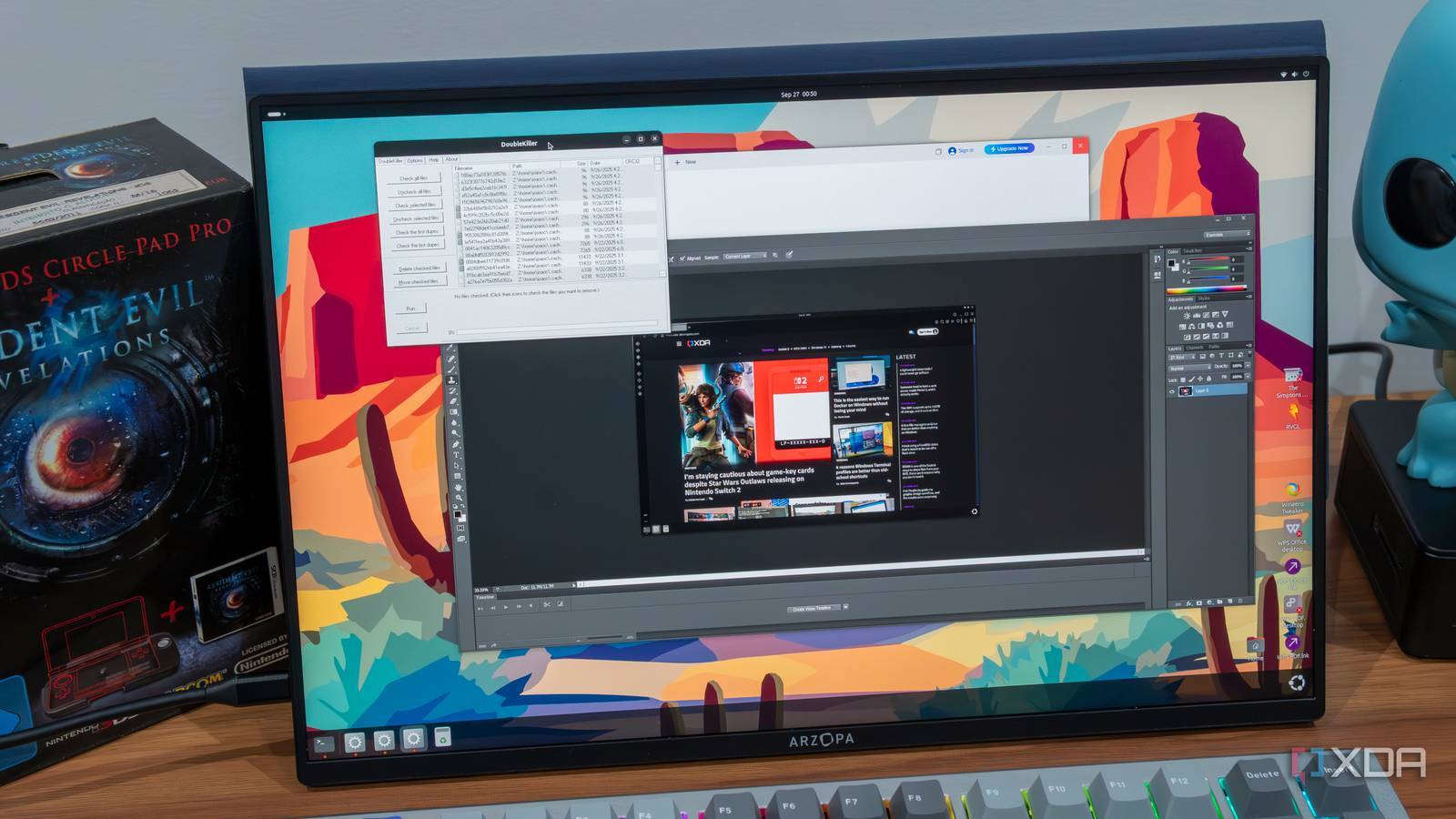
This might sound like a small quality-of-life improvement, but it’s a massive piece of engineering work. The WoW64 mode now handles OpenGL memory mappings, SCSI pass-through, and even 16-bit application support. Yes, 16-bit! If you’ve got ancient Windows software from the '90s that you need to run for whatever reason, Wine 11 has you covered.
For gaming specifically, this matters because a surprising number of games, especially older ones, are 32-bit executables. Previously, getting these to work often meant wrestling with your distro’s multilib setup, which varied in quality and ease depending on whether you were on Ubuntu, Arch, Fedora, or something else entirely. Now, Wine just handles it for you.
Oh, thank heavens. I remember advising some users here to look for specifically missing 32-bit host Linux library support; I’d run into that problem before.
One thing kind of interesting is that not even the Windows WoW64 allows running 16 bit applications. Officially, if you want to run 16 bit applications on 64 bit Windows, you have to get a VM or an emulator.
A decade ago, I remember explaining to management why we still had Windows Server 2008 R2 running terminal services with Citrix. Ancient 16-bit applications that needed a 16-bit subsystem!
I think you still need to worry about multilib configs if the game you’re trying to play is Linux native. But I guess those games usually have a Windows version anyways and you could just use Wine/Proton for that.
It may be heresy, but at that point, just run the Windows version over the linux one, yes.
The amount of games that:
Have linux builds,
that run noticably better than the Windows executable through Wine/Proton
yet require 32-bit linux libs,
in 2026?
Must be zero, or close to it.
Besides, I love the meme that “Wine is a better gaming platform than native linux, or native Windows.” There’s something so satsifying about robbing Microsoft’s own API with such wild success.
I don’t think it’s heresy, but I do think there’s value in devs shipping native Linux builds. It’s a Mindshare thing. If devs never target Linux they won’t build with Linux in mind.
But as a user, it’s fine to use whichever version gives the best performance.
If devs never target Linux they won’t build with Linux in mind.
Won’t they?
I posit this:
Windows gaming will die. Slowly.
Devs will target Proton more and more explicitly.
…Until development is basically exclusively targing Wine/Proton, on Linux.
It’s easy to laugh at that as a meme, but does Windows seem sustainable now? Is there any sane “single target” for game devs other than Proton? Is it not the path of least resistance, by an order of magnitude? Hence I think that’s legitimately what will happen.
And I do wonder what the “point” of Wine will be overall if we ever get to the point where the majority of users are on Linux.
Nothing! If Windows parity isn’t a concern, they don’t have to develop anything. They can leave Wine how it is, and everything just works! In fact, keeping it as a stable API would be less of a headache for apps that target it.
WINE becomes a “universally compatible linux API” that happens to be backwards-compatible with Windows executables.
What’s more, they could add whatever features and fixes they want, unbound by Microsoft. Game studios could even PR the project, I suppose.
I’m not sure that would ever happen, though. Business users will be stuck with Windows forever, hence parity with Windows desktop apps will remain a goal.
This is super exciting. I never got mine working right, I gave up and installed 86Box. It was easier to do a complete installation of Windows 98 than get some of my old games running in Wine.


Oh, thank heavens. I remember advising some users here to look for specifically missing 32-bit host Linux library support; I’d run into that problem before.
One thing kind of interesting is that not even the Windows WoW64 allows running 16 bit applications. Officially, if you want to run 16 bit applications on 64 bit Windows, you have to get a VM or an emulator.
A decade ago, I remember explaining to management why we still had Windows Server 2008 R2 running terminal services with Citrix. Ancient 16-bit applications that needed a 16-bit subsystem!
I think you still need to worry about multilib configs if the game you’re trying to play is Linux native. But I guess those games usually have a Windows version anyways and you could just use Wine/Proton for that.
It may be heresy, but at that point, just run the Windows version over the linux one, yes.
The amount of games that:
Have linux builds,
that run noticably better than the Windows executable through Wine/Proton
yet require 32-bit linux libs,
in 2026?
Must be zero, or close to it.
Besides, I love the meme that “Wine is a better gaming platform than native linux, or native Windows.” There’s something so satsifying about robbing Microsoft’s own API with such wild success.
I don’t think it’s heresy, but I do think there’s value in devs shipping native Linux builds. It’s a Mindshare thing. If devs never target Linux they won’t build with Linux in mind.
But as a user, it’s fine to use whichever version gives the best performance.
Won’t they?
I posit this:
Windows gaming will die. Slowly.
Devs will target Proton more and more explicitly.
…Until development is basically exclusively targing Wine/Proton, on Linux.
It’s easy to laugh at that as a meme, but does Windows seem sustainable now? Is there any sane “single target” for game devs other than Proton? Is it not the path of least resistance, by an order of magnitude? Hence I think that’s legitimately what will happen.
No, you definitely have a point. An increasingly valid one, I might add.
And I do wonder what the “point” of Wine will be overall if we ever get to the point where the majority of users are on Linux.
Nothing! If Windows parity isn’t a concern, they don’t have to develop anything. They can leave Wine how it is, and everything just works! In fact, keeping it as a stable API would be less of a headache for apps that target it.
WINE becomes a “universally compatible linux API” that happens to be backwards-compatible with Windows executables.
What’s more, they could add whatever features and fixes they want, unbound by Microsoft. Game studios could even PR the project, I suppose.
I’m not sure that would ever happen, though. Business users will be stuck with Windows forever, hence parity with Windows desktop apps will remain a goal.
This is super exciting. I never got mine working right, I gave up and installed 86Box. It was easier to do a complete installation of Windows 98 than get some of my old games running in Wine.
Feels like we’re getting closer to having better support of older win apps in Linux than in Windows