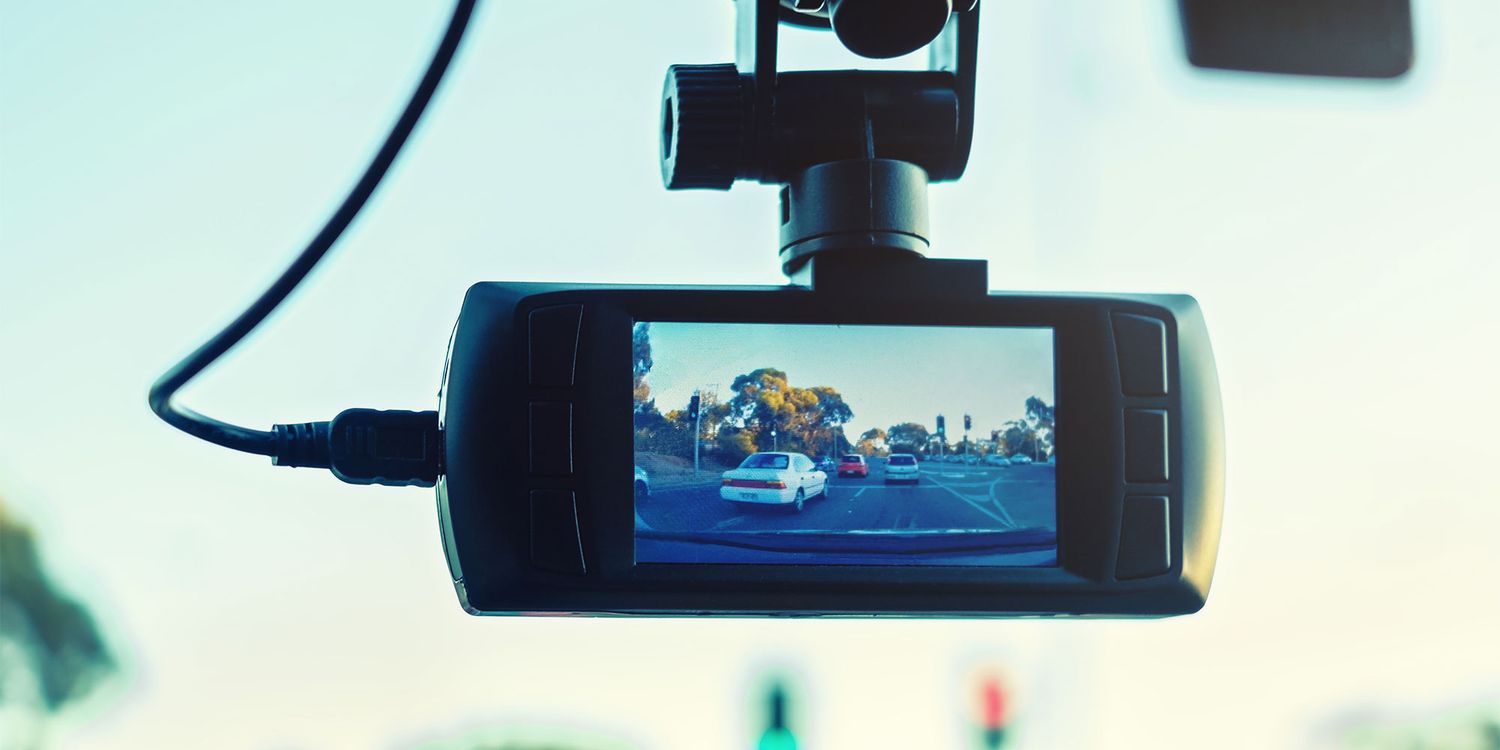
Am I going insane or is there nowhere in the article where they mention which 6 dash cams have no security concerns?
It’s Which, they expect you to pay a subscription to find out
It’s a click bait article to get you to buy the 3 from their referral links, implying those are OK. You know this is a dumb article when you see this:
Of all the issues we found, weak default wi-fi passwords were the most concerning security vulnerability
Joke’s on them. Mine is a Chinese company. I already know it spies on me. So does my car with its “disabled” cell connection that promises not to broadcast my whereabouts.
I’ve been shopping for a dash cam. It seems like all the brands are Chinese companies except Garmin?
I wouldn’t worry about it too much. You can get some without WiFi. You just have to yank the microsd if you want to see the files. The one I have has WiFi but it’s so slow I can’t even preview videos. I have to connect to its WiFi, so unless it’s randomly connecting to open WiFi’s while I’m driving without my knowledge, I can’t see how it would transit much.
Don’t spend too much though. They break after a couple years. Especially if you live in a hot climate like a desert.
Yeah. If you get one that only records to an SD card and has no wireless connections of any kind, it would be pretty hard for that to have any security/privacy concerns.
So does my car with its “disabled” cell connection that promises not to broadcast my whereabouts.
Find the antenna and physically unplug it.
Physically unplugging it may not be enough and risks permanent damage. Installing a 50ohm terminator is a much safer option on all accounts and takes just about the same amount of effort as unplugging it ( ~$10 extra).
This is the guide I had used for my previous car: https://imgur.com/gallery/step-by-step-guide-to-disable-onstar-on-2022-chevy-bolt-this-is-reversible-not-permanent-n00QKnH#rGSoW34
that’s fine, if you only use it on private roads. but if not, you are recording plenty of people (even not counting drivers) who did not consent to being recorded.
then who knows what happens with the recordings. and that’s the actual problem.too bad its not enforced.
Speaking as someone from the US, consent is not required to record someone in public.
“There is no responsible expectation of privacy while in public.”
If you don’t want to be recorded by people at random, stay home.
in civilized countries consent is required for that
If you don’t want to be recorded by people at random,
stay home.you are free to dieIt’s the same in most of Europe afaik. You can’t be filmed as a primary subject without consent. For example, I can photograph you in the background of a monument or in nature, without having to ask your consent.
It’s the same for dashcams, you are filming the road primarily not the pedestrian.Edit: even better, in France (and iirc in Belgium too) I can photograph you as a primary subject without consent, but I cannot reproduce or distribute the picture of you without your consent.
Look up “Droit à l’image” if you want to know more.
Edit2: Hungary seems to have laws like I initially described, so taking pictures of videos in public should be okay as long as more than 1 person is visible on it.To be fair, if you’re intentionally only filming one specific person, I’m sure they could claim harassment at some point. Maybe public disturbance or nuisance?
79% of smart dash cams we tested had security issues Out of 28, only six didn’t have any concerns. Find out what problems we uncovered and how to keep your dash cam secure Callum Pears Researcher & writer
Callum pushes tech to its limits and has spent nearly three years bombarding antivirus with malware, taxing routers and inspecting computer monitors
Which? dash cam tests found security flaws and concerns in the majority of smart models we tested, and in some cases they were breaking the law.
Smart dash cams have wireless connectivity and features that use the internet. This could be tracking technologies, motion detection, voice assistant controls and voice alerts, as well as more advanced features such as automatic cloud backup, real-time alerts and remote viewing.
You’re also able to transfer footage wirelessly to the companion app on your smartphone, which is much quicker and more straightforward than traditional dash cams, where you’d need to remove the SD or micro-SD card and copy the files over to your computer.
Although these features make a dash cam a more useful tool for drivers, they also expose you to potential security risks.
Our testing found numerous dash cams with multiple security vulnerabilities. In fact, of the 28 smart dash cams we tested, only six lacked security concerns.
Find out what problems we encountered, which manufacturers took action to fix the problems we uncovered, and what you can do to keep your dash cam secure.
Best dash cams: compare dash cams from Garmin, Nextbase, Road Angel and more What were the issues we found? A person watching dash cam footage on their smartphone
Of all the issues we found, weak default wi-fi passwords were the most concerning security vulnerability because they mean that nearby hackers could connect to the devices and access data such as journey information, saved recordings and other personal information.
Since 2024, manufacturers have been obliged to ensure that default passwords aren’t easily guessable. This can be resolved by enforcing a mandatory password change or by assigning unique default passwords.
We contacted each manufacturer to share our findings and gave them an opportunity to comment and resolve our concerns.
Road Angel successfully addressed the issue with its dash cams, which now require changing the default password.
Miofive initially responded and released a firmware patch that fixed some of our other concerns, but didn’t resolve the default password issue. Miofive didn’t respond to our follow-up messages, and we received no response from Kitvison and Orskey.
In addition to weak passwords, we also found mediocre encryption on some dash cams. There were several exploitable security weaknesses that made it possible to intercept data, access, and potentially modify stored video files.
To do this would be difficult for hackers. In most cases, they would need to be very close to the dash cam to exploit it – but it’s not impossible. Many of these issues are also exacerbated by the poor default wi-fi passwords.
Nextbase resolved our concerns with firmware patches. Miofive and Road Angel fixed some issues but not others, and we’re continuing to work with Road Angel to get remaining concerns resolved.
Garmin reviewed our findings but stated that it believes that numerous factors 'limit the exploitability of any purported vulnerabilities such that there is no practical risk to our customers’. Kitvision and Orskey did not respond.
In an age of growing cyberattacks and sophistication among hackers, dash cam manufacturers should be placing the greatest emphasis on their devices’ security, even if they think it’s difficult to exploit or a niche weakness.
Why is PSTI important? Dash cam showing the road aheadThe Product Security and Telecommunications Infrastructure (PSTI) Act came into effect in April 2024. It mandates that manufacturers, importers and distributors (such as retailers) have a duty to protect devices that can connect to the internet or other networks.
It states ‘UK consumers should be able to trust that these products are designed and built with security in mind’.
The PSTI Act specifies the publication of information on how to report security issues, details on how long manufacturers will ensure security patches are released and the banning of universal default and easily guessable passwords.
These factors are important for strengthening security defences and ensuring that manufacturers release updates to keep products safe from new threats.
Although the Act gives manufacturers time to bring their products in line with its standards, they’re now duty bound to investigate compliance failures and take action if required.
If manufacturers fail to act, then the Office for Product Safety and Standards (OPSS) will intervene. The OPSS is an enforcement authority responsible for ensuring compliance.
Strong legal protections and vigilant enforcement mean UK consumers can use smart devices – including dash cams – with confidence, knowing that non-compliance by manufacturers will have consequences.
Which? takes this seriously too, and we’ve already informed the OPSS about our findings, the responses we received from manufacturers and the concerns we still have.
3 steps to keep your dash cam safe and secure A person installing a dash cam in a car
There are some simple steps you can take to boost your dash cam’s security, regardless of what manufacturers do or don’t do.
- Update wi-fi passwords
The most important thing we would encourage every smart dash cam owner to do right now is to update the wi-fi password.
This is used to connect to paired smartphones and transfer footage wirelessly to them. A weak or easily guessable password could, under the right circumstances, allow others access to your dash cam and its library of footage.
As our testing has found many manufacturers still fail to either enforce a mandatory change, or provide a unique default password – it’s highly recommended that users update them independently to a strong, but memorable, alternative. Check out our guide to creating secure passwords for help with this. 2. Install firmware updates
In addition to resolving software bugs and performance issues, firmware updates also provide important security updates.
It’s important to update both the dash cam itself and any companion app. These updates ensure both are equipped to deal with newly discovered or recently resolved security vulnerabilities. 3. Keep footage backed up elsewhere
It’s good practice to ensure that captured video footage – particularly important footage (such as that showing an incident, accident, or crash) – is backed up securely and separately from internal storage and any subscription-based cloud storage you may be using.
The risk to footage located exclusively on the internal SD or micro-SD card is that it could become corrupted, damaged, lost or stolen.
Cloud-based storage is typically part of a subscription service (either from the dash cam manufacturer or a third party). The risk here is ending the subscription and losing access to the stored footage, which the provider may later delete after you’ve unsubscribed.
Back up footage on your computer or smartphone to keep it safe. Alternatively, for additional peace of mind, consider investing in a USB storage device or external hard drive to store your backed-up dash cam footage. Make sure to pick a model with a healthy amount of storage, as video files tend to be large.
The latest dash cams we’ve tested BlackVue DR970X-2CH Plus BlackVue DR970X-2CH Plus dash cam BlackVue DR970X-2CH Plus Amazon Marketplace UK £529.95 Amazon UK £529.95
The DR970X-2CH Plus is a forward-facing and rear-facing dash cam with a 4K camera for the front windscreen and a Full HD camera for the back.
It has a range of smart features and functionality, and you can review footage using the companion BlackVue app or the BlackVue Viewer web software.
You can also follow footage on a virtual map using the collected GPS data, helping you identify where key events occurred.
Through the BlackVue Cloud service you can access more advanced features such as push notifications to your smartphone, live view and cloud storage. Some of these features require a subscription at an additional cost.
Read our BlackVue DR970X-2CH Plus review to find out how it fared in our tough tests. Garmin Dash Cam X210 Garmin Dash Cam X210
Available from Garmin (£260)
The X210’s 2K camera is an upgrade of the earlier X110. It’s comparatively small, making its footprint on the windscreen minimal, especially compared with some models.
Motion detection, GPS tracking and voice controls are all notable smart features.
The Vault Subscription Plan Advance grants you access to Garmin’s secure cloud-based storage feature. This is accessed through the Garmin Drive app.
Take a look at our Garmin Dash Cam X210 review to see how it compares to others we’ve tested. Nextbase Piqo 1K Nextbase Piqo 1K dash cam
Available from Halfords (£99), Nextbase (£99)
The Piqo 1K is one of the more affordable dash cams we’ve tested, but it doesn’t come with a supplied SD card, which can easily catch you out.
It has a solid array of additional smart features, including GPS tracking, motion detection and the ability to access footage via the companion Nextbase app.
Footage is listed with thumbnails in the app, making it a doddle to cycle through them.
Check out the Nextbase Piqo 1K review to see if it’s the right dash cam for you.
There is a good case to be made for “keep it simple”. It sounds like a great idea to connect a dashcam to your phone, but that brings so much more complexity into it. Networking, security, updates, changing phone OS and so much more.
I started to buy simple “single purpose” devices without connectivity in the last few years and so far it has gone great. Yes, I might have to take out the SD card and put it in my computer if I want a dashcam video, but I know that my dashcam doesn’t need updates, will work until some hardware failure sometimes in the future, I do not need to worry about some chinese cloud service going down or someone spying on me with the app.
Exactly.
In around eight years of using a dashcam I’ve needed the footage maybe three times.
Putting an SD card in my computer three times in eight years isn’t anything I could call a major inconvenience.
I bought my dad the same camera. High quality recording, dead-simple, no frills and no hassle.
I keep a usbc microsd card reader in my car. Allows me to copy footage right there so I do not have to bring the card to my computer. It’s easy enough to transfer it from there.
If they’re so smart then why do they have issues that my dumb dash cam doesn’t?
I was worried for a moment until I realized they’re talking about smart dashcams.
No shit Sherlock. Why the fuck would you buy a smart dashcam unless you were a fucking idiot who thinks every electronic needs to be connected to the internet?
Because you live in America and need to get the video uploaded before a cop smashes the camera and SD card
This is my dad, thinks it’s essential to have smart devices and I haven’t figured out how to isolate smart devices in openwrt yet
You want VLANs
Security issues? In a camera recording to an SD card without any connectivity?
Smart dash cams have wireless connectivity and features that use the internet. This could be tracking technologies, motion detection, voice assistant controls and voice alerts, as well as more advanced features such as automatic cloud backup, real-time alerts and remote viewing.
Oh, there’s your problem…
I got a dashcam with voice assistant and wifi. Wifi is off by default. Voice assist has only predetermined phrases like “turn on wifi” or “turn off screen”. Connecting to camera requires an app. Camwra is also in spewing mode during parking because it is wired properly. Also, I made it so that audio is jot recorded and only speed and time is shown on the video.
I fail to see how there can be anyprivacy issues.
Dashcam in question: viofo 329.
I would love a DIY open source option but I haven’t been able to find cheap available sensors that would survive a hot car.
Then again if the security really is this bad, maybe you could jailbreak and toss your own firmware on existing cameras. Hmmm
Use one without connectivity. Or get a microSD to SD adapter and a Wi-Fi-enabled FTP SD card… but I don’t think they make these anymore, much less durable, fast, high-capacity ones. Or get a USB-C microSD reader and keep it in the car if your phone has no free microSD slot.
Those WiFi SD cards probably aren’t any more secure than the cameras.
If the camera supports downloading video over USB, you can get a USB OTG cable to connect it to a phone or tablet. Otherwise a card reader is the way to go.
Agreed, my camera has USB, WiFi, and MicroSD. I never found the WiFi to be usable. Putting the card in a card reader is wayyyyyyy faster and easier and if you get a USB-C card reader it will likely work on your phone over USB-OTG as well as at home on a desktop PC. I pull the card about once a month to make sure it’s recording properly.
The camera’s USB interface tends to be rather slow, sometimes not even using the full USB 2.0 speed. USB-C card readers sometimes have USB 3.0 and internal ones are very fast, so you’re only limited by the medium’s read speed. And it allows a card swap if you have 2 so you can keep recording with a brief pause.
I have one that crashes and resets itself a lot. My settings are mainly suggestions. It’s like a windows machine in my car and I hate it. Fucking Thinkware trash.
Pro tip: many that ship with an SD inside will have the factory firmware and device-specific keys still recoverable on the card (secure erase is too slow for production I guess) so before turning the device on for the first time, remove the card and image it for maximum chance of recovering the FW intact.
I’ve been looking for a decent dashcam for months and it’s so hard because they all are either complete shit, can’t show a license plate, or have security vulnerabilities.
How hard is it to make a battery powered camera that records to an sdcard, doesn’t drain the cae battery when off, and doesn’t suck?
viofo a119. my car stays off for like 6 weeks at a time and i have yet to come back to a dead battery. records to sd card, video quality is above average, and it has the option to use gps as well. project farm rated it #1 in his dashcam testing video
Smart dash cams? This sounds like an opportunity to buy a couple dupes of my current dash cam before they enshittify the whole market segment.
I made the comment to my passenger a year ago that the image quality of most current dashcams is trash but didn’t full understand it yet. It makes sense now. They’re holding back the good quality, (phone/action cam quality picture) until they can counterbalance it with some bad features. A little bite of poison on a big bite of food is how you get the rats to eat out of the trap. I expect the next gen will be fully connected to he police department at all times.
I’ve been looking into buy a dash cam but I’m always shocked at how bad the picture quality are on them. Which do you recommend? Would love a decent non-smart dash cam.
My cam is a Viofo or something like that, but I can’t recommend any of them. I’ve had l my share of annoyances and I’ve read similar about Garmin, Blackvue, and others. Its also been a few years, so they may have new models, but from what I see online, they look more or less similar.
What I did learn is this:
- Having front and back cams made it easier to pick out a license plate because you have more time to get a clear shot. You can also see what happened before that dickwad cut you off.
- Using a fast microsd card is critical. Don’t expect to throw in any old microsd sitting in your desk drawer.
- If it’s not recording, it does you no good. Check regularly. Make sure you know what the lights mean because 90% of using it is listening for the beep and the light when it starts up.
- Be careful how you wire it up. If it gets power when the car is off, you’ll be swapping batteries if you leave it sit for too long. Some aux plugs are powered when the car is off. Even if your battery can handle it overnight. You will eventually go on vacation and forget to unplug it. Boom! Dead battery. That one happened to my partner, but with an aftermarket seat warmer.
Thank you for the tips! That will certainly help me out.
That’s because low res is perfectly fine for dash cams. You need super high res and to be pretty close in order to capture license plates, so you shouldn’t be relying on the cam to grab the plates. The best thing to do in any situation is to say the plate out loud to capture it on the audio.
Thanks for that information. I did not even think about saying it out loud but that makes sense.
People sometimes underestimate the processing power required for high resolution, high quality videos. There is quite a simple reason why pretty much no dashcams or IP cams, unless expensive, are giving you iPhone footage.
I’ve seen people using GoPros, they’re quite cheap and good, but tend to get quite hot (for reasons stated above)
Does anyone remember those SD cards that had wifi broadcasting capabilities for transferring content off of a dumb device? This was like 15 years ago. Seems they’re not available anymore.
ETA: after some research, the brand was eye-fi and they bricked all the cards in 2016 upon going under. There are similar things out there now but availability and price aren’t that great.
I have one of these still in the package that I never used. How could they have bricked it? Very curious about this!
I bought one of those when years ago because of the wacky novelty. The wifi capability was even less reliable than cheap sdcards are for long term storage.